SheetMagic
Last updated: 18 December 2025
What is SheetMagic?
SheetMagic is an AI-powered add-on for Google Sheets engineered to bring the power of automation, advanced data fetching, and dynamic API integrations into your everyday spreadsheet workflows. With SheetMagic, users can draw in real-time data, automate repetitive processes, and connect spreadsheets to thousands of external services without writing any code.
Whether you're a business analyst looking to save time, a marketer wanting up-to-date campaign numbers, or a finance professional tracking markets in real-time, SheetMagic transforms Google Sheets into a powerful live workspace. Its intuitive interface and broad compatibility make it an essential companion for users who want more from their spreadsheets without technical headaches.
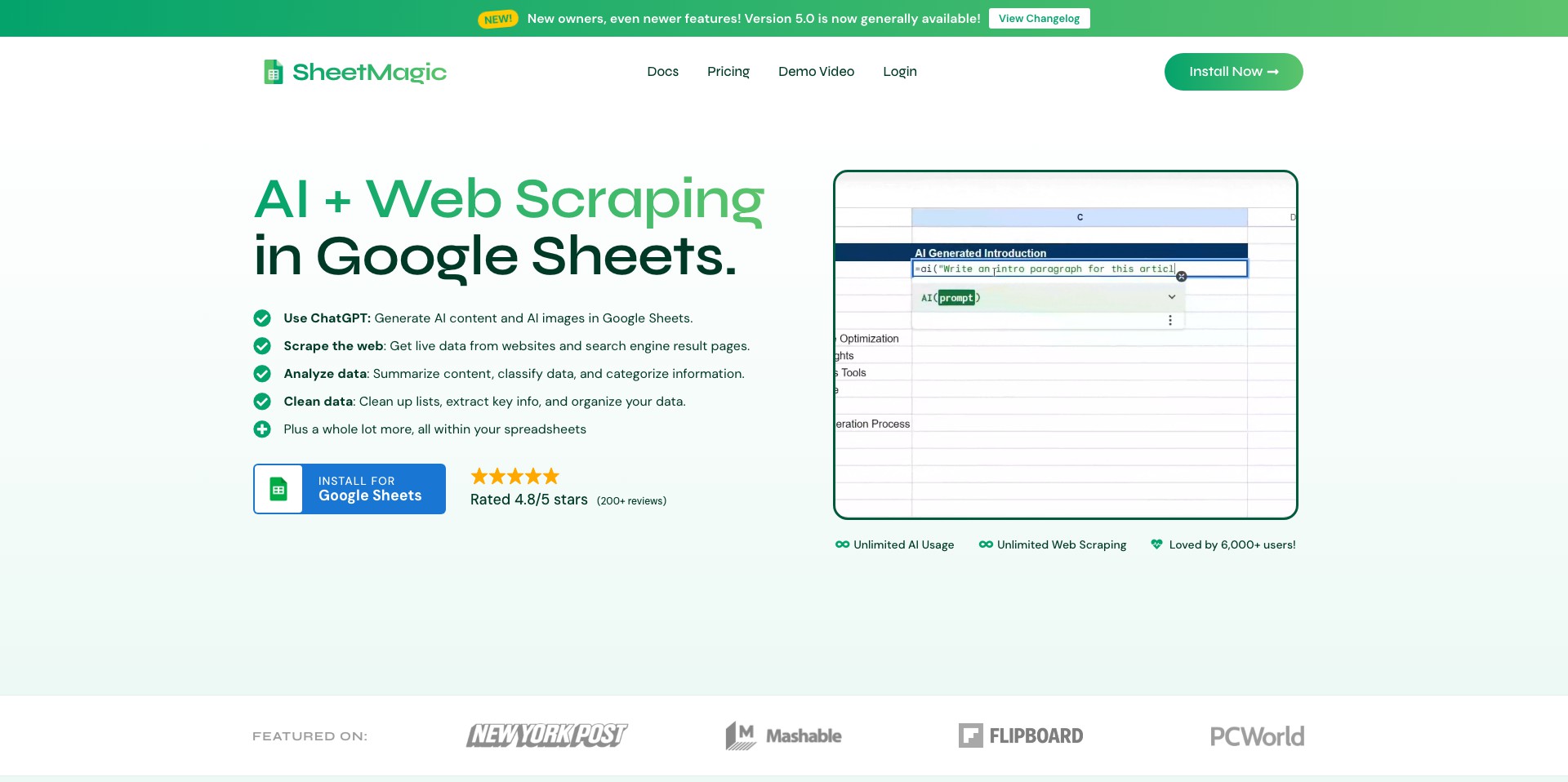
Key Features:
-
No-Code API Integrations:
Connect your Google Sheets to thousands of APIs using a simple, no-code setup. Stream data from external services (like CRM, weather, financial, or e-commerce platforms) directly into your spreadsheet in real time without writing a single line of script. -
Data Enrichment:
Automatically fetch additional context or attributes for your data—such as company details from a list of domains or contact information from leads—using built-in enrichment tools. This saves hours of manual research and ensures your datasets remain up-to-date. -
AI-Powered Automations:
Easily set up custom AI automations, such as summarizing text, extracting entities, or transforming datasets using ready-to-use AI models that can be applied to any cell or range. -
Scheduled Data Refresh:
Automate data imports or calculations at regular intervals, ensuring your spreadsheet always reflects the latest information. This is particularly useful for dashboards, financial analysis, or client reporting. -
Seamless Google Sheets Integration:
SheetMagic installs as a Google Sheets add-on, so it fits naturally into existing workflows. The interface is intuitive, requiring minimal learning curve, and it leverages Google’s infrastructure for reliability and security.
What makes SheetMagic unique?
What makes SheetMagic stand out is its seamless combination of no-code automation, API integration, and AI data processing in one tool. Many competitors offer only one or two of these features or require significant scripting or technical expertise. SheetMagic’s ability to tie together live data, scheduled updates, and AI-powered transformations sets it apart.
Additionally, SheetMagic’s focus on user-friendly setup and interoperability with a wide variety of external services means that users with limited technical backgrounds can accomplish advanced tasks—such as real-time business intelligence, CRM syncing, and targeted data enrichment—previously reserved for IT specialists or data engineers.
Pros and Cons
Who is using SheetMagic?
Business & Data Analysts: Professionals who analyze sales, marketing, or finance data will benefit from SheetMagic’s automation and real-time data fetching, streamlining reporting and analytics tasks.
Small Business Owners & Entrepreneurs: Entrepreneurs managing multiple platforms (e.g., e-commerce, marketing) gain an edge by pulling consolidated data into one live dashboard, reducing manual data entry.
Non-technical Team Members: Users without coding experience—such as project managers, administrative staff, or educators—can leverage advanced integrations and automations without needing an IT background.
Continuous Product Evolution
SheetMagic began as a simple data importer for Google Sheets, allowing users to pull basic live data with minimal configuration. Over time, user feedback led to the introduction of additional no-code API connectors, expanding the breadth of services accessible from within spreadsheets.
The team has since enhanced automation capabilities, adding AI-driven functions for text summarization, translation, and advanced entity extraction. These features have greatly improved productivity and opened new use cases for research, education, and business intelligence.
More recently, SheetMagic has focused on performance, improving the speed and reliability of data syncing, and rolling out improved documentation and user support to help users get started quickly and solve common workflow challenges.
Pricing
| Plan | Price | About |
| Free Plan | $0/mo | Limited access to basic features, suitable for light personal use or testing. |
| Pro Plan | Starts at $10/mo | Full API integrations, more automation runs, and premium support ideal for business and professional use. |
| Enterprise Plan | Custom pricing | Offers large-scale integrations, advanced SLA, and enterprise-level security and support tailored to organizational needs. |
Verdict
SheetMagic is a compelling solution for anyone looking to supercharge their Google Sheets with live data, automation, and AI—all without coding expertise. Its flexibility, user-friendly setup, and range of integrations mean it can serve both power users and absolute beginners alike.
While advanced requirements may call for a paid plan and the reliance on third-party APIs may introduce some limitations, SheetMagic stands out as an accessible, productivity-boosting add-on. It is especially worthwhile for professionals and small businesses seeking greater efficiency and smarter workflows in their everyday spreadsheet tasks.


