Sourcetable AI spreadsheet & data analyst
Last updated: 18 December 2025
What is Sourcetable AI spreadsheet & data analyst?
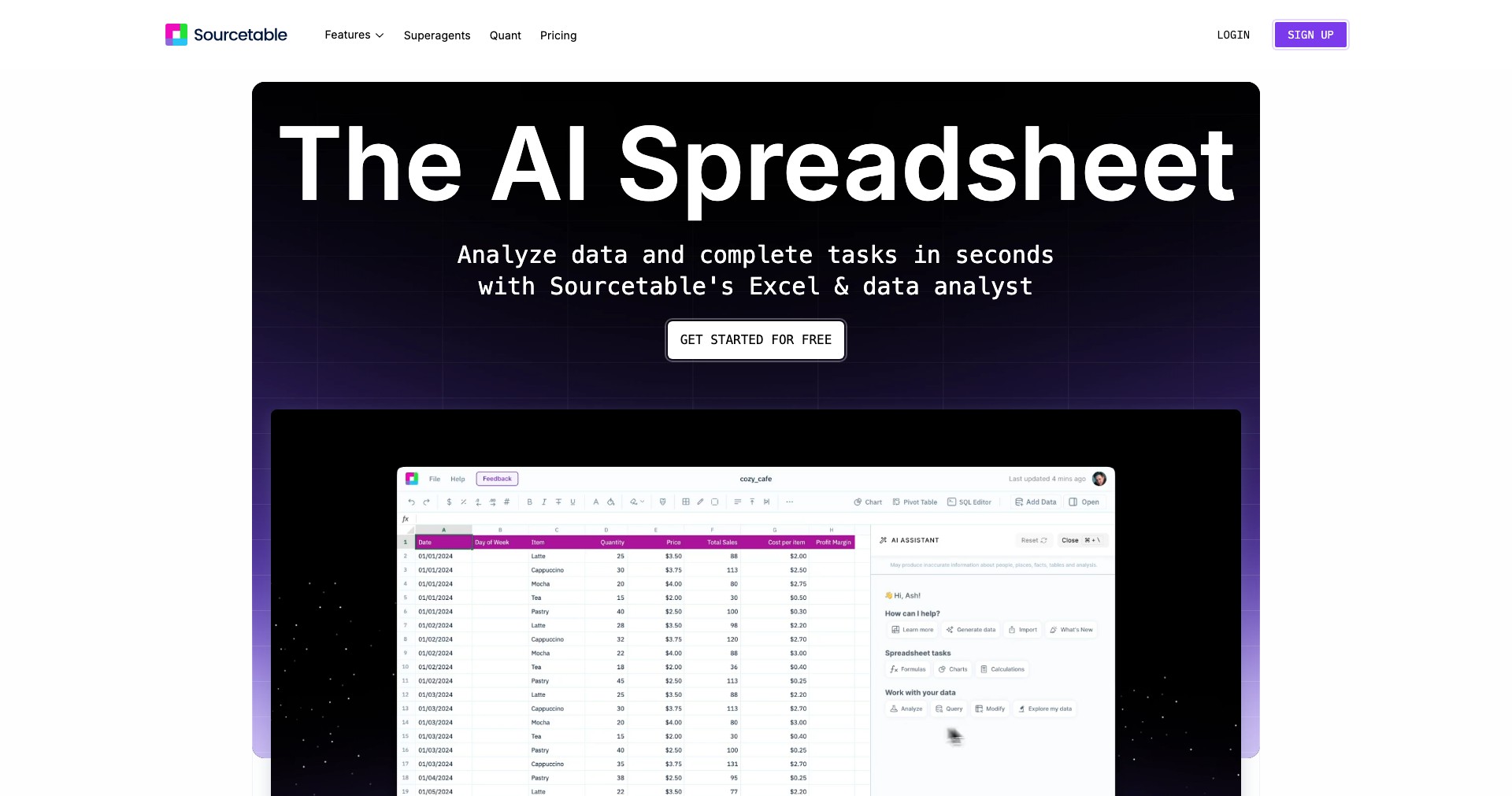
Sourcetable is a next-generation AI spreadsheet platform that reimagines how businesses interact with their data. Integrating the best aspects of traditional spreadsheets with modern automation and connectivity, it enables users to centralize, analyze, and visualize data across multiple sources—all without technical know-how.
For startups, analysts, and business teams overwhelmed by disconnected databases or scattered SaaS tools, Sourcetable provides a single unified interface. By harnessing powerful AI features, it enables self-serve business intelligence, making in-depth data reporting and workflow automation accessible to everyone.
Key Features:
-
Automated Data Syncing:
Sourcetable connects to over 100 data sources and automatically syncs data at customizable intervals, eliminating the need for manual imports and reducing the risk of human error. -
AI-Powered Query Assistance:
Its built-in AI helps users build complex queries and generate reports using natural language, reducing the learning curve for advanced data analysis. -
Spreadsheet Interface:
Staying true to the familiar spreadsheet format, Sourcetable lets users manipulate and visualize data with ease, making it approachable for Excel users while adding powerful integrations underneath. -
Custom Dashboards & Reporting:
Users can easily create dashboards and scheduled reports, with visualizations that update automatically as new data is synced in. -
Workflow Automation:
With robust workflow automation, users can trigger emails, Slack alerts, or other actions based on data conditions, streamlining repetitive tasks and business processes.
What makes Sourcetable AI spreadsheet & data analyst unique?
Sourcetable stands out because it bridges the gap between simple spreadsheet tools and more advanced BI platforms. Easily connecting to SaaS apps, databases, and CSVs with just a few clicks, it offers real-time automation at scale, something most traditional spreadsheet tools can't match.
What further sets Sourcetable apart is its AI-driven interface that allows even non-technical users to perform sophisticated data queries and analyses without learning SQL or other query languages. The focus on simplicity, rapid setup, and cross-platform connectivity makes it a unique contender in the data analytics space.
Pros and Cons
Who is using Sourcetable AI spreadsheet & data analyst?
Startup Founders & Operators: Small business owners and startup teams can quickly aggregate financial, funnel, marketing, and product metrics without hiring a dedicated data analyst, accelerating decision-making.
Business Analysts & Operations Teams: Data and operations professionals gain automated dashboards and effortlessly scheduled reports, freeing them from manual spreadsheet wrangling and improving workflow efficiency.
Non-Technical Business Users: Managers and team leads with little to no coding expertise can build custom dashboards or set up alerts and automations tailored to their business needs.
Rapid Evolution and Growth
Since its initial launch, Sourcetable has expanded its library of integrations, now supporting over 100 different data sources, including major SaaS apps and databases.
The AI query assistant has become increasingly sophisticated, taking user feedback to improve natural language understanding and delivering more relevant query suggestions.
User interface updates have streamlined onboarding and usage, while automation features and advanced permissions have scaled to support larger teams and more complex workflows.
Pricing
| Plan | Price | About |
| Free Trial | Free (time-limited) | Try Sourcetable with all core features for a limited period. |
| Pro Plan | Contact sales (custom quote) | Full-featured access including advanced automation, integrations, and priority support. Ideal for growing businesses. |
Verdict
Sourcetable offers a compelling blend of spreadsheet familiarity and enterprise-grade automation, making it an excellent tool for startups, operations teams, and SMBs seeking self-serve BI without a steep technical barrier.
While it may not replace highly specialized BI platforms for deep-dive analytics, its AI features, automation, and ease of use make it a recommended choice for most business users who want actionable insights with minimal setup.


