Sully
Last updated: 18 December 2025
What is Sully?
Sully is a modern AI assistant aimed at transforming the way professionals manage their meetings and project workflows. With its robust suite of automation features, Sully eliminates the burden of manual note-taking and ensures that every important detail and action item is captured during business conversations.
Designed with busy professionals, managers, and teams in mind, Sully leverages the latest natural language processing and AI technologies to deliver real-time, actionable insights. The platform seamlessly integrates into existing workflows, making it simple to boost productivity and keep everyone aligned without missing a beat.
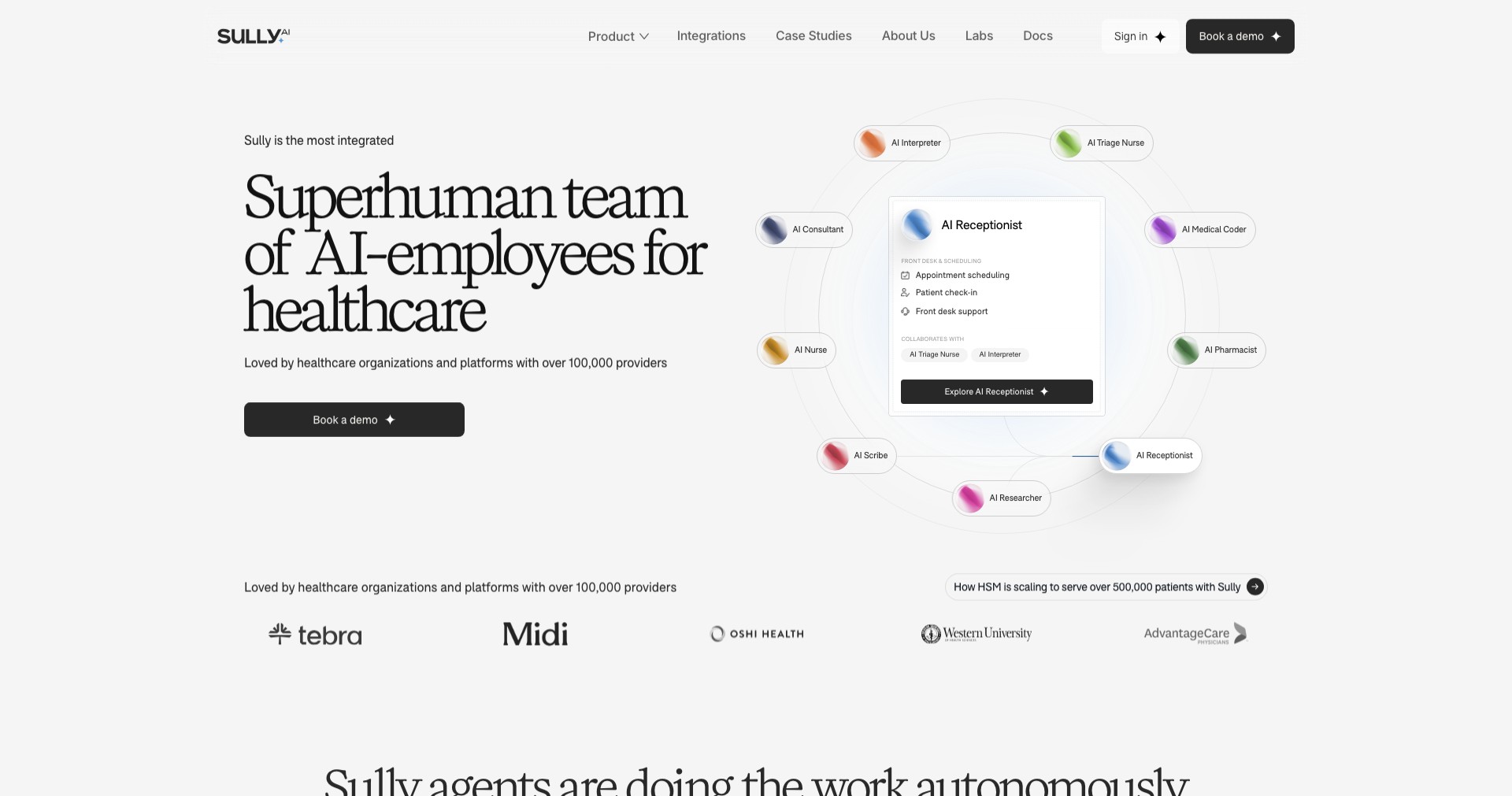
Key Features:
-
Automatic Meeting Transcription:
Sully records and transcribes your meetings in real time, providing a searchable and shareable transcript to ensure no detail gets lost. This feature helps save time and improves accuracy in documentation. -
Action Item Extraction:
The platform intelligently identifies action points and assigns them to relevant team members. This reduces the need for manual follow-up and increases accountability. -
Smart Summaries:
Sully condenses lengthy meetings into easy-to-read summaries, highlighting decisions, action items, and key insights. This makes post-meeting reviews efficient and effective. -
Seamless Calendar Integration:
Sully integrates with popular calendar tools and conferencing platforms, allowing for automatic meeting joining, recording, and follow-up without needing extra setup. -
Secure Data Handling:
The platform ensures data privacy and security with encryption and compliance to major standards, so sensitive information from meetings is always protected.
What makes Sully unique?
What sets Sully apart from other meeting assistants is its highly contextual AI, which not only transcribes but also deeply understands the conversation flow to deliver highly relevant action items and follow-ups. Its sophisticated natural language models tailor insights based on each meeting's content and participants.
Unlike basic transcription tools, Sully goes further by providing end-to-end workflow automation, integrating tightly with existing tools, and offering customization for different team workflows. Its focus on actionable output and security makes it a standout solution for enterprise use.
Pros and Cons
Who is using Sully?
Business Professionals: Executives, managers, and knowledge workers who attend frequent meetings will benefit from Sully's automation and documentation capabilities, saving valuable time and reducing the risk of missed follow-ups.
Project Teams: Cross-functional teams coordinating multiple stakeholders can use Sully to track commitments, maintain project momentum, and ensure everyone stays on the same page.
Consultants & Agencies: Consultants, coaches, and agency teams who facilitate many client conversations can leverage Sully for detailed records and seamless client communication.
Product Evolution
Since its launch, Sully has continuously expanded its feature set, evolving from a basic meeting transcription tool to an intelligent meeting assistant with workflow automation capabilities.
Frequent updates have improved its speech recognition accuracy, added support for additional meeting platforms, and enhanced integration options with productivity tools.
Sully has also prioritized user privacy and compliance, introducing more robust encryption, customizable user permissions, and a transparent data retention policy to better serve enterprise clients.
Pricing
| Plan | Price | About |
| Free Trial | Free | Test all features with limited usage to evaluate Sully's capabilities. |
| Pro Subscription | $12/user/month | Unlocks unlimited meetings, advanced AI features, and team management options. |
| Enterprise Plan | Custom pricing | For large teams requiring custom integrations, advanced security, and dedicated support. |
Verdict
Sully stands out as a next-generation meeting assistant, offering much more than simple transcription. Its intelligent analysis and action item automation can transform how teams track projects and maintain meeting momentum, particularly for organizations with significant meeting loads.
While its language support and pricing tiers may not fit every user, Sully’s value for productivity-centric businesses is hard to overlook. Teams looking to optimize their meetings and documentation processes will find Sully a worthwhile investment.


