TabTabTab
Last updated: 18 December 2025
What is TabTabTab?
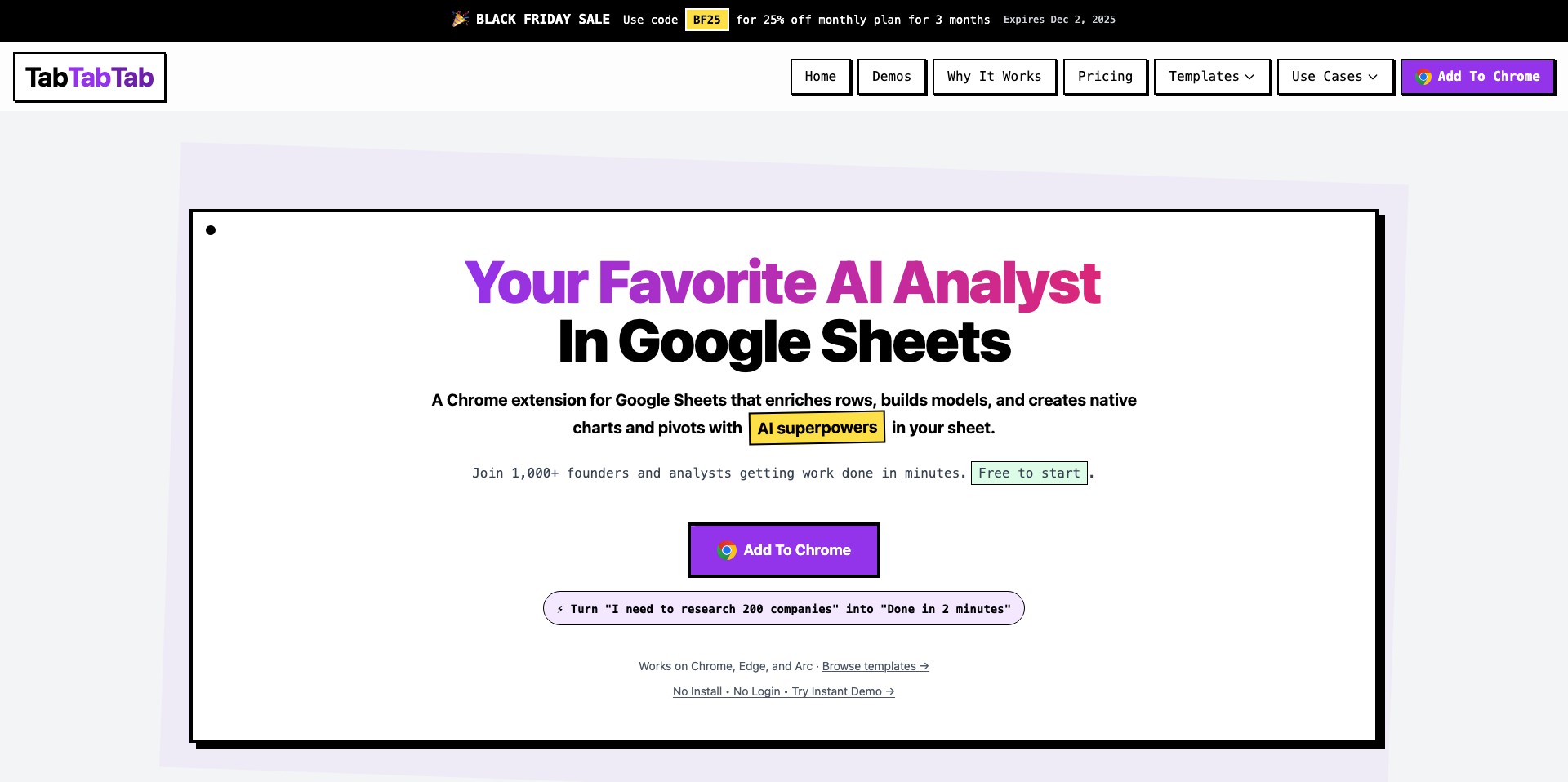
TabTabTab is an innovative productivity platform focused on helping users manage their digital workspace more efficiently. By providing a centralized dashboard, TabTabTab allows users to organize browser tabs, desktop applications, and project-related tasks all in one place.
Whether you're drowning in a sea of browser tabs or juggling multiple projects, TabTabTab aims to cut through the chaos. The tool is especially beneficial for professionals, students, and multitaskers who want to minimize distractions and maximize their efficiency.
Key Features:
-
Centralized Dashboard:
TabTabTab offers a unified workspace where users can view and manage open browser tabs, desktop apps, and documents, reducing the need to switch between windows. -
Project-Based Organization:
Users can group tabs, files, and notes under projects, making it easy to switch context and stay focused on different tasks throughout the day. -
Quick Search:
The platform has a powerful search function that lets you instantly find open tabs, files, or notes, helping you save time and improve productivity. -
Task Management:
Built-in task management features let you add to-dos, set priorities, and track progress alongside your digital projects. -
Cloud Sync & Collaboration:
TabTabTab supports syncing across devices and enables collaborative features, so teams can share project workspaces and collaborate in real time.
What makes TabTabTab unique?
TabTabTab stands out by bridging the gap between tab management and project management, tackling the issue of digital clutter holistically. Unlike traditional tab managers that focus only on browser environments, TabTabTab brings together tabs, applications, files, and tasks into a cohesive system.
Its emphasis on project-based organization and collaboration introduces flexibility for both solo users and teams. The seamless integration with task management tools and cloud collaboration makes it a one-stop solution for modern knowledge workers actively seeking productivity gains.
Pros and Cons
Who is using TabTabTab?
Remote Professionals: Workers who handle multiple projects or sources of information will benefit from TabTabTab's centralized workspace, reducing cognitive overload and switching time.
Students: Students juggling research, assignments, and resources can group tabs and notes by subjects, enhancing their organization and productivity.
Project Teams: Teams working on collaborative projects can use TabTabTab to share workspaces, manage collective tasks, and communicate context seamlessly.
Evolving Productivity Platform
Since its initial launch, TabTabTab has evolved from a basic tab manager to a comprehensive productivity suite, expanding its scope to include applications and task management.
User feedback has driven the addition of project grouping, collaboration tools, and cloud syncing, making it more versatile for both individual and team workflows.
Regular updates have improved its stability, interface intuitiveness, and integration capabilities, keeping pace with user demands for more powerful productivity tools.
Pricing
| Plan | Price | About |
| Free | $0 | Core features with basic tab and project management at no cost. |
| Premium | From $5/month | Offers advanced features such as collaboration, cloud sync, and priority support. |
Verdict
TabTabTab impresses as a holistic productivity tool by centralizing tab, application, and task management in one sleek dashboard. Its user-friendly design and flexible features make it suitable for anyone aiming to reduce digital clutter and streamline their workflow.
While new users might face an initial adjustment period and some advanced features require a premium plan, the overall payoff in productivity and collaboration can be substantial, particularly for professionals and teams dealing with complex digital environments.


