How to use OpenClaw AI assistant safely 2026
Our in-house cybersecurity experts and journalists, renowned for major reports like The Mother of All Breaches, conduct transparent, unbiased VPN testing and in-depth analysis.
With 750+ articles crafted based on real-world research, we empower readers to make informed purchasing decisions through first-hand expertise.
Learn more

OpenClaw AI is quickly becoming a favorite among users who want more control over their personal AI assistant. Because it’s open-source, it can handle advanced tasks, automate everyday work, and connect across different platforms in ways most closed tools can’t. That freedom is what makes it appealing, and also what makes security important.
In this guide, I’ll explain what OpenClaw AI actually does, where the real risks come from, and how you can use NordVPN's Meshnet to access it safely and securely, even when you’re away from home.
What is OpenClaw AI and how it works
OpenClaw AI is an open-source digital assistant that can automate tasks, remember context, and communicate with other systems. Instead of relying on a separate interface, you communicate with it through familiar messaging apps like WhatsApp, Telegram, Discord, Slack, Microsoft Teams, and similar platforms, making task management feel natural and integrated into tools you already use.
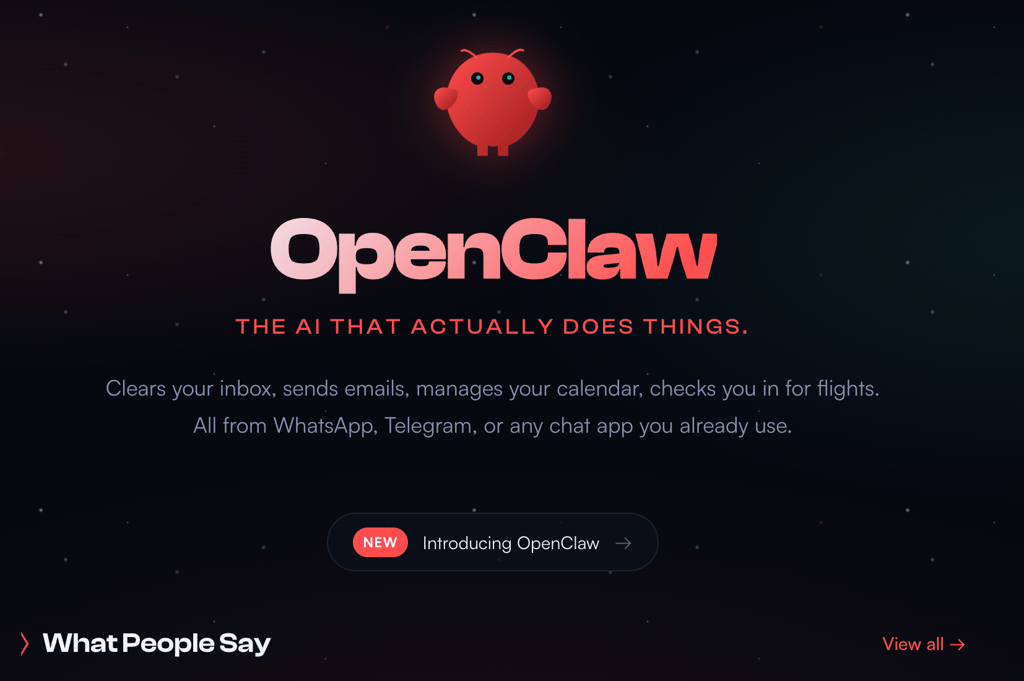
It was created for users who want an AI that runs on their own machines while offering advanced skills and system integrations.
Is OpenClaw AI safe to use?
OpenClaw AI is generally safe when used as intended. Because it runs locally, it doesn’t automatically send your data to third-party servers, which already reduces many common privacy risks. Out of the box, it’s reasonably secure, but its flexibility means safety depends heavily on how you set it up.
Problems usually start when OpenClaw is opened up to the internet without proper safeguards. Running it on exposed ports, allowing remote access without encryption, or storing sensitive data in plain text can all introduce serious risks.
Some users need to be more cautious than others. Developers who expose OpenClaw through web interfaces or open ports should treat it like any other server-side application. Teams sharing a single instance, or anyone accessing OpenClaw remotely, should also take extra steps to lock it down. In these cases, adding secure networking and access controls is essential.
Common OpenClaw AI security risks
OpenClaw’s biggest security risks usually come from how it’s deployed rather than from the tool itself. One of the most common issues is running an exposed instance. If your OpenClaw endpoint is open to the public internet, it becomes an easy target for scans, misuse, or direct attacks.
Prompt injection is another real concern. Because OpenClaw reacts to user inputs, a malicious or poorly designed prompt can push it to perform actions you didn’t intend, especially in shared or automated setups.
There’s also the risk of malware exposure or data leaks. If OpenClaw runs without proper network isolation, such as a VPN or a secured local network, you may accidentally expose local files, system services, or sensitive data. These risks are manageable, but only if security is treated as part of the setup, not an afterthought.
How NordVPN Meshnet secures OpenClaw AI
NordVPN Meshnet adds a strong security layer to OpenClaw by keeping everything private. Instead of exposing your AI assistant to the public internet, Meshnet lets your devices connect as if they were on the same local network, even when you’re in different locations.
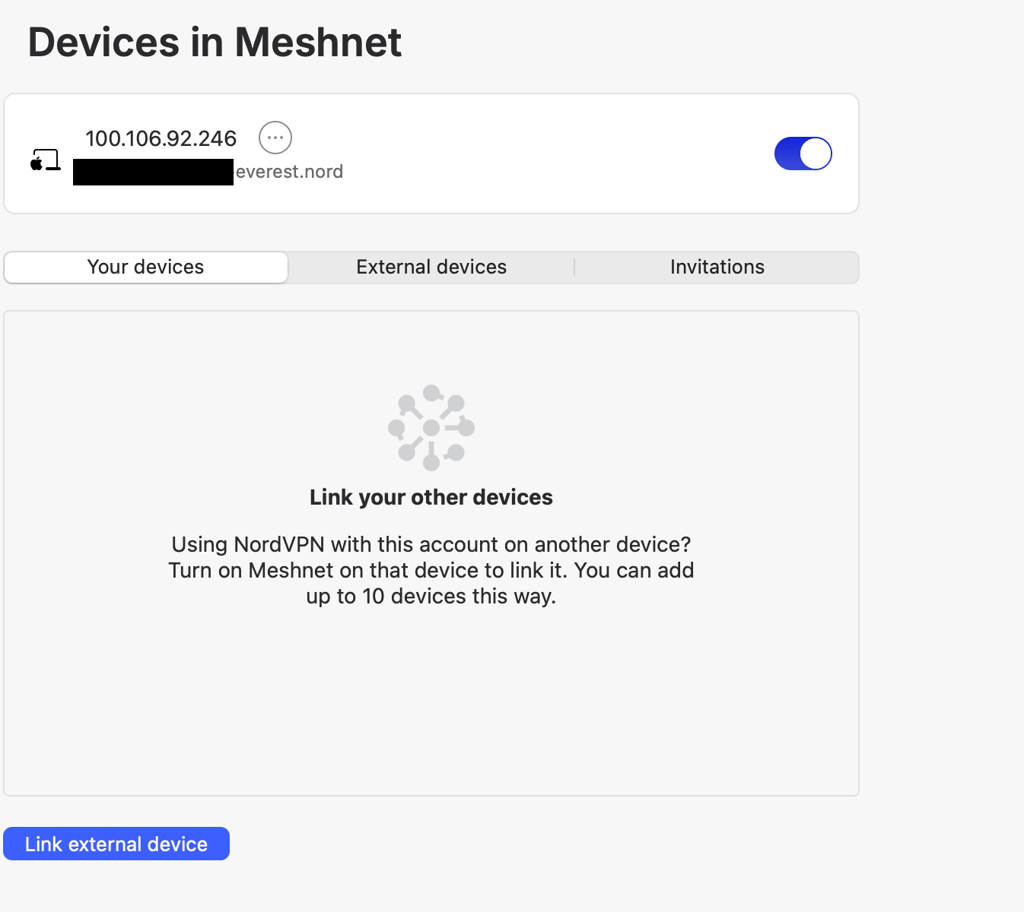
This means you can access OpenClaw remotely without opening risky ports or making it visible to outsiders. All traffic between your devices is end-to-end encrypted, which helps protect prompts, files, and system access from interception. For developers or small teams, it works like a virtual LAN, making collaboration safer and easier to manage.
If you want a step-by-step walkthrough, NordVPN has a detailed setup guide that explains how to run OpenClaw securely over Meshnet.
Wrapping up
OpenClaw AI is a capable and flexible assistant, but its real strength comes with added responsibility. When you enable remote access, security becomes just as important as performance. NordVPN’s Meshnet offers a practical, well-designed way to access OpenClaw securely, without exposing your setup to the public internet or weakening your safeguards.
In summary, avoid exposing it to the public internet, restrict access with allowlists, and treat all logs as potentially sensitive. If credentials are ever exposed, rotate them immediately. Always use the project’s security checks and make sure the installer comes from a trusted, verified source.
With the right configuration, you can keep full control of your AI environment while maintaining strong privacy and encryption.
FAQ
Can I access OpenClaw AI from my phone using Meshnet?
Yes. If your phone supports NordVPN and Meshnet (available on Android and iOS), you can securely connect to your primary device running OpenClaw AI. This allows you to issue commands or interact with the assistant remotely without exposing it to the open internet.
Does OpenClaw AI collect or store any personal data?
OpenClaw AI is designed to run locally, meaning your data stays on your own machine by default. However, depending on how you configure it (e.g. with plugins or integrations), it may access or store sensitive information. Always review your configuration settings and ensure local data is properly encrypted.
What happens if I expose my OpenClaw instance to the public internet without Meshnet or a VPN?
Exposing OpenClaw without protection puts your system at risk of unauthorized access, data leaks, and potential system compromise. Hackers can find open ports using scanning tools and may attempt prompt injections or take control of your assistant. Using Meshnet or a VPN is the safest way to enable remote access.
Can multiple users safely share one OpenClaw AI instance?
Yes, but it requires careful setup. Shared access should go through secure channels like Meshnet, and each user should have defined roles or permission levels. Avoid exposing the shared instance online without proper isolation or sandboxing.


