ColorPenguin
Last updated: 18 December 2025
What is ColorPenguin?
ColorPenguin is an intuitive web-based tool that takes the hassle out of finding the perfect color palette. Whether you're a graphic designer, web developer, artist, or marketer, ColorPenguin simplifies the color selection process using artificial intelligence to generate striking and harmonious color schemes tailored to your needs.
With just a few clicks, users can explore curated palettes, fine-tune hues, and save or export their selections for immediate use in digital and print projects. ColorPenguin makes the creative process more enjoyable by providing inspiration and practical tools right at your fingertips.
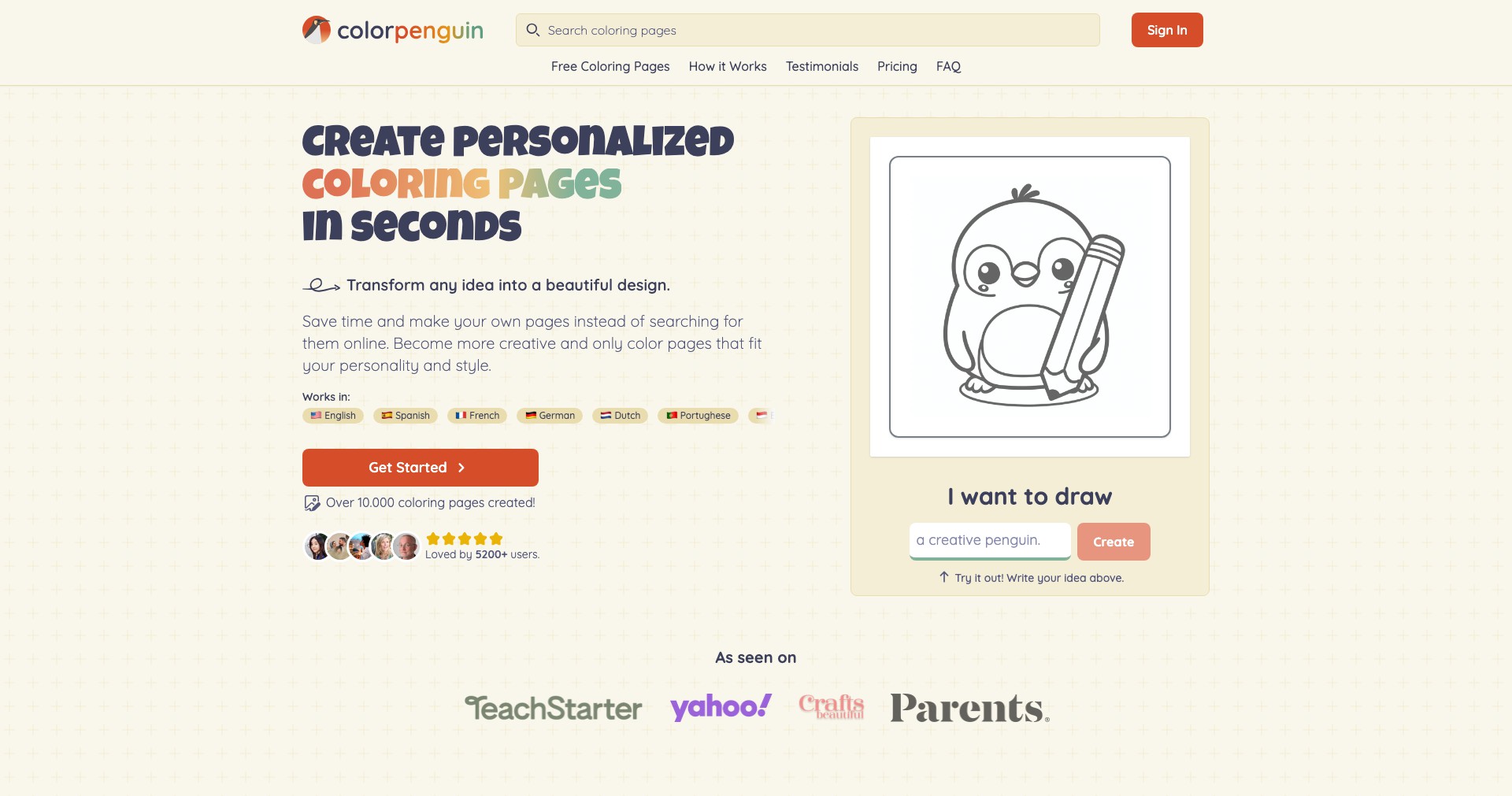
Key Features:
-
AI-Generated Palettes:
Leverages AI algorithms to suggest color palettes that complement each other, taking into account psychology of colors and modern design trends. -
Palette Customization:
Allows users to adjust individual colors within a palette, tweak hue, saturation, and brightness, and create unique combinations to match brand guidelines or personal preferences. -
Theme and Mood Options:
Users can select desired moods or themes (e.g., 'vintage', 'modern', 'vibrant'), and ColorPenguin will generate palettes tailored to those specific vibes. -
Export and Sharing Tools:
Provides easy export options in various formats (PNG, HEX codes, CSS, etc.), making it effortless to integrate palettes into design software or share them with collaborators. -
Curated Inspiration Gallery:
Offers a collection of trending and designer-curated palettes to spark creativity and help users start with proven color combinations.
What makes ColorPenguin unique?
ColorPenguin stands out due to its use of AI to analyze both color theory and contemporary aesthetics, ensuring that the palettes generated are not only visually harmonious but also on-trend. The inclusion of mood- and theme-based suggestions pushes creative boundaries and caters to diverse project requirements.
Unlike many static color pickers, ColorPenguin's real-time customization, export features, and vast gallery of curated palettes make it a dynamic companion for seasoned professionals and beginners alike. Its simple and welcoming interface democratizes access to professional-level color selection.
Pros and Cons
Who is using ColorPenguin?
Graphic and Web Designers: Designers seeking fast, harmonious palettes to accelerate digital or print projects will benefit from ColorPenguin's AI-powered suggestions and export tools.
Marketing Professionals: Marketers creating campaigns or brand materials can use ColorPenguin to easily generate on-brand color schemes that resonate emotionally with target audiences.
Artists and Hobbyists: Individual creators looking for inspiration or non-traditional palettes will find the curated galleries and customization options especially helpful.
ColorPenguin's Growth Journey
Since its launch, ColorPenguin has evolved from a basic palette generator into a feature-rich platform. Early versions only generated random palettes, but user feedback drove the development of AI-generated intelligent suggestions and theme-based generation.
Over time, the interface was refined for simplicity, and responsive design ensured accessibility from any device. Export options and integrations were prioritized based on designer feedback, supporting popular formats like CSS and HEX.
Recent updates expanded the curated inspiration gallery and improved the underlying AI, resulting in more creative, relevant, and trendy suggestions. Continuous iteration keeps ColorPenguin aligned with user needs and modern design trends.
Pricing
| Plan | Price | About |
| Free | $0 | Full access to all features without subscription or payment. |
Verdict
ColorPenguin emerges as an essential, user-friendly tool for any creative who values quick, beautiful, and customizable color palette generation. Its AI-driven suggestions, combined with flexible export and customization tools, make it ideal for fast-paced creative workflows.
While it may not replace professional design suites for complex work, ColorPenguin is perfect for inspiration, rapid prototyping, and on-the-fly palette selection, making it a reliable choice for beginners and experienced designers alike.


