Image Candy
Last updated: 18 December 2025
What is Image Candy?
Image Candy is an intuitive web-based image editor designed to meet the needs of users who require quick, easy, and accessible image manipulation. Developed by 123apps, this platform brings together a collection of essential photo editing and conversion tools in one seamless interface, needing no installation or registration.
Whether you're a content creator, marketer, educator, or simply want to tweak your vacation photos, Image Candy provides an efficient solution without the bloat of traditional software. It opens directly in your browser, ready for immediate use, making it perfect for those seeking convenience without sacrificing core editing features.
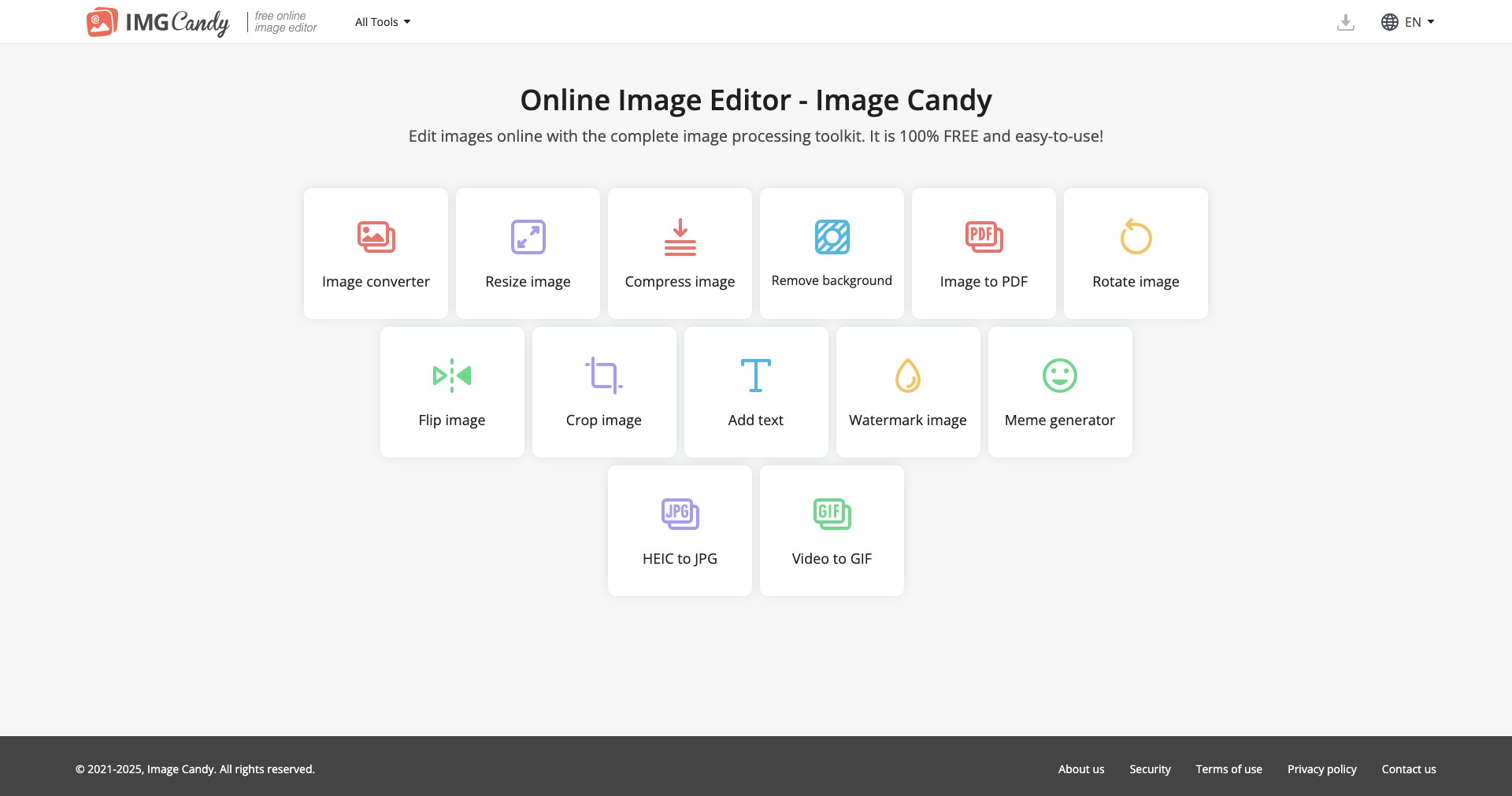
Key Features:
-
Quick Image Conversion:
Supports converting images between popular formats like JPG, PNG, BMP, and more. This is especially useful for preparing files for websites, print, or specific platforms. -
Basic Editing Tools:
Offers tools such as cropping, resizing, rotation, and flipping, letting users make fast adjustments without needing advanced skills or software. -
Text and Watermark Addition:
Allows you to add custom text and watermarks to images within seconds, helping protect your work or deliver creative messages. -
Background Removal:
With just a few clicks, users can remove image backgrounds, making it easy to create transparent images for presentations, logos, or product photos. -
No Registration Required:
All features are accessible directly without the need to sign up or log in, enabling faster workflows and improved privacy.
What makes Image Candy unique?
Compared to more complex or costly online editors, Image Candy stands out by offering all its core features entirely for free, with no watermarking or forced account creation. The simplicity of its user experience and clutter-free design makes it immediately approachable for casual and professional users alike.
Furthermore, its one-stop browser-based approach, combining editing, conversion, and enhancement features, ensures that users aren’t forced to juggle multiple tools or install third-party software. Instant accessibility and real-time processing streamline everyday editing tasks.
Pros and Cons
Who is using Image Candy?
Content Creators: Bloggers, social media managers, and digital artists benefit from Image Candy’s instant editing and watermarking features, making it easy to polish visuals for online publishing.
Educators and Students: Teachers and students can quickly prepare visual materials for lessons, presentations, or projects, taking advantage of the platform’s free and accessible tools.
Small Business Owners: Entrepreneurs can efficiently create product photos, marketing banners, or logo assets without investing in expensive software or hiring designers.
Steady Feature Expansion
Since launch, Image Candy has consistently added new features based on user feedback, evolving from a simple converter to a more robust all-in-one editor with tools for text, background removal, and more.
User interface updates have improved usability and accessibility, making editing tasks even more streamlined and reducing unnecessary steps.
While remaining free, the platform continues to introduce new formats, faster processing, and improved browser compatibility to better serve its growing user base.
Pricing
| Plan | Price | About |
| Free | $0 | Full access to all features, no account or payment required. |
Verdict
Image Candy delivers an impressive array of essential image editing tools without any cost, registration, or installation—making it an excellent choice for quick tasks and casual users.
Although it lacks the depth of professional desktop editors, its user-friendly interface and accessibility make it a valuable resource for creators, educators, and small business owners needing fast and reliable online photo editing.


