Image Variations
Last updated: 18 December 2025
What is Image Variations?
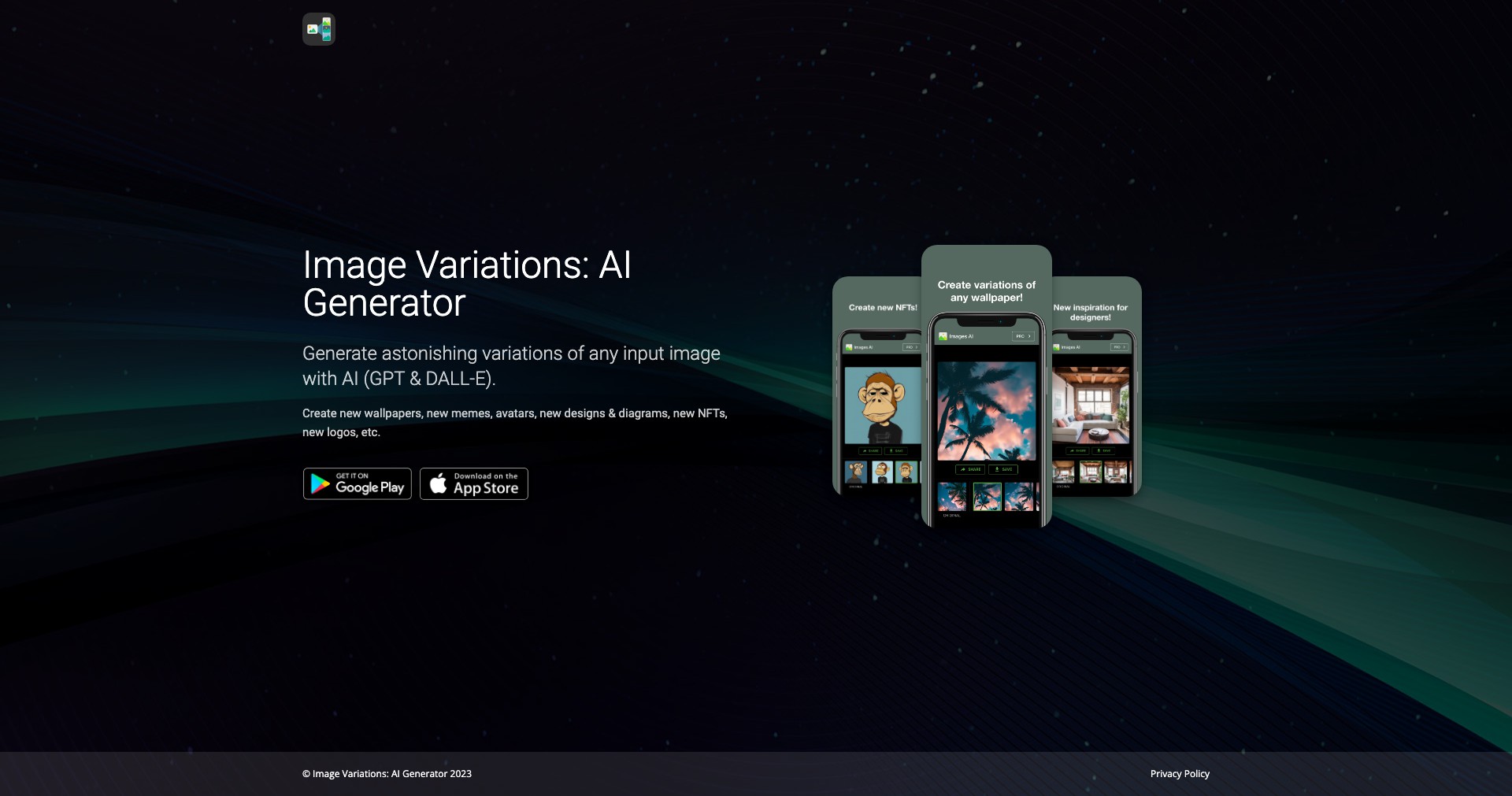
Image Variations is an intuitive AI tool that lets users create creative and distinct renditions of any input image. Whether you’re looking to brainstorm visual ideas, diversify your graphic designs, or craft original assets with ease, this platform leverages advanced artificial intelligence to automate the tedious process of manual variation.
By simply uploading or providing a prompt for an image, users can generate a suite of altered images that maintain core elements but differ creatively in style, color, composition, or mood. It's perfect for those who want to quickly prototype, experiment, or produce content for social media, design inspiration, and beyond.
Key Features:
-
AI-Driven Image Generation:
Utilizes sophisticated AI models to analyze your base image and generate multiple visually distinct yet thematically consistent variations, saving time and promoting creativity. -
Easy-to-Use Interface:
Features an accessible, simple interface allowing users of any skill level to generate image variations in a few clicks without requiring technical or artistic expertise. -
Customization Options:
Users can control the degree of variation, select style presets, or influence color palettes, yielding more targeted results for specific projects. -
Batch Processing:
Enables uploading and transforming multiple images at once, optimizing the workflow for professionals dealing with large volumes of visual content. -
Export in Multiple Formats:
Supports exporting generated images in a variety of standard file formats, ensuring compatibility with all major graphic and publishing software.
What makes Image Variations unique?
Unlike generic image editors or basic filter apps, Image Variations employs powerful AI engines specifically trained to reinterpret visuals creatively while preserving essential elements of the original artwork. This results in imaginative outputs that go far beyond simple filter overlays or color adjustments.
Its batch processing and fine-grained customization features set it apart from competitors, making it not just a toy for experimentation but a practical tool for professionals who need efficiency and creative control.
Pros and Cons
Who is using Image Variations?
Graphic Designers: Designers seeking inspiration or wanting to create a broad array of unique assets for branding, advertising, or web projects benefit greatly from rapid, style-variant outputs.
Content Creators & Marketers: Social media managers, brand storytellers, and marketers who need a constant influx of fresh visuals for posts, campaigns, or ads can use Image Variations to generate on-brand, original graphics quickly.
Artists & Illustrators: Artists looking for new perspectives on their creations can use the tool to reimagine concepts, explore color schemes, or break creative blocks without manual redrawing.
Improvements and Updates
Image Variations began as a basic AI image generator, providing simple style changes to uploaded images.
In subsequent updates, it introduced advanced control over styles, color palettes, and the ability to process multiple images at once, responding to user feedback for more professional features.
Recent updates have focused on speed, output quality, and expanding export options, ensuring the tool remains relevant and valuable for modern creative needs.
Pricing
| Plan | Price | About |
| Free Tier | $0 | Limited daily usage and basic features for new users. |
| Pro Plan | From $12/month | Enables higher daily limits, batch processing, premium customization, and priority support. |
Verdict
Image Variations stands out for its ability to quickly generate unique, artistic variations on existing images with very little effort. Its strengths are in accessibility, creative diversity, and features aimed at both casual and professional users.
While its reliance on AI means some outputs may be unpredictable, and advanced features are gated behind a paywall, it remains a leading tool for anyone needing creative visual assets or looking to jumpstart the design process.


