Keep It Shot
Last updated: 18 December 2025
What is Keep It Shot?
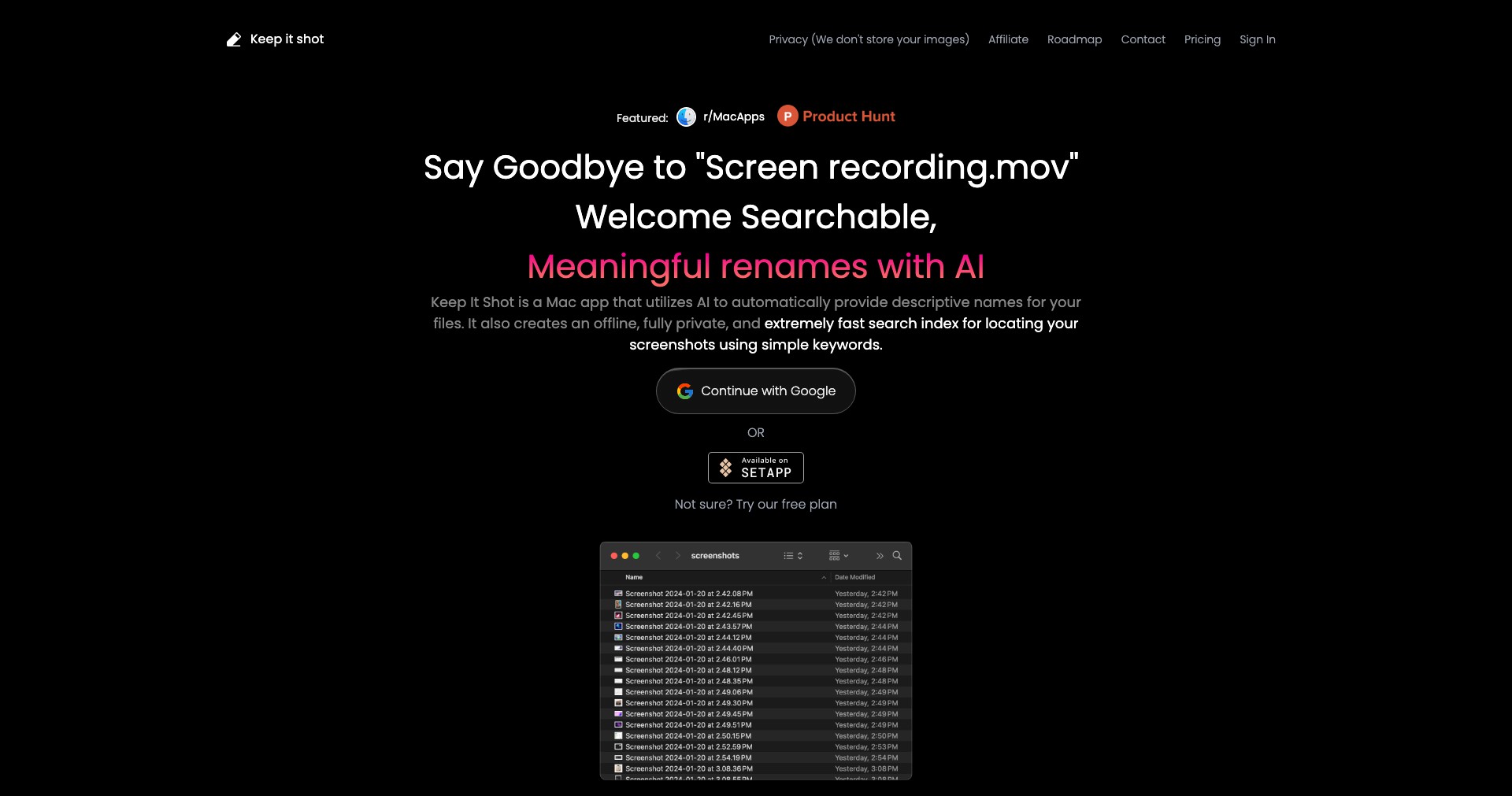
Keep It Shot is an innovative solution for managing all your screenshots in one place. Whether you're a creative professional needing to collect inspiration, a developer collaborating on design feedback, or a remote worker sharing visuals with your team, this app simplifies the chaotic process of screenshot organization.
Combining powerful annotation tools with cloud-based storage and easy sharing options, Keep It Shot makes capturing, editing, and finding screenshots seamless and efficient. Its cross-platform compatibility ensures that you can access your visual notes anytime, anywhere.
Key Features:
-
Instant Screenshot Capture:
Capture any part of your screen with a quick keyboard shortcut. Instantly snap windows, custom areas, or full screens without switching apps, saving time and making visual documentation effortless. -
Cloud-Based Storage:
Automatically uploads screenshots to secure cloud storage, allowing instant access from any device. No more searching through local folders – everything is organized and centrally available. -
Advanced Annotation Tools:
Edit images on the spot with arrows, highlights, text, and drawing tools. These features are perfect for feedback, instructions, or highlighting key areas in presentations. -
Easy Sharing & Collaboration:
Generate shareable links for screenshots or invite team members to comment and collaborate. Streamline workflow by integrating with platforms like Slack, Trello, or email. -
Intelligent Search & Tagging:
Tag and categorize screenshots for quick retrieval. The built-in search even recognizes text within images, so you can find screenshots by keywords or contextual content.
What makes Keep It Shot unique?
What sets Keep It Shot apart from competitors is its blend of advanced annotation with seamless cloud integration and cross-device accessibility. Many screenshot tools lack robust organizational features or require manual uploads and folder management, while Keep It Shot automates these processes.
The intelligent OCR (optical character recognition) search, ability to collaborate in real-time, and integration with popular productivity tools make it a highly efficient solution for both individual productivity and team-based environments.
Pros and Cons
Who is using Keep It Shot?
Remote Teams: Distributed teams who need to share visual feedback, report issues, or review progress will find Keep It Shot invaluable for collaboration and documentation.
Designers & Developers: Professionals who annotate and iterate on visual assets or UI layouts can streamline their workflow with advanced editing tools and quick sharing options.
Educators & Trainers: Teachers and trainers creating instructional materials or demonstrating technical steps can easily capture, label, and distribute screenshots to learners.
Evolving with User Needs
Keep It Shot started as a simple screenshot utility but quickly evolved based on user feedback. Early users requested better organization, leading to the introduction of tagging and smart folders.
With growing demand for team collaboration, the product integrated real-time commenting, shared workspaces, and support for third-party workflows.
Most recently, the addition of OCR-based search and sophisticated security options have made it more powerful and suitable for enterprise teams looking to keep visual documentation both accessible and secure.
Pricing
| Plan | Price | About |
| Free | $0 | Basic screenshot capture, cloud sync, and limited annotation. |
| Pro | $7.99/month | Unlocks unlimited storage, advanced annotations, integrations, and team features. |
| Enterprise | Custom | Custom features, enhanced security, and dedicated support for large organizations. |
Verdict
Keep It Shot is a compelling option for anyone who relies on screenshots as a core part of their workflow, especially for those working in teams or needing advanced organizational features. Its balance of user-friendliness, powerful annotation, and cross-platform accessibility make it valuable for professionals and remote workers alike.
While the dependence on cloud services and subscription paywall for premium features may deter some privacy-focused users, the benefits for productivity and collaboration mostly outweigh these downsides. If you regularly work with visual information and want a hassle-free, collaborative solution, Keep It Shot is highly recommended.


