Magic Studio
Last updated: 18 December 2025
What is Magic Studio?
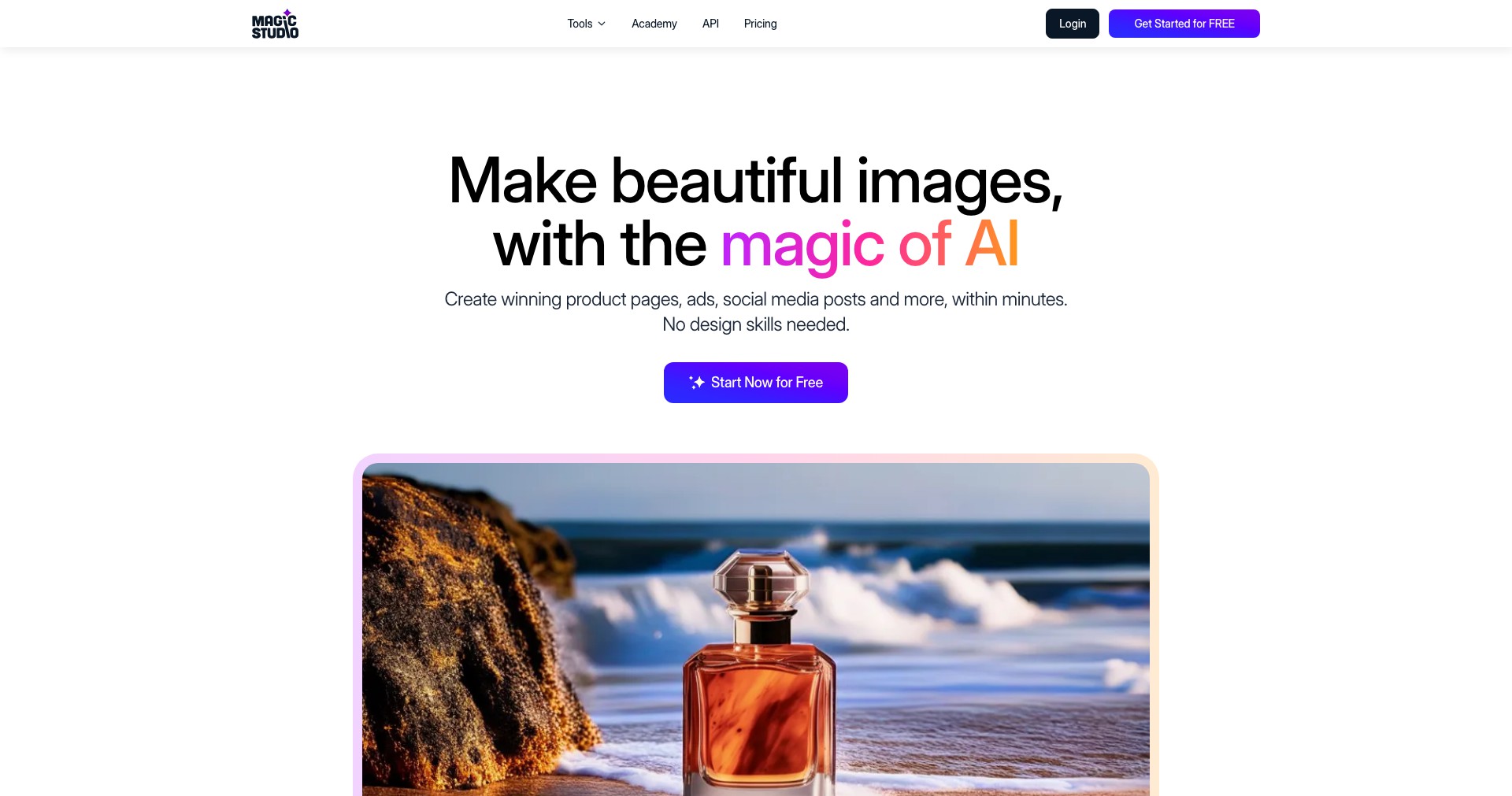
Magic Studio is an online photo editing platform leveraging cutting-edge AI to make professional-grade visual design accessible to everyone. The suite brings together easy-to-use image enhancement tools—think AI background removal, automatic object erasing, text-to-image generation, and much more—within a clean web-based interface. With its intuitive workflow, Magic Studio eliminates the steep learning curve often associated with creative software, allowing users with minimal technical experience to produce impressive digital assets in just a few clicks.
Ideal for marketers, content creators, solopreneurs, and anyone who frequently works with visual content, Magic Studio streamlines creative processes that once required expertise in Photoshop or similar programs. Whether you’re brainstorming a marketing campaign, revamping your LinkedIn profile with AI headshots, or batch-processing product photos for your e-commerce store, Magic Studio tailors to a wide variety of creative and business needs.
Key Features:
-
AI Background Removal:
Quickly isolate subjects from the background of any photo with a single click. This tool uses advanced AI segmentation for precise extractions, saving time and helping create professional-looking product shots or portraits. -
Generative Fill & Expand:
Fill in empty spaces, extend images, or remove unwanted objects seamlessly using generative AI. The tool intelligently predicts and creates pixel-perfect content to augment or fix photos without manual retouching. -
AI Headshot Generator:
Create studio-quality headshots from casual selfies. Upload a few photos, and the AI models produce polished professional portraits ideal for resumes, business cards, or online profiles. -
Text-to-Image AI:
Turn creative ideas into visuals by simply describing what you want. The AI generates original images based on keyword prompts, making it easy to rapidly iterate design concepts without stock photo hunting. -
Batch Processing Tools:
Automate repetitive edits—like resizing, background removal, or format conversions—across large sets of images. This saves marketers and sellers hours of manual work when preparing visuals for campaigns or online stores.
What makes Magic Studio unique?
Magic Studio distinguishes itself by integrating a robust set of AI photo editing tools into a single, browser-based solution that doesn’t require software downloads or complex learning. Unlike most standalone tools that offer one trick (like just background removal), Magic Studio’s all-in-one platform covers the entire creative workflow, from conceptualization (via text-to-image) to polish (via generative fill and batch editing).
The platform’s user-centric design—featuring drag-and-drop uploads, real-time previews, and beginner-friendly instructions—democratizes high-level visual content creation. Its AI headshot generator, in particular, delivers results that rival those of professional studios, setting Magic Studio apart in a crowded field of generic photo-editing apps.
Pros and Cons
Who is using Magic Studio?
Content Marketers: Marketing professionals can benefit from Magic Studio’s quick-turnaround tools to create engaging graphics, campaign visuals, and branded images without the overhead of a full-time designer.
E-Commerce Sellers: Online sellers use Magic Studio to batch-edit product images, remove backgrounds for marketplace compliance, and generate professional product photography in minutes, improving listings and sales conversion.
Personal Brand Creators: Individuals looking to polish their online presence—authors, consultants, or job seekers—can use the AI headshot tool and design suite to create high-quality images for LinkedIn, portfolios, or social media.
Product Evolution
Since its initial launch as an AI background remover, Magic Studio has rapidly expanded its feature set, integrating tools for automatic object erasure, generative image expansion, and even entire photo generations from text prompts.
Recent updates have focused on professional headshot generation—responding to the growing demand for business-ready portraits in remote work and online networking. The team has continued refining the AI models to improve accuracy and the natural appearance of edits.
With regular rollouts of improvements and ongoing user-driven tweaks, Magic Studio is quickly evolving toward a comprehensive AI image editing suite, positioning itself for both casual users and creative professionals alike.
Pricing
| Plan | Price | About |
| Free | $0 | Limited daily usage and standard output quality; good for testing or infrequent users. |
| Pro | Starts at $19/month | Unlocks unlimited exports, HD output, batch processing, and premium features for professionals and businesses. |
Verdict
Magic Studio succeeds at bringing advanced AI visual editing to the masses with an intuitive and powerful web-based platform. While seasoned graphic designers might miss the granular controls of legacy software, most users will value the remarkable speed, convenience, and output quality Magic Studio provides.
Its all-in-one approach—encompassing background removal, generative fills, headshots, and text-to-image—means creative teams, entrepreneurs, and casual creators can all realize their ideas without a steep learning curve or professional help. If you rely heavily on routine image editing, Magic Studio’s time-saving magic makes a compelling case for adoption.


