Pixlr AI
Last updated: 18 December 2025
What is Pixlr AI?
Pixlr AI is an online photo editing tool that leverages artificial intelligence to streamline and enhance the image editing process. Built upon the long-standing Pixlr platform, this latest iteration introduces smart features that automate tasks such as background removal, one-click enhancements, and design suggestions. Whether you're a social media creator, marketer, or someone looking to quickly touch up personal photos, Pixlr AI aims to make sophisticated editing accessible without the need for expensive software or steep learning curves.
With a sleek and intuitive user interface, Pixlr AI removes the complexities traditionally associated with photo manipulation. Its browser-based nature eliminates the need for powerful hardware or downloads, while regular updates expand its AI-driven capabilities, ensuring that users have access to the latest trends and tools in digital design.
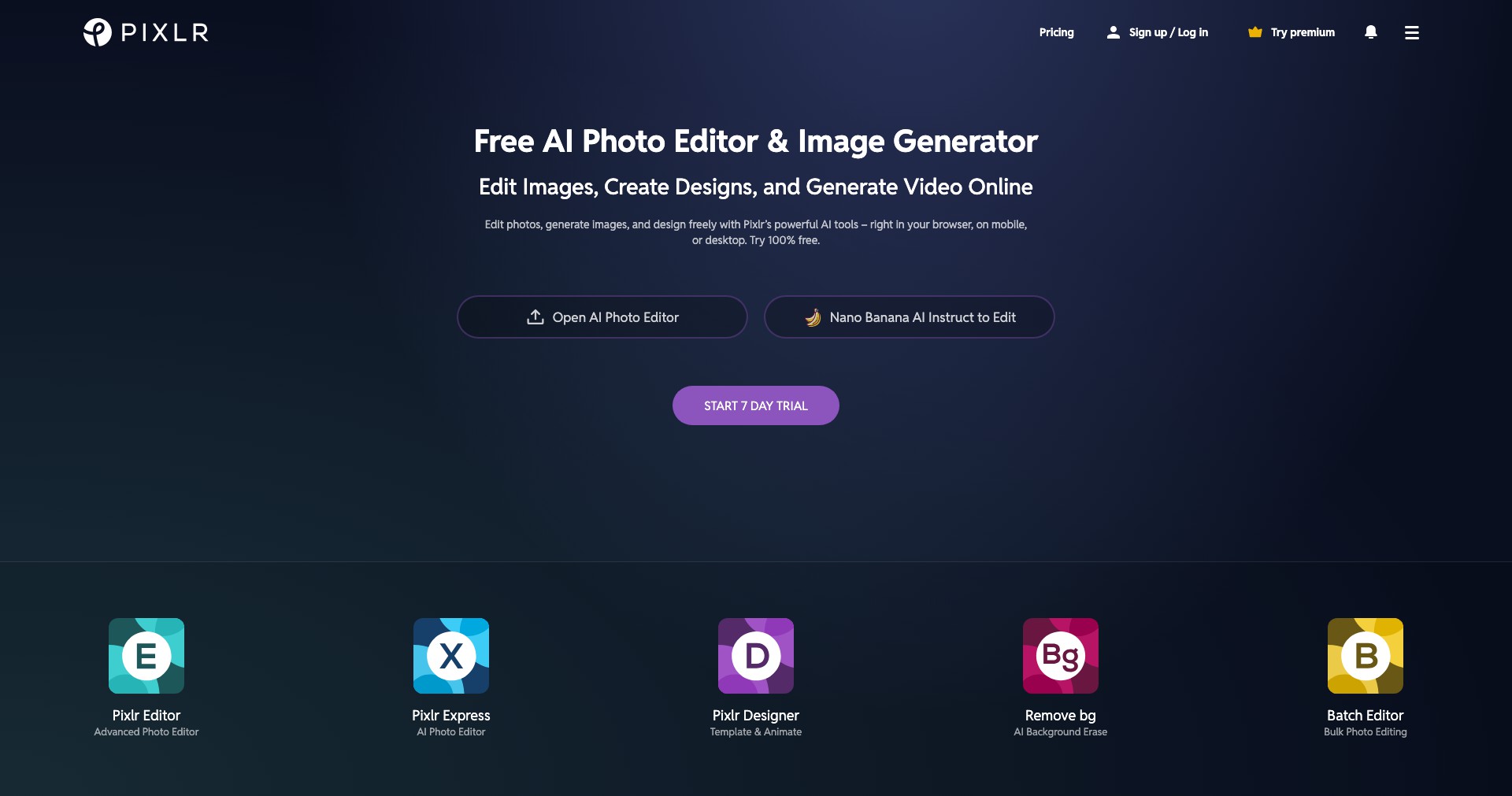
Key Features:
-
AI Background Removal:
Effortlessly remove backgrounds from photos with a single click using advanced AI algorithms. This feature saves time on manual selection and is perfect for creating cutouts for presentations, product shots, or creative projects. -
One-Click Photo Enhancer:
Automatically improve brightness, contrast, and tone with a single click. The AI enhancer analyzes your photo and makes intelligent adjustments, helping users instantly elevate image quality. -
Templates and Design Assets:
Access a comprehensive library of professionally designed templates and stock assets for use in social media, marketing materials, and creative designs, reducing the time needed for content creation. -
Smart Retouch Tools:
Utilize AI-powered retouching tools for blemish removal, skin smoothing, and facial enhancements. These tools ensure natural-looking edits without the hassle of manual corrections. -
Layer and History Management:
Supports advanced editing workflows with multi-layer editing and an intuitive history panel, enabling users to experiment freely and revert changes as needed.
What makes Pixlr AI unique?
Pixlr AI sets itself apart from competitors like Canva and Photoshop primarily through its deeply integrated AI features that automate complex editing tasks, reducing time and skill barriers for users. Unlike traditional desktop-based editors, Pixlr AI is completely cloud-based, allowing instant access from any compatible browser with no installation required.
Another distinctive aspect is Pixlr AI's blend of advanced editing features—like layers and mask controls—with one-click automation, offering both creative freedom and convenience. The freemium model further ensures accessibility for a wide range of users, from hobbyists to professionals.
Pros and Cons
Who is using Pixlr AI?
Content Creators & Marketers: Individuals and teams producing social media posts, advertisements, or branded content benefit from Pixlr AI's fast workflow and vast template selection, enabling quick campaign turnarounds and consistency across assets.
Small Business Owners: Entrepreneurs managing their own marketing, e-commerce, or product images can create high-quality visuals without hiring graphic designers, thanks to the platform’s accessible AI-powered tools.
Beginners & Casual Users: Users with little to no previous editing experience can achieve professional-looking results with minimal effort due to Pixlr AI’s automation, making it suitable for personal projects, educational purposes, or hobbyists.
Ongoing Improvements and Updates
Pixlr started as a simple browser-based editor but has evolved dramatically with the implementation of AI-driven features, streamlining tasks that previously required manual intervention or technical expertise.
Regular updates have expanded Pixlr AI’s feature set, introducing smart background removal, automatic corrections, and easy access to trending templates and assets. The UI has also been refined for greater accessibility and faster workflows.
Pixlr continues to listen to user feedback, adding new adjustment tools, improving AI accuracy, and expanding subscription options to address the needs of both casual and professional users.
Pricing
| Plan | Price | About |
| Free | $0 | Access to basic editing tools and limited templates with occasional ads. |
| Pixlr Plus | $1.99/month | Ad-free experience with enhanced templates, extra overlays, and priority support. |
| Pixlr Premium | $7.99/month | Unlocks all premium features including advanced AI tools, expanded assets, and extra cloud storage. |
| Pixlr Team | $12.99/month for 5 users | Collaborative features for teams, full access to premium tools, and priority support. |
Verdict
Pixlr AI is a standout choice for anyone wanting fast, effective photo editing directly in the browser—no steep learning curve or heavy downloads required. The combination of powerful AI automation and accessible core tools offers excellent value, by serving both casual and business needs.
While professionals requiring intricate control may still prefer desktop alternatives, Pixlr AI’s flexibility, affordability, and rapid evolution make it a compelling solution for social media managers, small businesses, and everyday creators looking for quality results with minimal hassle.


