Studio Design
Last updated: 18 December 2025
What is Studio Design?
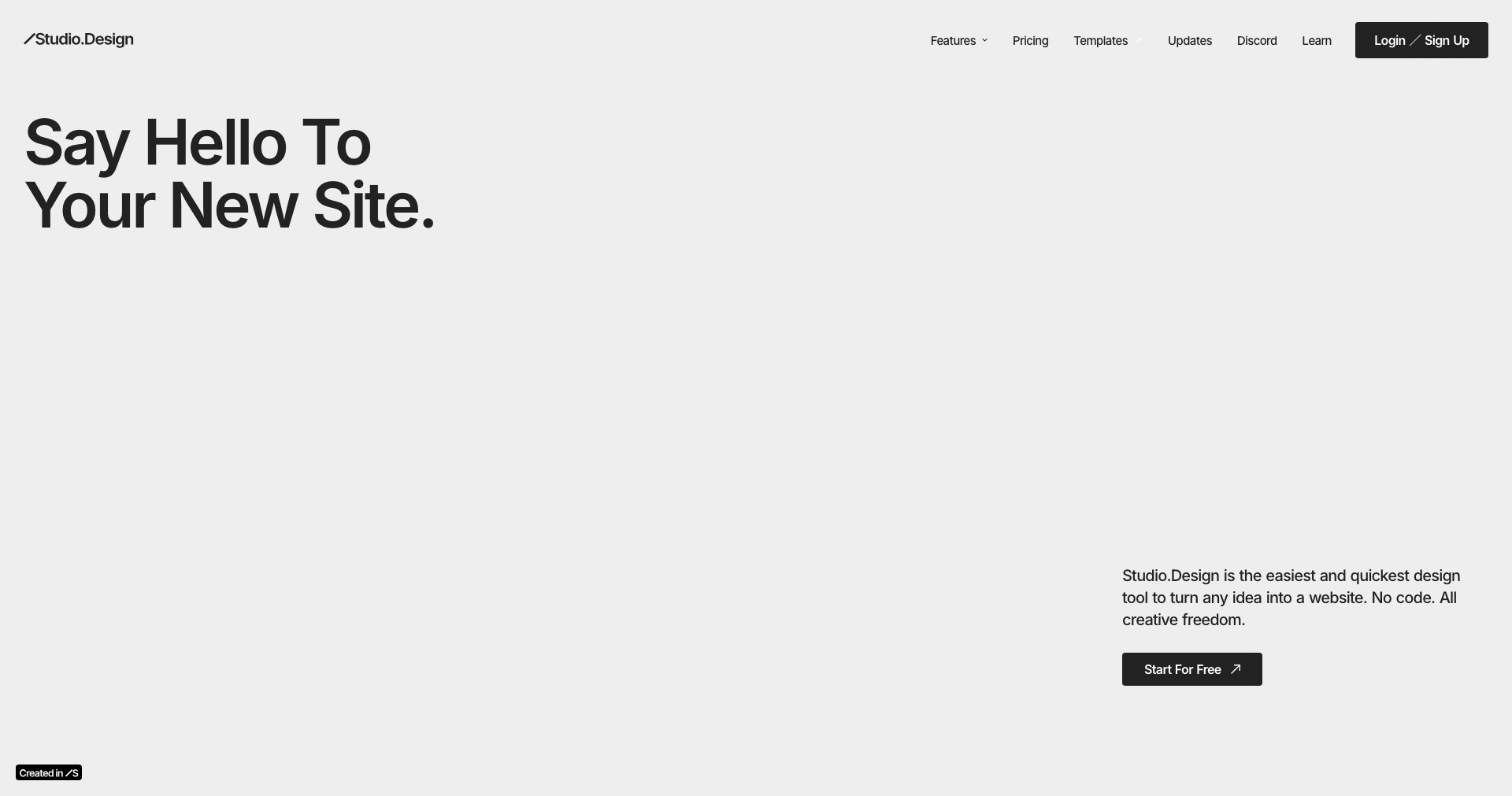
Studio Design is an online graphic design tool tailored for both amateurs and professionals seeking to create stunning visuals for digital and print use. Combining ease of use with powerful customization options, Studio Design has positioned itself as a versatile platform for crafting everything from social media posts to business presentations.
Whether you're launching a brand campaign or simply want to make your Instagram stories pop, Studio Design provides a diverse set of templates, high-quality stock imagery, and drag-and-drop tools. Its cloud-based nature means users can design on the go, making it ideal for marketers, entrepreneurs, teachers, and anyone with creative aspirations.
Key Features:
-
Extensive Template Library:
Studio Design offers a vast array of professionally designed templates for social media, flyers, posters, and more, allowing users to quickly start projects and maintain brand consistency across different channels. -
Easy Drag-and-Drop Editor:
The intuitive drag-and-drop editor lets users arrange elements, add text, and customize graphics effortlessly without requiring prior design experience. -
Collaborative Tools:
Multiple users can collaborate in real time, leave comments, and make edits, streamlining creative workflows for teams and agencies. -
Brand Asset Management:
Users can upload and store logos, fonts, and brand colors, ensuring every design aligns perfectly with brand guidelines. -
Export and Format Options:
Designs can be exported in various file formats, including JPG, PNG, and PDF, making it easy to share or print materials in high quality.
What makes Studio Design unique?
Studio Design distinguishes itself through its user-friendly interface paired with a robust set of tools that strike a balance between power and simplicity. Unlike many competitors, Studio Design emphasizes intuitive workflows that cater to non-designers without sacrificing advanced features for experienced users.
The real-time collaboration feature is a standout, enabling seamless teamwork—a feature sometimes limited or absent in similar platforms. Its focus on brand asset management also appeals to businesses aiming to ensure design consistency across campaigns and teams.
Pros and Cons
Who is using Studio Design?
Small Business Owners: Entrepreneurs running small businesses can leverage Studio Design to create marketing materials, social graphics, and promotional content without hiring a designer, keeping costs low and quality high.
Marketing Teams: Marketers and communications professionals use Studio Design to quickly iterate on campaigns, collaborate with colleagues, and ensure brand consistency across materials.
Content Creators & Educators: Bloggers, influencers, and teachers benefit from the wide array of templates and ease of use, enabling them to produce visually compelling content for social media, blogs, and classroom materials.
Product Evolution
Since its initial launch, Studio Design has expanded its template selection and improved its user interface to enhance accessibility for beginners while adding advanced customization options for seasoned designers.
The introduction of real-time collaboration tools marked a significant update, allowing teams to work together seamlessly, provide feedback instantaneously, and speed up the design process.
Ongoing updates now focus on integrating more stock images, adding support for additional export formats, and improving performance speed to accommodate users on all types of devices.
Pricing
| Plan | Price | About |
| Free Plan | $0/month | Basic access to templates, drag-and-drop editor, and limited export options. |
| Pro Plan | $12/month | Unlocks all templates, premium assets, higher quality exports, and brand management features. |
| Business Plan | $30/month | Supports multiple team members, advanced collaboration, priority support, and expanded storage. |
Verdict
Studio Design stands out as an accessible and robust design platform that caters to a broad audience, from beginners to professionals. Its impressive template library, ease of use, and real-time collaboration tools make it especially valuable for small business owners, marketers, and creators seeking efficiency and quality.
While there are limitations in the free tier and some advanced editing features are missing, Studio Design's balance of power and simplicity ensures it remains a top choice for those prioritizing quick, professional results without the steep learning curve of traditional design software.


