Text to API
Last updated: 18 December 2025
What is Text to API?
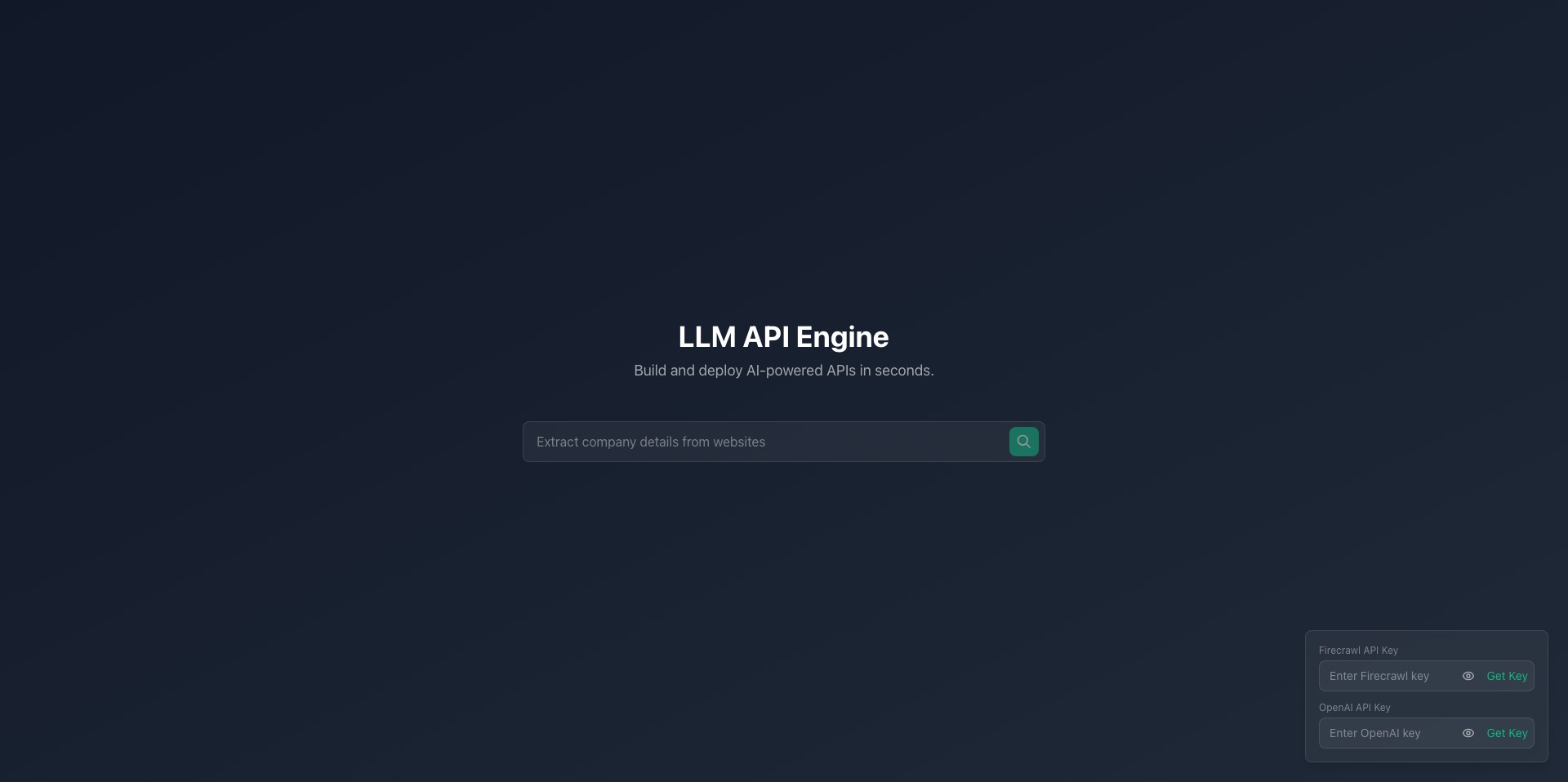
Text to API is an innovative SaaS tool designed to bridge the gap between business logic and backend development by transforming plain English requests into functional API calls. With the rise of low-code and no-code platforms, this solution empowers users to interact with complex API endpoints without needing deep technical knowledge or manual documentation referencing.
Aimed at developers, non-technical teams, and rapid prototyping environments, Text to API streamlines tasks ranging from API testing and mock data creation to integrating third-party services quickly. Its user-friendly interface and powerful language model back-end make it a useful productivity booster for modern development teams.
Key Features:
-
Natural Language Parsing:
Users can input API requests in natural language and Text to API automatically interprets, builds, and returns the required API call, saving hours of manual effort. -
Supports Multiple API Types:
The platform is compatible with REST, GraphQL, and various third-party APIs, allowing integration with a wide array of services and systems. -
Code Generation & Snippets:
After generating an API call, users can instantly view or copy code snippets in multiple languages (e.g., Python, JavaScript), making integration into projects hassle-free. -
Error Handling & Suggestions:
Text to API provides real-time feedback, error detection, and suggestions for incorrect or ambiguous statements to ensure successful API calls every time. -
Collaboration Tools:
Teams can share, comment, and iterate on endpoint definitions or workflow automations directly within the platform, facilitating collaborative development.
What makes Text to API unique?
What sets Text to API apart from traditional API clients or testing tools is its sophisticated language interpretation engine, which can understand nuanced requests in plain English and generate highly accurate API queries. This drastically reduces the onboarding curve for new APIs and democratizes access for less technical users.
Additionally, Text to API focuses on both individual productivity and team collaboration, allowing users to save, share, modify, and document API templates easily—a workflow enhancement few competitors offer with such depth and ease of use.
Pros and Cons
Who is using Text to API?
Frontend Developers & Integrators: Developers who need to rapidly test, mock, or integrate APIs benefit from the quick translation of requirements into code snippets and ready-to-use API queries.
Product Managers & QA Teams: Non-technical team members can validate API behavior, write functional test cases, or explore third-party integrations without waiting for backend engineering support.
Startup Founders & Prototypers: Entrepreneurs and early-stage teams use Text to API to build and iterate on MVPs efficiently, bridging the gap between product ideas and technical realization.
Product Evolution
Upon launch, Text to API focused primarily on basic REST API translation from simple English instructions to cURL commands. Initial feedback indicated a strong desire for broader language support and deeper integrations.
Subsequent updates added support for GraphQL queries, multi-language code generation, and improved parsing for more complex, nested API endpoints.
Recently, collaboration tools and team-based features were introduced, allowing shared API templates, version control, and real-time commenting, significantly enhancing its usability for businesses and development teams.
Pricing
| Plan | Price | About |
| Free Tier | $0/month | Access to basic API translation with usage limits. |
| Pro Subscription | $29/month | Includes unlimited API requests, priority support, and advanced collaboration features. |
| Enterprise Tier | Custom pricing | Tailored for larger teams requiring enhanced security, on-prem deployment, and SLA-backed support. |
Verdict
Text to API is a well-conceived productivity platform, lowering the technical barrier for API exploration and integration across software teams. Its natural language interface, combined with code generation and collaboration tools, fosters rapid development and empowers both technical and non-technical users.
However, developers with highly specialized backend requirements may find the abstraction layer too limiting, and privacy-sensitive teams should carefully review how data is handled. For most fast-moving organizations, startups, and cross-functional teams, Text to API is an excellent tool to speed up workflow and reduce bottlenecks in the integration process.


