ColorBliss
Last updated: 18 December 2025
What is ColorBliss?
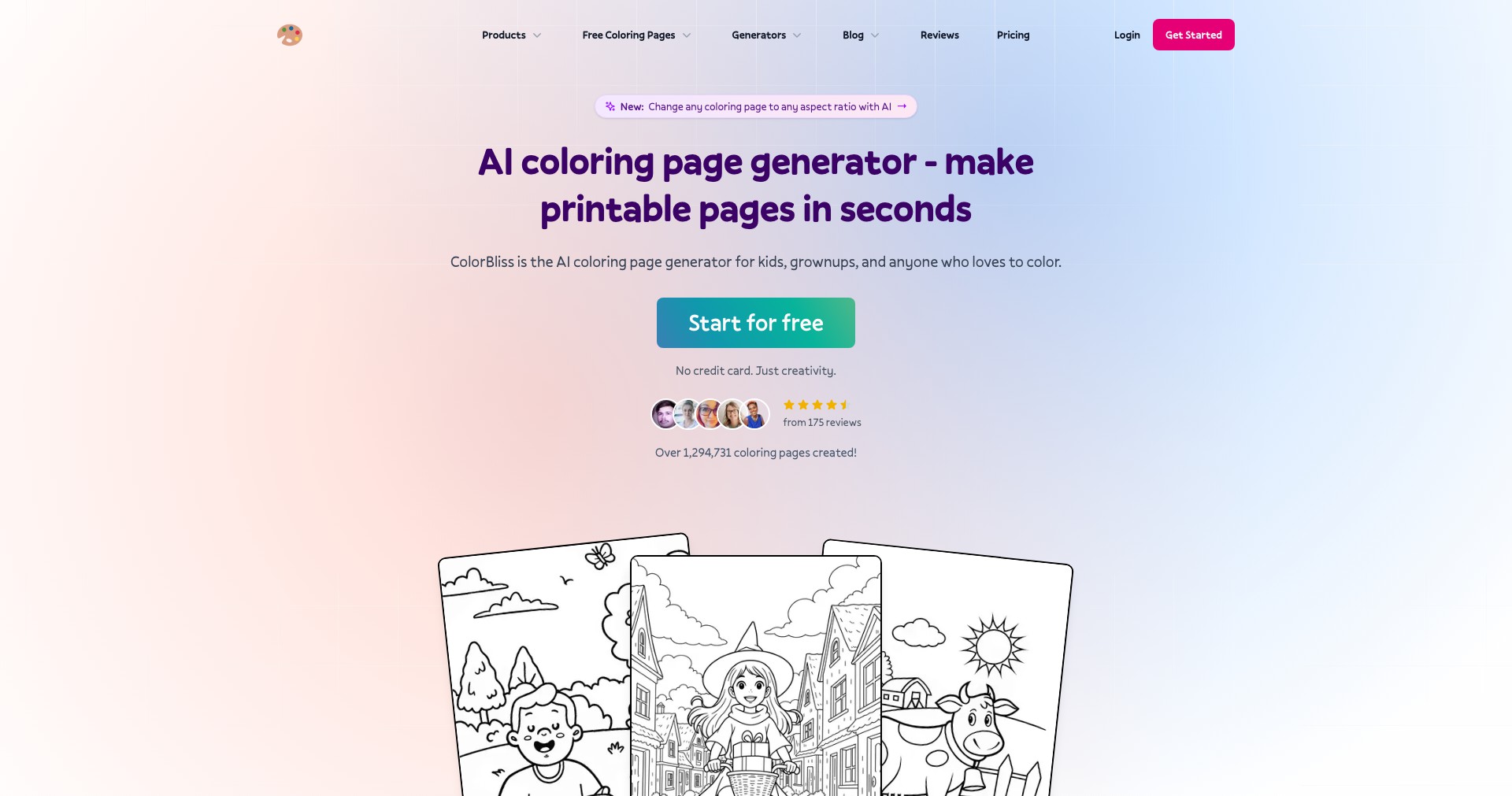
ColorBliss is an innovative digital tool designed to empower artists, designers, and creative enthusiasts in developing stunning color palettes for their projects. By combining an intuitive interface with cutting-edge color recommendation algorithms, ColorBliss streamlines the process of discovering, mixing, and matching hues perfectly suited to a wide variety of graphic, web, and interior design purposes.
Whether you're working on brand identities, illustrations, UI/UX projects, or simply searching for aesthetic inspiration, ColorBliss curates trending palettes, enables swift experimentation, and provides tools to effortlessly export your favorite combinations. Its extensive library and interactive features make it an asset for both seasoned professionals and beginners in creative industries.
Key Features:
-
AI-Powered Palette Suggestions:
ColorBliss uses smart algorithms to suggest harmonious color palettes based on current design trends or user input, helping users choose complementary colors effortlessly. -
Custom Palette Creation:
Users can create and manage their own palettes by mixing individual colors, adjusting brightness, saturation, and saving custom combinations for future use. -
Palette Library & Trends:
Access a vast library of preset palettes inspired by popular designs, art movements, and seasonal trends, providing instant inspiration and starting points for new projects. -
Export & Integration:
Export palettes in multiple formats (HEX, RGB, ASE, CSS, etc.) for seamless integration with popular design tools like Adobe Creative Suite or Figma. -
Collaboration & Sharing:
Share palettes with team members or the public, enabling collaborative editing, commenting, and quick sharing via social media or direct links.
What makes ColorBliss unique?
What sets ColorBliss apart is its blend of AI-driven trend prediction and community-driven palette sharing. While many color tools are either static reference libraries or basic generators, ColorBliss updates its recommendations dynamically to reflect current aesthetic movements, ensuring users always have access to what’s hot and relevant.
Its real-time collaboration features, such as shared palettes and cloud syncing, provide a workspace for teams and freelance creatives to work together remotely. The intuitive user interface lowers the learning curve, making professional color workflow accessible to all skill levels.
Pros and Cons
Who is using ColorBliss?
Professional Designers: UI/UX designers, graphic artists, and web designers benefit from streamlined palette creation and up-to-date color trends that support branding and visual consistency in their projects.
Creative Teams & Agencies: Marketing teams, design departments, and agencies can collaborate in real time, sharing and commenting on palettes, which improves workflow and creative alignment.
Art Students & Hobbyists: Individuals learning color theory or experimenting with creative projects enjoy effortless inspiration, learning tools, and community-shared palettes to boost their skills.
Ongoing Evolution
Since its launch, ColorBliss has expanded from a simple palette generator to a robust platform merging AI-driven suggestions with a strong community aspect. Early versions focused on static palette selection, but user feedback pushed for more dynamic, trend-focused recommendations.
Subsequent updates added integration with major design tools, improved export options, and introduced cloud-based palette management. Recognizing the growing demand for collaborative work, ColorBliss rolled out real-time sharing, commenting, and editing features.
Recent advancements have focused on mobile accessibility and deeper AI integration, making it possible for users to extract palettes from photographs and automatically adjust palettes based on accessibility guidelines or client briefs. The product roadmap suggests ongoing investment in team collaboration and cross-device workflow consistency.
Pricing
| Plan | Price | About |
| Free Tier | $0 | Access to basic palette recommendations and limited export formats. Community browsing available. |
| Pro Subscription | $8/month or $60/year | Full access to all features, including AI palette suggestions, unlimited palettes, team collaboration, and premium export formats. |
Verdict
ColorBliss stands out as a sophisticated yet approachable color tool for both professional and aspiring creatives. Its intelligent recommendations and collaborative features make it especially valuable for teams and fast-paced professional environments, while its straightforward interface ensures accessibility for new users.
While some users may find its best features locked behind a paywall, the free tier offers enough functionality to judge if upgrading is worthwhile. Overall, ColorBliss substantially enhances color workflow, making it a worthy addition to any creative toolbox.


