Little Artist
Last updated: 16 June 2026
What is Little Artist?
Little Artist is a delightful web-based platform that leverages AI to transform children's imaginative prompts into vibrant artworks. The intuitive, child-friendly interface makes it accessible to both kids and adults, encouraging creativity in a fun and interactive way.
Designed with educators, parents, and budding artists in mind, Little Artist bridges the gap between imagination and visual expression. It not only entertains but can also be used as an educational tool to boost storytelling and language development.
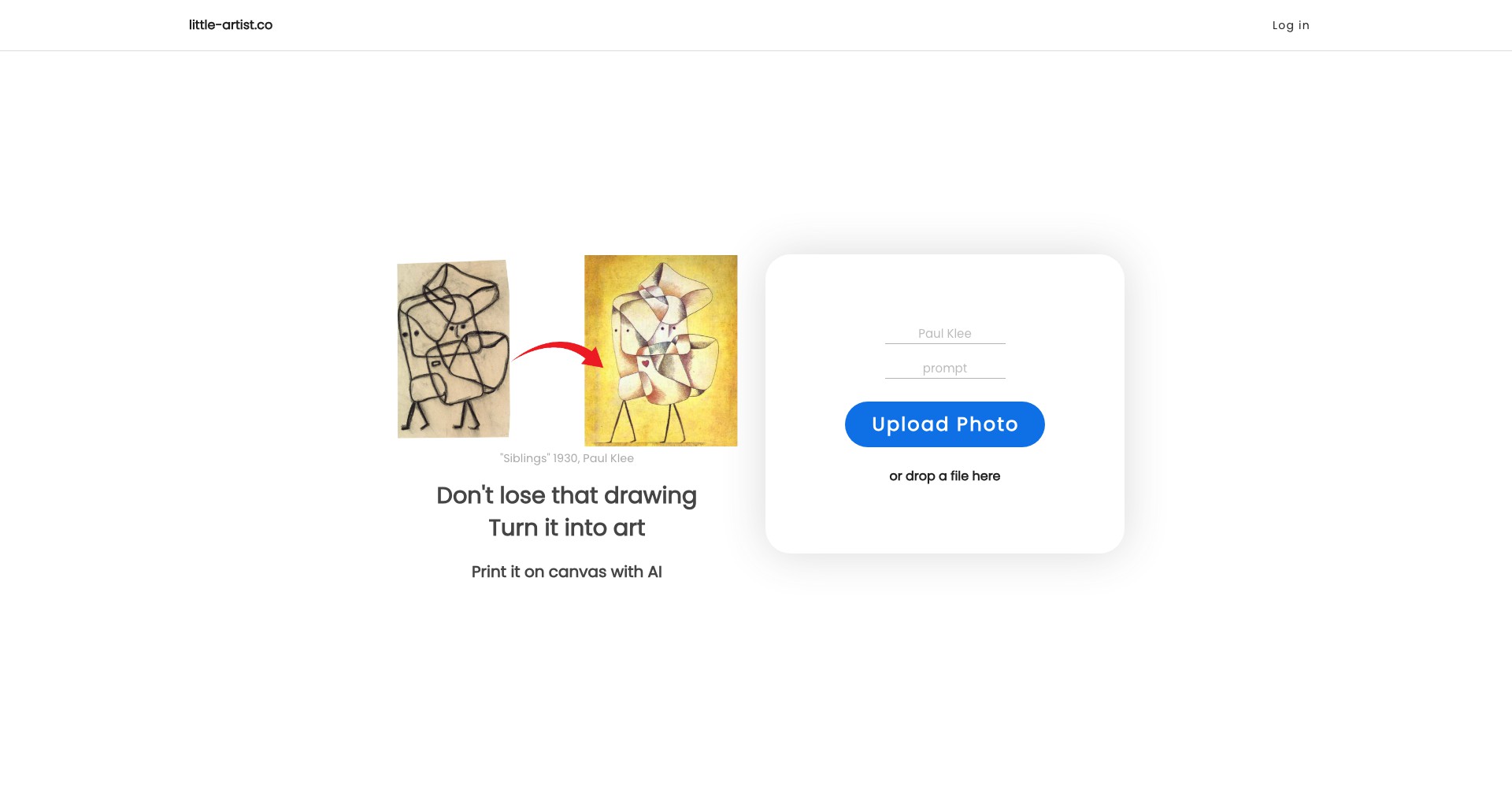
Key Features:
-
AI-Powered Art Generator:
Utilizes advanced generative AI models to instantly create digital artwork from any text prompt, making creativity accessible without drawing skills. -
Kid-Friendly Interface:
Features large buttons, simple navigation, and playful design, ensuring children of all ages can use the platform safely and independently. -
Personalized Gallery:
Allows users to save, organize, and revisit their created artworks, creating a personal portfolio and a space for ongoing creative growth. -
Educational Integration:
Offers resources and suggestions for teachers and parents to integrate art generation into language, storytelling, and creative assignments. -
Safe and Private:
Implements strict privacy controls with no public sharing by default and compliance with child safety online regulations.
What makes Little Artist unique?
Unlike most art generators, Little Artist is specifically tailored for children and educators, focusing on intuitive usability and safe, child-appropriate content. The platform's dedication to privacy and compliance with child online safety laws sets it apart from typical, more generic AI art tools.
Its educational resources and integration strategies cater directly to classroom and at-home learning environments, empowering children not just to create, but to connect their artwork with storytelling, language, and personal expression.
Pros and Cons
Who is using Little Artist?
Parents and Caregivers: Ideal for parents looking to encourage creativity or supplement arts activities at home, making screen time more productive and educational.
Teachers and Educators: Elementary and preschool teachers can integrate Little Artist into lessons to inspire writing, storytelling, and group activities.
Young Creative Learners: Children who are interested in drawing or creative writing can use the platform to bring their ideas to life, regardless of their artistic ability.
Platform Growth and Updates
Since its launch, Little Artist has focused on being accessible to a younger audience by iterating its UI for greater simplicity and fun.
Feedback from teachers and parents has guided the introduction of educational materials and classroom features, such as printable lesson plans and bulk account management.
Ongoing updates continue to expand the art styles available and enhance AI safety filters, making it a leader in kid-focused creative tools.
Pricing
| Plan | Price | About |
| Free Basic | Free | Limited daily image generations and essential features, suitable for casual or individual use. |
| Premium | $7.99/month | Increased generation limits, priority processing, access to classroom tools and expanded artistic styles. |
Verdict
Little Artist is a charming and effective solution for nurturing creativity in children, whether at home or in school. Its simplicity, privacy focus, and educational support make it ideal for young users and the adults guiding them.
While its scope is purposefully limited to child-appropriate content and ease of use, these aspects are also its greatest strengths for its target audience. Those seeking more advanced art tools or complex styles may find it too basic, but for educational and family use, it's highly recommended.


