The best VPN providers for 2026
Our in-house cybersecurity experts and journalists, renowned for major reports like The Mother of All Breaches, conduct transparent, unbiased VPN testing and in-depth analysis.
With 750+ articles crafted based on real-world research, we empower readers to make informed purchasing decisions through first-hand expertise.
Learn more
I use VPNs daily, both for work and personal use, and over time, I’ve come to rely on them for a few key things. I use them to protect my privacy while browsing, secure my connection on public Wi-Fi, and unblock foreign streaming services so I can watch my favorite shows.
That said, not all VPNs are equal. Some clearly stand out for specific use cases, whether that’s streaming, speed, or security. From my experience, each provider comes with its own trade-offs in features, pricing, and reliability.
As a daily VPN user, I personally tested and reviewed 41 providers to find the best VPNs for different needs. I ranked them based on real-world performance and broke down their strengths and weaknesses so you can choose what actually fits your situation.
- NordVPN – best VPN overall for speed, security, and unblocking streaming sites
- Surfshark – best budget VPN with unlimited device connections
- Proton VPN – top VPN for security and privacy-focused users
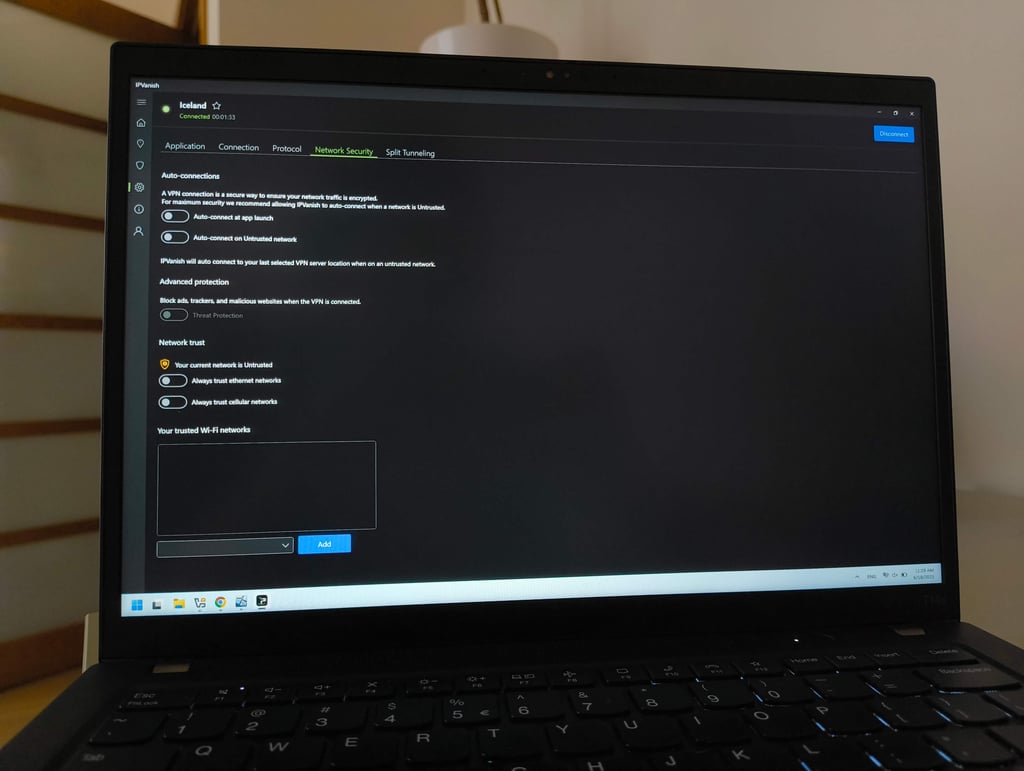
- IPVanish – best US-based VPN with solid features and performance
- ExpressVPN – top VPN for ease of use and consistent performance


We spare no effort to test the products & their features. All information is gathered by our in-house research team & fact-checked by our team of experts. Discover the ins and outs of our testing procedures.
Recent Updates
Methodology: how I tested and rated the best VPNs
Best VPN providers of 2026: full list
With the help of the Cybernews research team, I tested 41 VPNs and measured their performance, security, and usability. After thorough testing, I listed the 10 best VPNs based on the results.
| VPN | Rating | Price | Speed retention | Encryption | No-logs policy | Jurisdiction | Security features |
| NordVPN | From $3.49/month | 86% | AES-256, ChaCha20, post-quantum | No logs, third-party audited by PwC and Deloitte | Panama | Kill switch, leak protection, next-gen antivirus, Double VPN, Onion over VPN, Dark Web Monitor, Obfuscated servers | |
| Surfshark | From $2.49/month | 80% | AES-256, ChaCha20 | No logs, third-party audit by Deloitte | The Netherlands | Kill switch, leak protection, CleanWeb, MultiHop, Camouflage Mode, NoBorders mode, Alternative ID | |
| Proton VPN | From $2.99/month | 81% | AES-256, ChaCha20 | No logs, third-party audit by Securitum | Switzerland | Kill switch, leak protection, NetShield, Stealth protocol, Secure Core | |
| IPVanish | From $2.39/month | 69% | AES-256, ChaCha20 | No logs, third-party audit by Schellman Compliance | The US | Kill switch, leak protection, Threat Protection, Secure Browser, cloud storage, Double Hop | |
| ExpressVPN | From $2.99/month | 75% | AES-256, ChaCha20 | No logs, third-party audit by Cure53 | British Virgin Islands | Kill switch, leak protection, Threat Manager, Stealth server | |
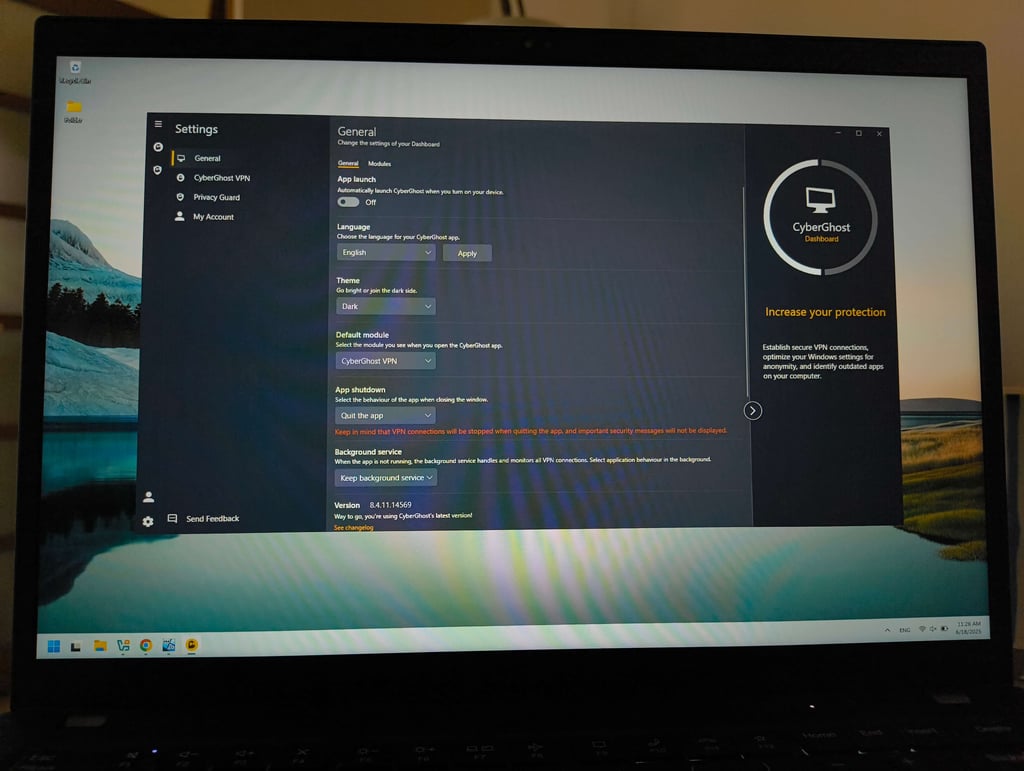
| CyberGhost | From $2.19/month | 68% | AES-256, ChaCha20 | No logs, third-party audit by Deloitte | Romania | Kill switch, leak protection, NoSpy servers, Block content | |
| PureVPN | From $1.99/month | 74% | AES-256 and ChaCha20 | British Virgin Islands | Kill switch, leak protection, port forwarding, PureKeep | ||
| Norton VPN | From $3.33/month | 44% | AES-256 and ChaCha20 | No logs, third-party audit by VerSprite | The US | Kill switch, leak protection, ad block, dark web scanner, password manager, antivirus | |
| TotalVPN | From $1.59/month | 79% | AES-256 | No logs, no audits | The UK | Kill switch, leak protection | |
| Bitdefender VPN | From $2.50/month | 79% | AES-256 and ChaCha20 | No logs, audited by a third-party | Romania | Kill switch, leak protection, ad block, anti-tracker |

1. NordVPN – best VPN overall for speed, security, and unblocking streaming sites

-
Privacy and security
-
Performance
-
Value
-
Usability
Reasons to choose NordVPN
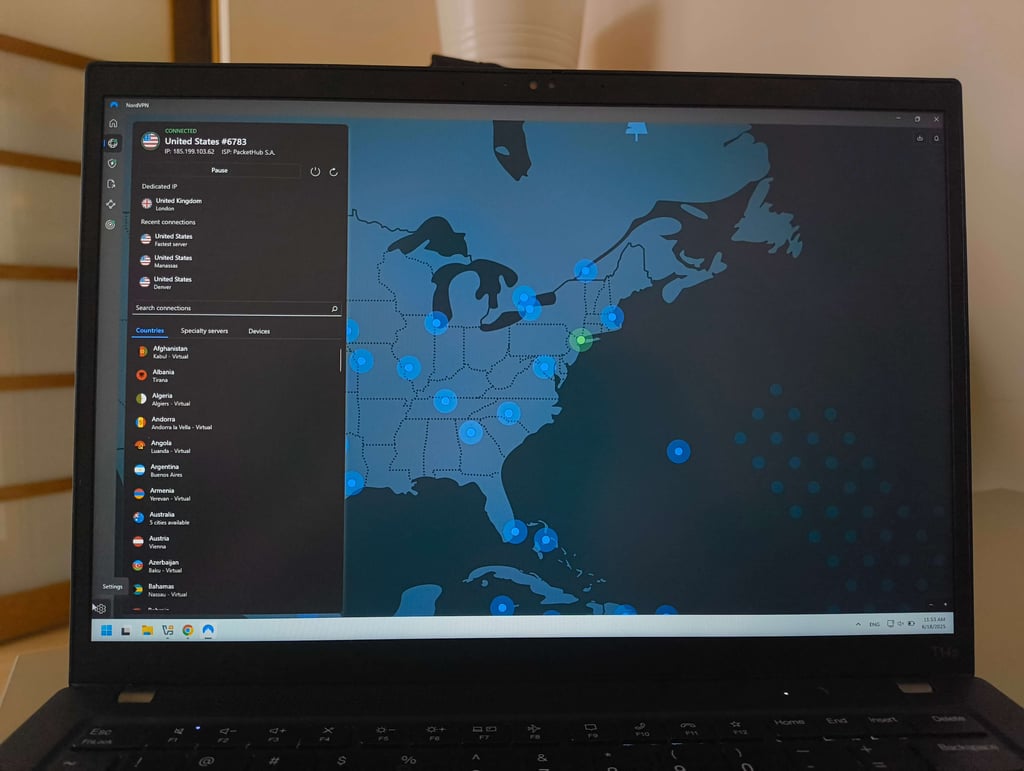
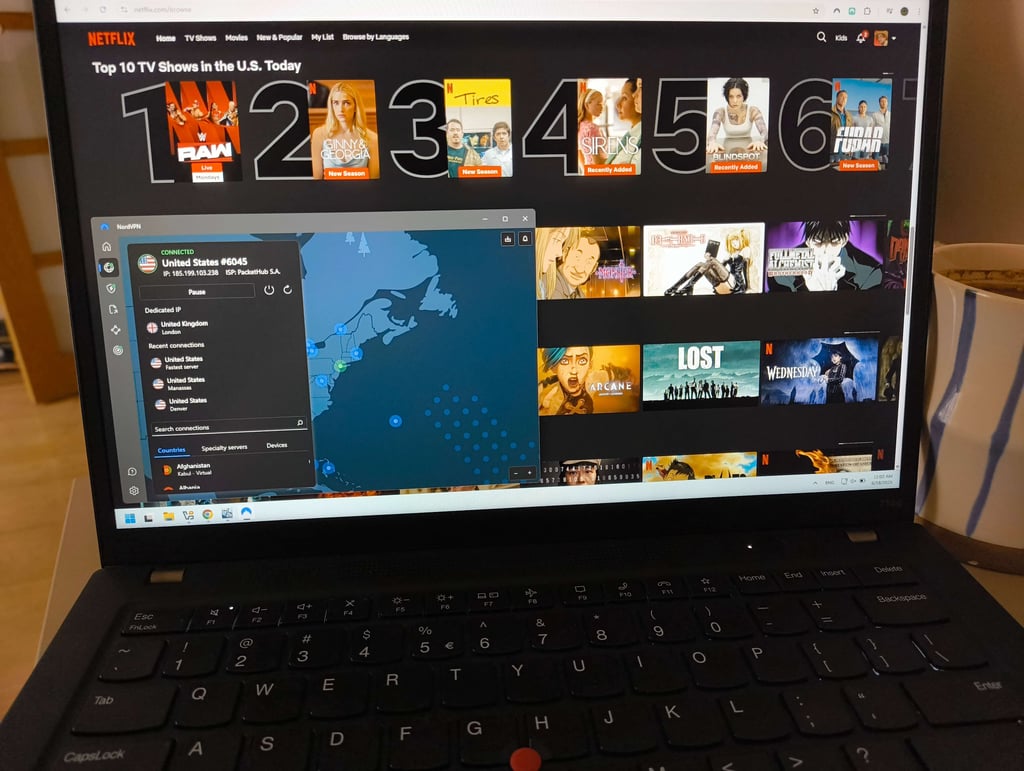
NordVPN is my go-to VPN recommendation for 2026, and it’s the one that I use personally. I ranked it #1 because it offers the best overall package: with servers in over 211 locations, it flawlessly unblocks streaming sites like Netflix, BBC iPlayer, and ESPN+, retains the highest connection speeds, and has robust privacy features. Most notably, it offers all that while still remaining quite affordable, especially if you choose a long-term plan.
Using Ookla’s speed testing tool, I tested NordVPN’s speed retention in a few different countries at various locations. On a nearby server in Sweden, it retained 888Mbps out of a total of 940Mbps. That is a 95% speed retention rate, the highest out of any VPNs on this list. On more distant servers, speed retention dropped as expected, holding 84% on US connections and 79% all the way to Australia, but at no point did I feel like the connection was holding me back. I was able to stream in HD and 4K without any buffering and browse the web without any issues worldwide.
You can rest assured that your data will stay private with NordVPN as well. The combination of a strict no-logs policy, strong encryption, a kill switch, and leak protection ensures a safe connection. Our NordVPN review also found that it doesn’t store what you do online, and its servers run on RAM, so it has no way of logging any data.
You can get NordVPN starting at $3.49/month with a 30-day money-back guarantee and a 3-day free trial on Android. Higher-tier NordVPN plans add extra benefits such as Dark Web Monitor Pro, a password manager, and next-gen antivirus (formerly Threat Protection Pro).

2. Surfshark – best budget VPN with unlimited device connections

-
Privacy and security
-
Performance
-
Value
-
Usability
Reasons to choose Surfshark
Surfshark is one of the best-value VPNs I’ve tested. It easily ranks among the best cheap VPNs, but still delivers a full premium experience. The unlimited simultaneous connections are a huge advantage, which allowed me to use it across multiple devices at once without ever worrying about limits.
I often use Surfshark for streaming, where it handles major platforms well and delivers HD playback with minimal friction, especially on US and UK servers. That said, if you compare Surfshark vs NordVPN here, it doesn’t quite match NordVPN’s performance, but for the price, it still performs better than most people would expect.
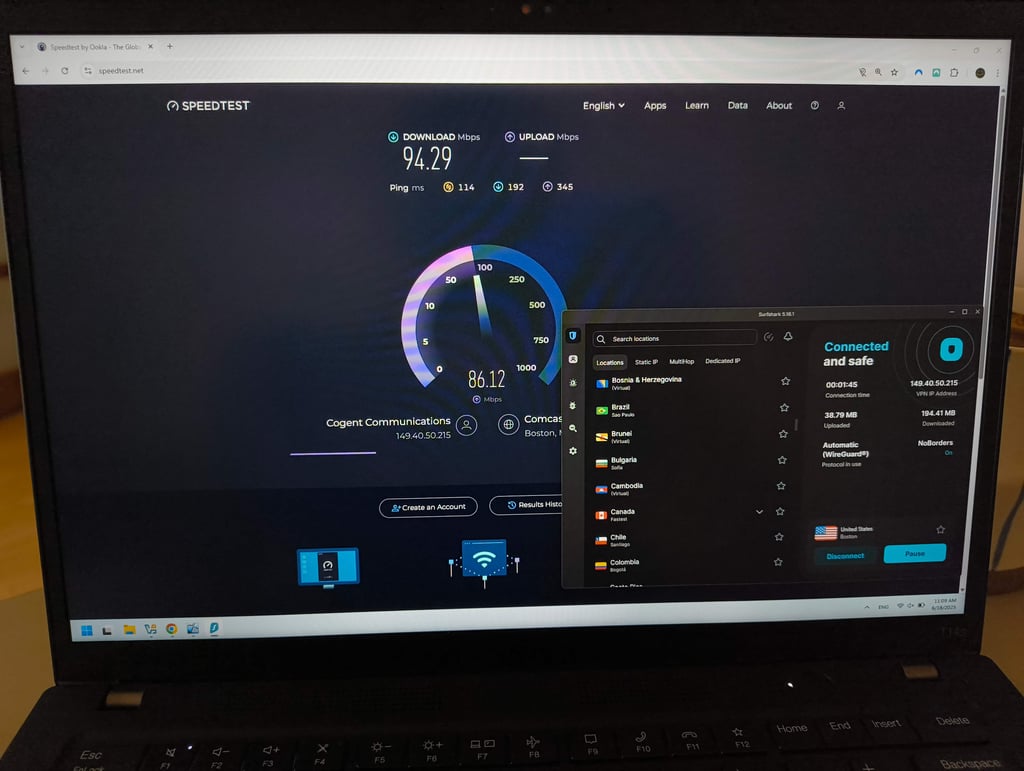
Based on our in-house tests in our Surfshark review, performance was strong overall, with speeds reaching 799Mbps on a US server from a 940 Mbps baseline (85% retention) and 895Mbps on a nearby Sweden server (95% retention). Most locations delivered stable results with only moderate slowdowns, though Australia was a clear outlier, where speeds dropped to 198Mbps (21% retention). Even so, performance across other regions remained consistent, making Surfshark a reliable choice overall.
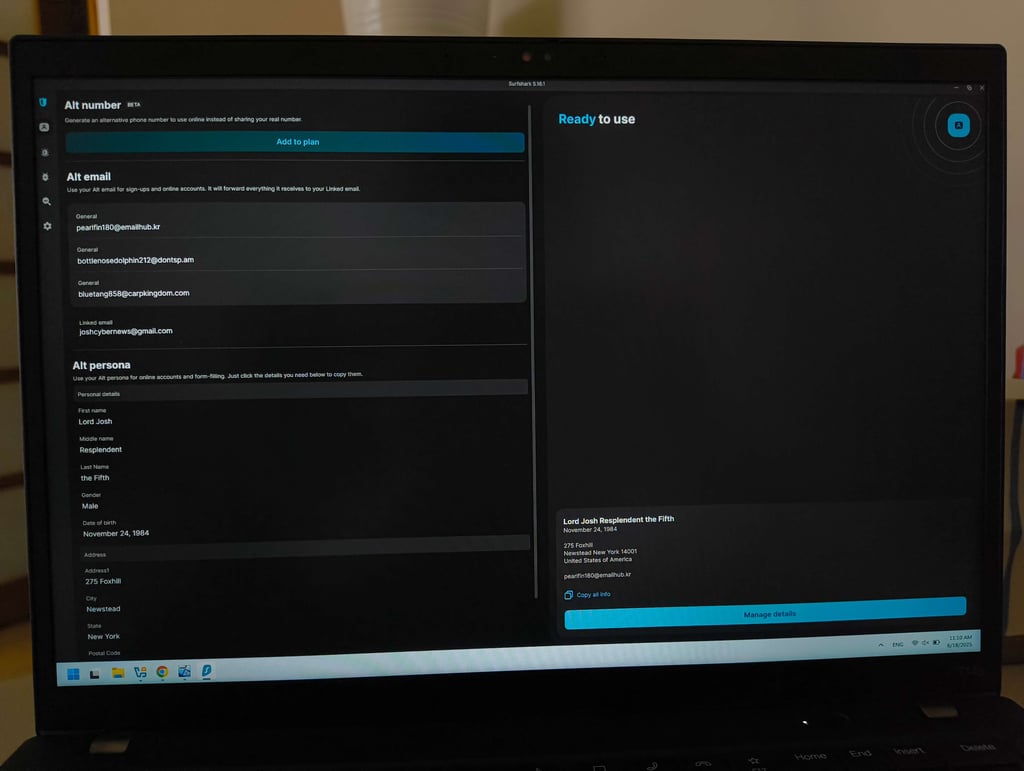
Where Surfshark really separates itself is in features. It goes beyond a typical VPN with tools like built-in antivirus, Alternative ID, and Incogni for data removal. These add-ons work well together to improve privacy from multiple angles. Another standout is split tunneling, which works on both iOS and macOS, and is genuinely useful if you want more control over your traffic. This is surprisingly rare, with IPVanish being the only other provider that offers this feature.
Looking at Surfshark pricing, it’s hard to beat. Starting at $2.49/month, it includes a 7-day free trial and a 30-day money-back guarantee.

3. Proton VPN – top VPN for security and privacy-focused users

-
Privacy and security
-
Performance
-
Value
-
Usability
Reasons to choose Proton VPN
Proton VPN is one of those VPNs I go to for the strongest privacy and security. Based in privacy-friendly Switzerland, it has an audited no-logs policy, open-source apps, Secure Core servers, and stealth protocols. Our Proton VPN review showed that it has one of the strongest privacy infrastructures for those who want more than standard protection.
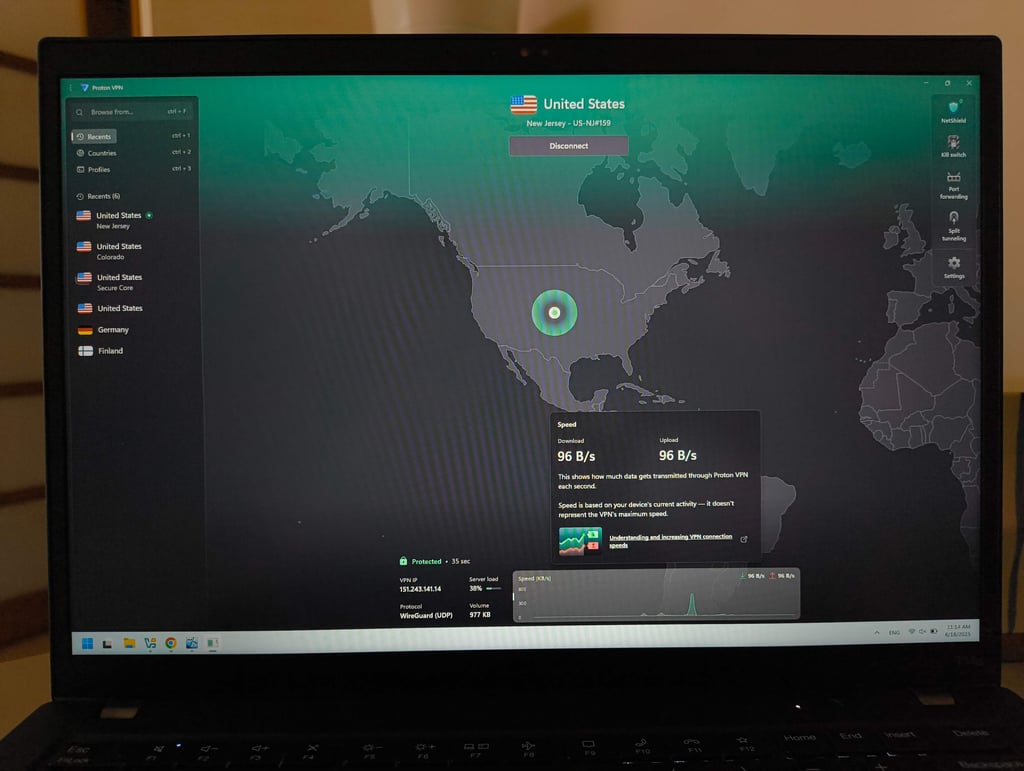
In terms of performance, it maintained an average download speed of around 81% across 11 tested locations, putting it slightly behind NordVPN. On a Swedish server, it maintained 829Mbps out of 940Mbps, an 88% retention rate, while US servers reached 746Mbps. As expected, more distant servers performed worse, with Australia dropping to 509Mbps out of 940Mbps. In terms of performance, it maintained solid speed but was still slightly behind NordVPN. On a Swedish server, it maintained 829Mbps out of 940Mbps, an 88% retention rate, while US servers reached 746Mbps, with a 79% retention. As expected, more distant servers performed worse, with Australia dropping to 509Mbps from 940Mbps (54% retention). A big reason for its consistency is its large server network, with over 20,700 servers in 149 countries. This helps prevent overcrowding and keeps speeds stable.
The provider also works well for streaming, including Netflix (US, UK, and Japan libraries), HBO Max, Amazon Prime Video, and BBC iPlayer. What’s more, it stands out as a strong VPN for torrenting, offering fast download speeds with the port forwarding feature.
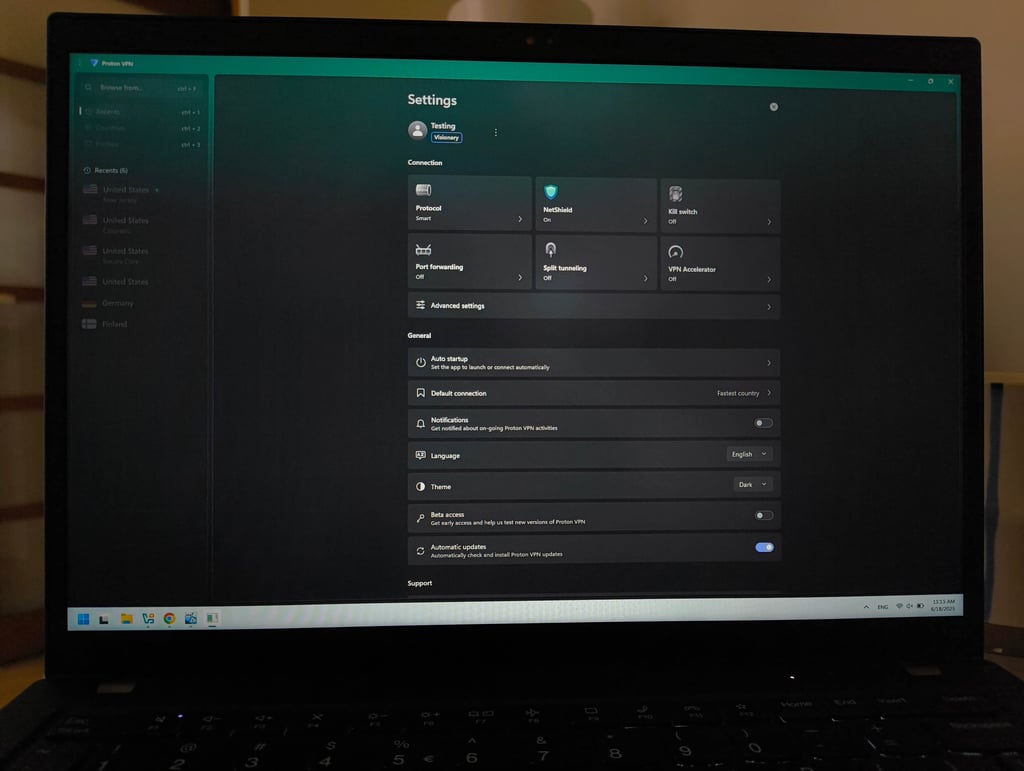
Proton VPN’s pricing starts at $2.99/month, and you can also try it completely free. The free version includes all security features but is limited to 10 server locations.

4. IPVanish – best US-based VPN with solid features and performance

-
Privacy and security
-
Performance
-
Value
-
Usability
Reasons to choose IPVanish
IPVanish is a solid US-based VPN provider if you want something a bit simpler without losing the essentials. It offers a straightforward experience while still giving you a capable VPN service, with access to around 3,400 servers across 112 countries, and unlimited simultaneous connections make it a solid alternative to Surfshark.
In terms of features, IPVanish keeps things fairly lightweight. You get tools like Threat Protection, Secure Browser, and a link checker, which add an extra layer of safety without making the app feel overloaded. Also, IPVanish’s split tunneling feature, like Surfshark’s, works on iOS and macOS, which is rare. As for privacy, it has an audited no-logs policy, but is based in the US, which isn’t ideal from a strict privacy standpoint.
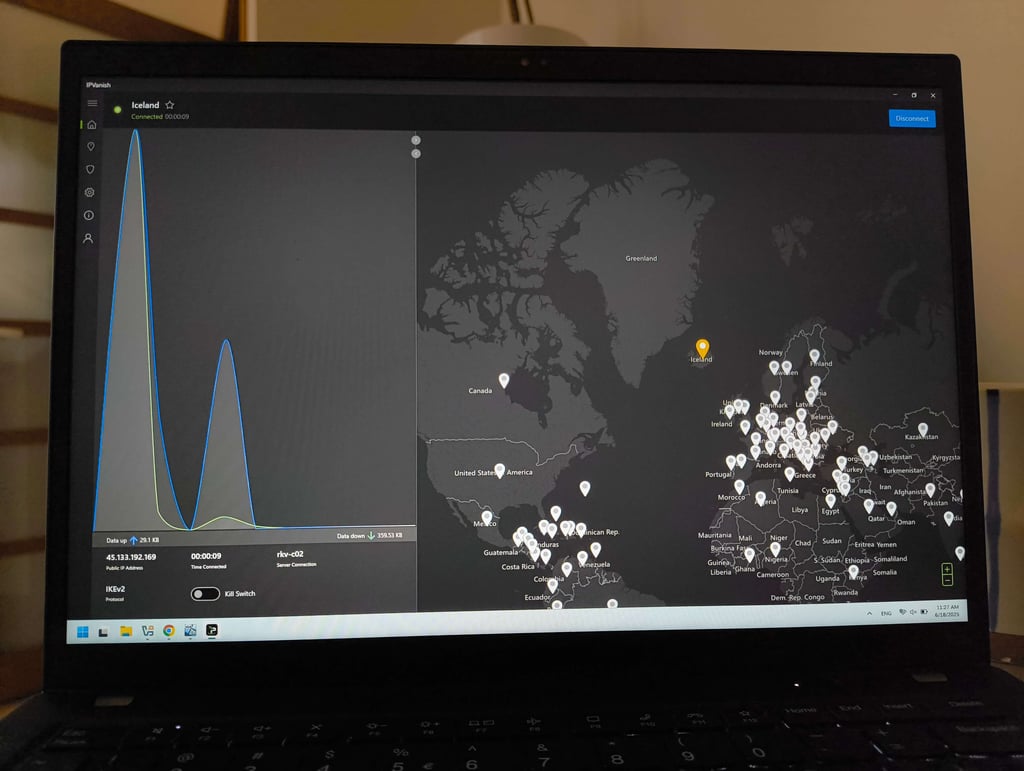
In our IPVanish review, we also tested performance. On a nearby Swedish server, it reached 791 Mbps from a 940 Mbps baseline, maintaining 83% of the original speed. Connections to the US held at 523 Mbps, which equals 56% retention, while the more distant Australia server delivered 549 Mbps, or 58% of the baseline.
I was able to unblock platforms like Disney+, Prime Video, HBO Max, Hulu, and YouTube, though it sometimes required switching servers. Long-distance connections, especially to Japan, were noticeably slower, so it isn’t ideal for region-specific streaming like Netflix Japan.
IPVanish has affordable plans, starting at $2.39/month. You also get a 30-day money-back guarantee and a 7-day free trial, which makes it easy to test risk-free.

5. ExpressVPN – top VPN for ease of use and consistent performance

-
Privacy and security
-
Performance
-
Value
-
Usability
Reasons to choose ExpressVPN
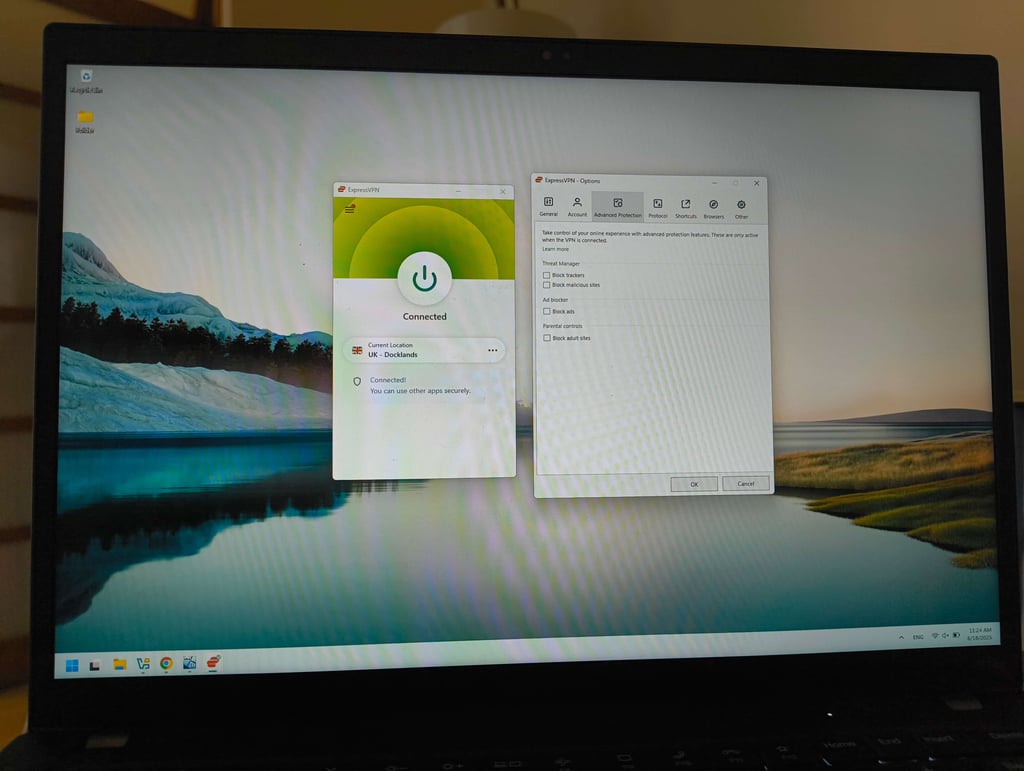
ExpressVPN is an excellent all-around VPN, but it particularly stands out for its ease of use. Its app looks and feels identical on both mobile and desktop, which makes it easy to use across platforms. The interface is also extremely simple, with the main screen featuring just a single connect button.
That said, its simplicity doesn’t come at the cost of performance or features. ExpressVPN includes a Threat Manager for ad and tracker blocking, as well as a password manager. It also uses its proprietary Lightway protocol, designed for improved speed, security, and reliability.
In our ExpressVPN review, Lightway delivered consistently stable performance across locations. On a Swedish server, speeds reached 711Mbps from a 940Mbps baseline, maintaining 76% of the original speed. US servers performed similarly well at 683Mbps, equal to 73% retention, while the Australia connection came in at 531Mbps, or 56% of the baseline.
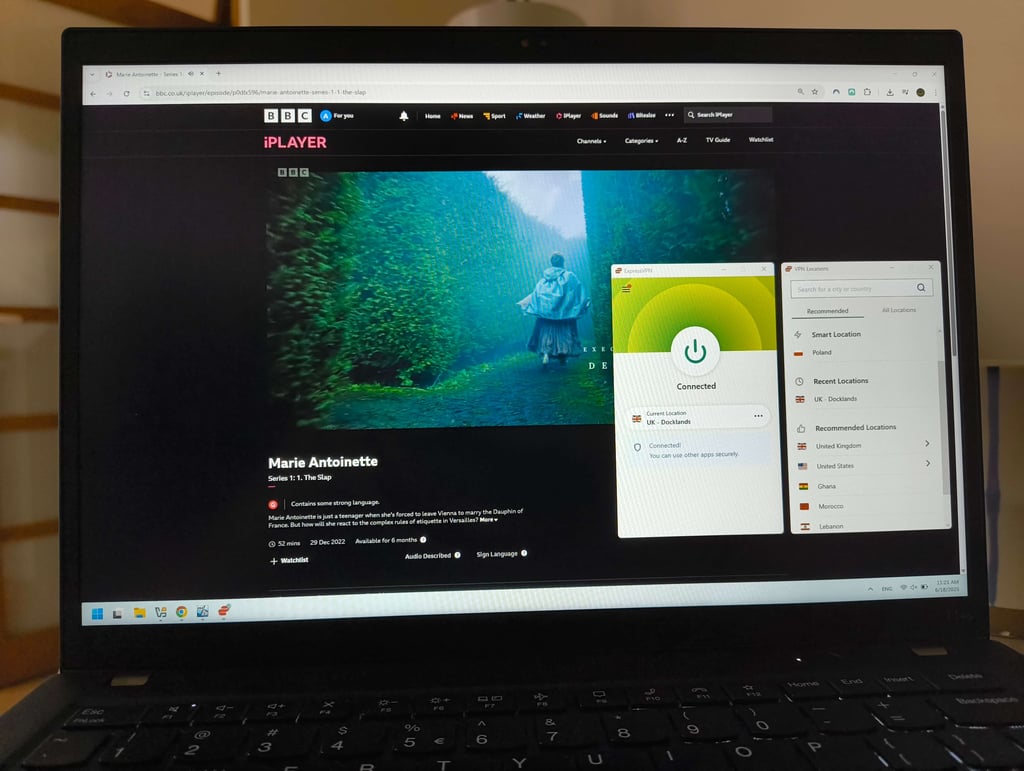
For streaming, ExpressVPN worked reliably. In our tests, it successfully accessed all major platforms, including Netflix (US and UK libraries), Disney+, Prime Video, Hulu, BBC iPlayer, HBO Max, and YouTube. It’s also particularly strong for sports streaming in the States, thanks to servers across all 50 states, making it a solid choice as a US VPN.
Pricing used to be one of ExpressVPN’s biggest drawbacks, but it improved its pricing structure in late 2025, making it more competitive. ExpressVPN pricing now starts at $2.99/month, and there's a 3-day free trial and 30-day money-back guarantee for you to test it out first.
6. CyberGhost – affordable VPN for streaming and gaming

-
Privacy and security
-
Performance
-
Value
-
Usability
Reasons to choose CyberGhost
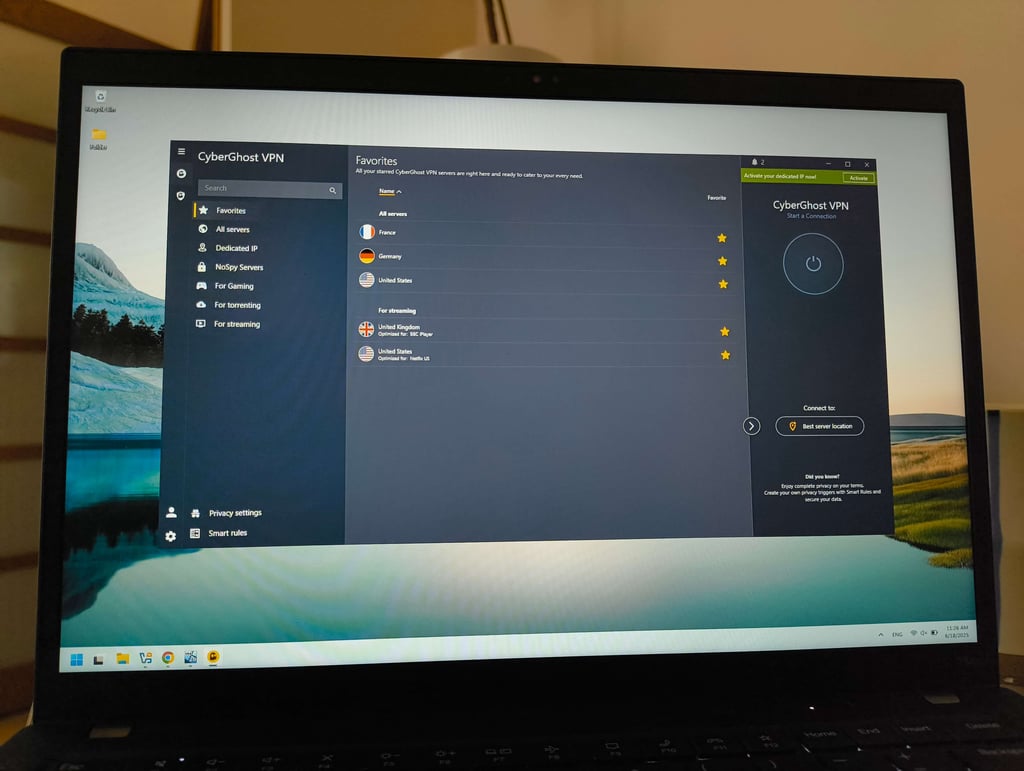
CyberGhost is one of the most user-friendly and affordable VPNs, ideal for beginners and casual users. What also stood out to me was that it combines strong privacy features and offers optimized servers for various activities.
As noted in our CyberGhost review, it has solid security, with Secure encryption protocols, and RAM-only servers.
During my tests, the provider surprised me with its speed. On a US server, speeds dropped to 633Mbps from a 940Mbps baseline, maintaining 67% of the original speed. In Sweden, performance was much stronger at 838Mbps, or 89% retention. The Australian server delivered 425Mbps, equal to 45% of the baseline. The only downside was high ping, which isn’t ideal for gaming.
I tested CyberGhost's streaming capabilities on Netflix, Disney+, and BBC iPlayer, and the quality didn't disappoint. I was able to stream in 4K and HD without any buffering.
The apps were easy to use and connect, with clear settings. It offers apps for the most popular platforms, like macOS, iOS, Windows, Android, and Linux. That said, if you need a VPN for Apple TV, I'd advise against CyberGhost, as it doesn't offer an app for this device yet.
CyberGhost has one plan that covers all features. It starts at only $1.75/month, making it just as affordable as Surfshark. Also, it offers a generous 45-day money-back guarantee.

7. PureVPN – reliable all-in-one VPN solution

-
Privacy and security
-
Performance
-
Value
-
Usability
Reasons to choose PureVPN
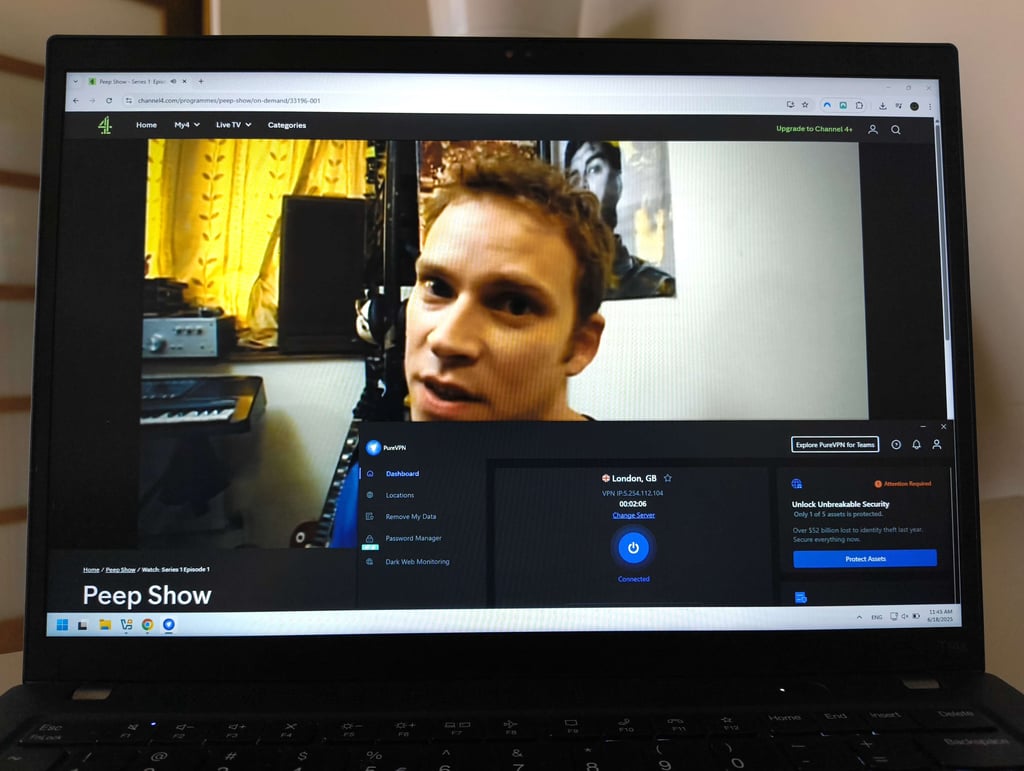
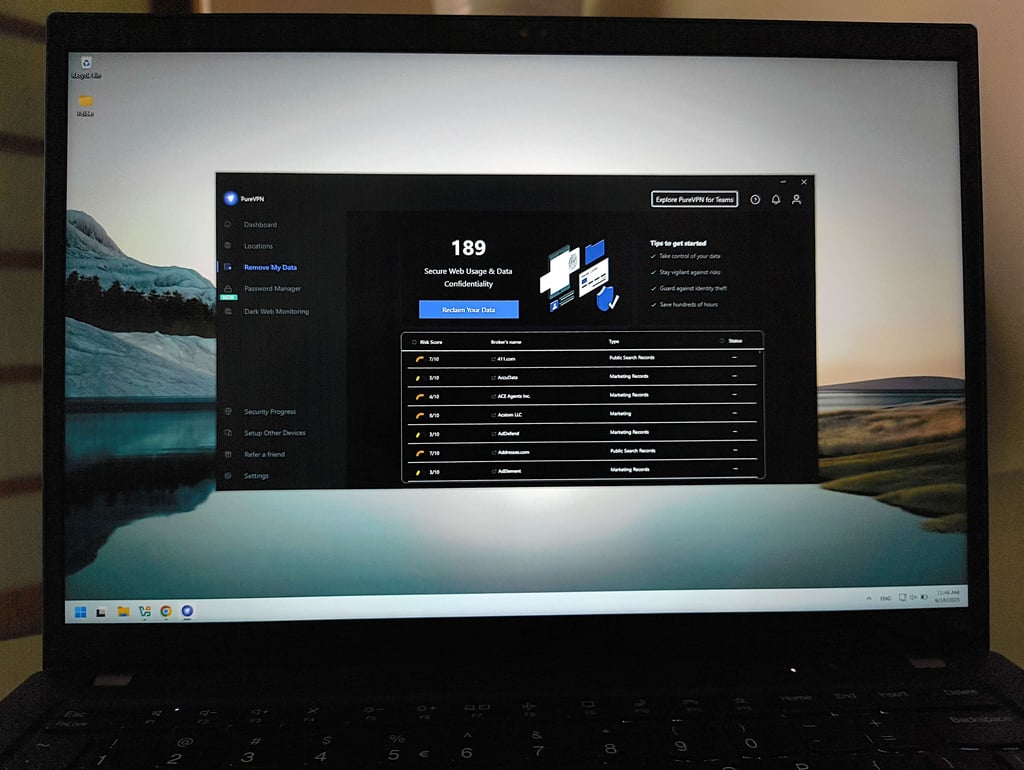
PureVPN is a privacy-focused VPN that offers strong security features at a competitive price. It supports all major platforms and provides access to over 6,000 servers across 65 countries. Additionally, it’s one of the very few VPNs that offer port forwarding.
PureVPN doesn’t stand out for its speed, but it still delivered solid results. It retained 81% of baseline speed on nearby Swedish servers. On longer-distance connections such as the US, speeds dropped to 76%, and on Australian servers, they fell to 65%. Even so, performance was still fast enough for HD streaming on Netflix and other services with minimal buffering.
To see how easy it is to use on various devices, I reviewed PureVPN on Windows, macOS, Linux, Android, iOS, and tvOS. I liked the simplicity of the apps and appreciated the Linux GUI.
What makes PureVPN different is its always-on audit policy. A trusted firm called KPMG can check it at any time, even without notice. However, I wish PureVPN was more transparent. It says it passed no-logs audits, but it does not share who did them or the reports of results.
PureVPN pricing is average. Starting at $1.99/month, you can get a VPN and tracker blocker. While there’s no free trial, PureVPN has a 31-day money-back guarantee.

8. Norton VPN – user-friendly VPN with cybersecurity extras

-
Privacy and security
-
Performance
-
Value
-
Usability
Reasons to choose Norton VPN
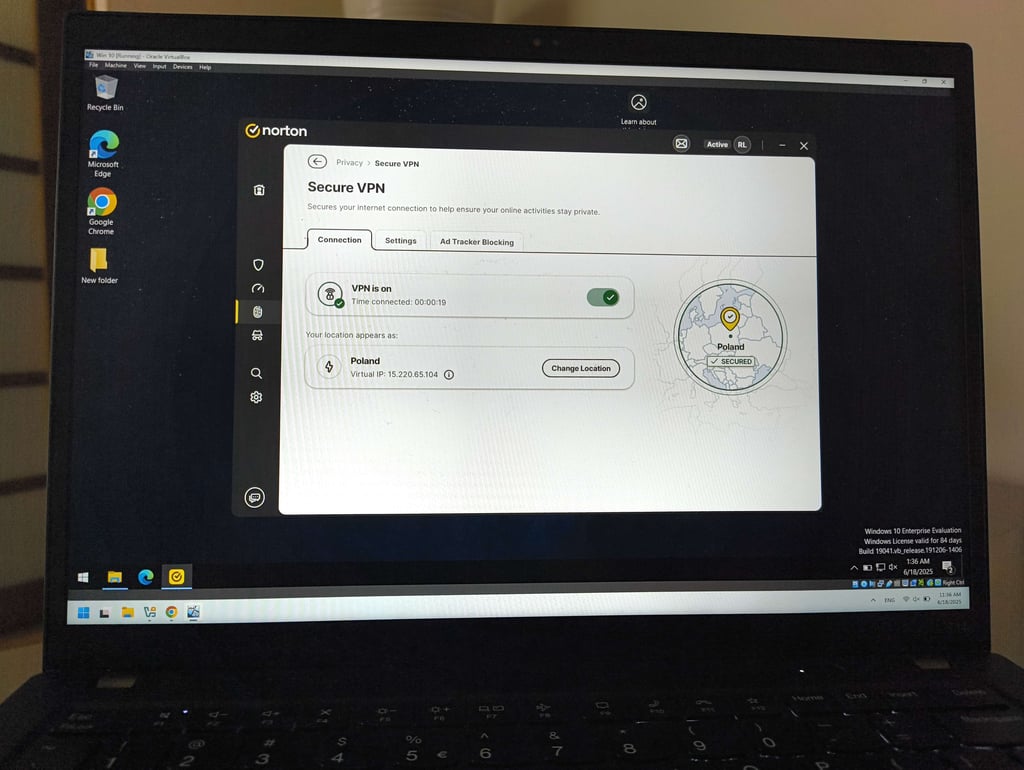
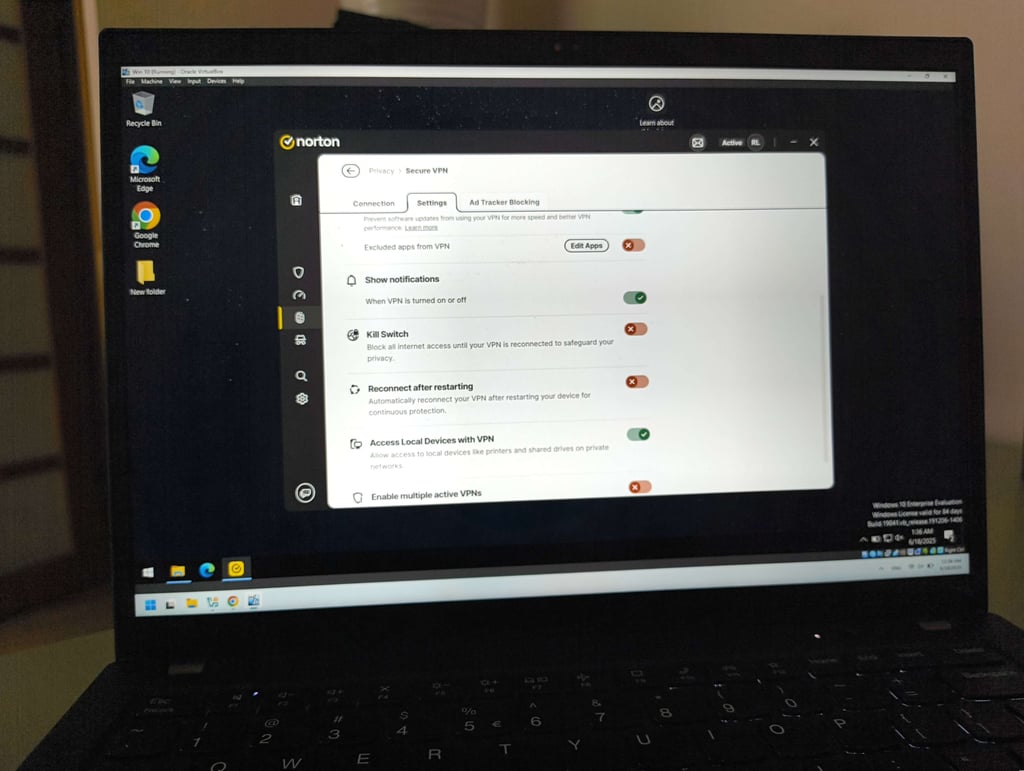
Norton VPN is part of the Norton security suite, one of the few VPNs bundled with an antivirus. It follows a no-logs policy and includes extras like a built-in ad and tracker blocker.
I see Norton VPN as a great choice for those who are in the market not only for a VPN but also for antivirus. It's a combination for security that's hard to beat.
As expected, Norton VPN isn’t the fastest option on my list. In our Norton VPN review, speeds on a nearby server in Sweden held at 51% of baseline, while connections to the US dropped to 38%, and to Australia fell further to 28%.
From my experience, I also wouldn’t recommend it for streaming. It took several attempts to unblock Netflix, BBC iPlayer, HBO Max, and YouTube TV.
Where Norton VPN makes up its apps. All of them are user-friendly and allow you to connect to the best server in seconds. I also appreciated the cohesive interface design across both PC and mobile devices.
Norton VPN costs from $3.33/month. Given that you get a VPN and an antivirus in one, the price is really good.

9. TotalVPN – VPN bundled with a leading antivirus

-
Privacy and security
-
Performance
-
Value
-
Usability
Reasons to choose TotalVPN
TotalVPN is a budget-friendly VPN that also doubles as an antivirus solution, bundling extras like Total AdBlock and TotalAV. While its features are fairly basic compared to premium providers such as Norton VPN, it’s a very affordable option that still delivers solid global coverage and supports key use cases like streaming, torrenting, and gaming.
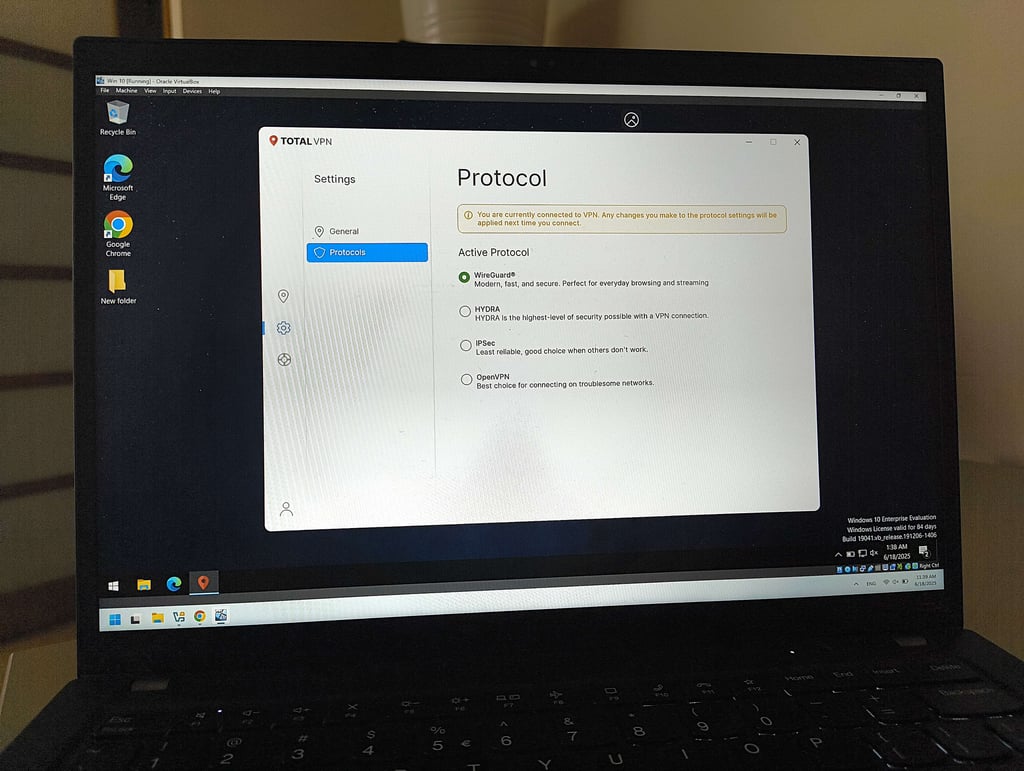
TotalVPN uses AES-256 to encrypt your data and claims a strict no-logs policy. The issue is that it hasn’t undergone any independent audits to support this claim. Also, our TotalVPN review noted that it doesn’t run on RAM servers to keep your data private.
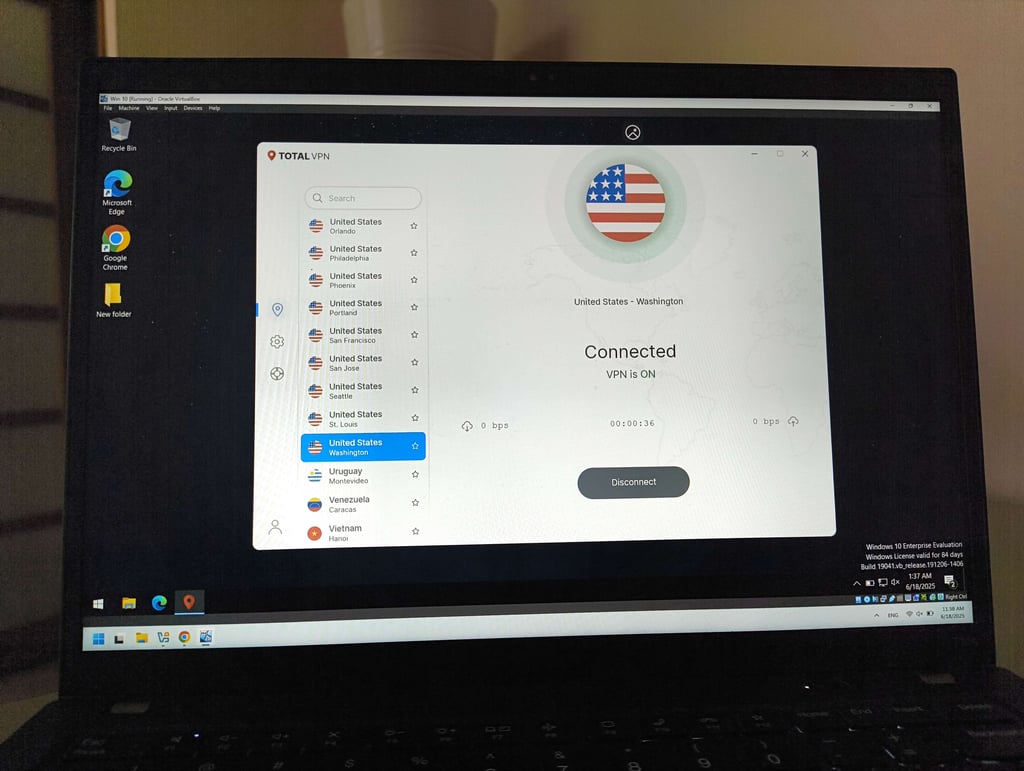
TotalVPN speeds were decent. In my tests, speeds to the US held up at 75% of the baseline, while speeds to Australia were slightly lower at 74%.
When I used TotalVPN to unlock streaming services, it showed mixed results. YouTube loaded fine. But other services, like Disney+ and BBC iPlayer, I couldn’t access at all. I also noticed that TotalVPN has 1,800+ servers in 90 countries – the lowest number on my list.
What I did like about TotalVPN was its apps. They were simple and identical across devices. I found all the settings easy to find, though the overall feel was pretty basic.
TotalVPN stood out with its pricing. It costs only $1.59/month. While there’s no free trial, there’s a 30-day money-back guarantee for testing.
10. Bitdefender VPN – trustworthy VPN from a leading antivirus

-
Privacy and security
-
Performance
-
Value
-
Usability
Reasons to choose Bitdefender VPN
Bitdefender VPN offers a solid and secure experience. Part of Bitdefender’s antivirus suite, it offers strong security and good speeds. It's a good option for extra online privacy.
Bitdefender VPN offers decent privacy. Also, it had its first no-logs policy audit in 2025. However, it doesn’t run on RAM servers and gives no details about which company ran the audit. This lack of transparency makes me disappointed.
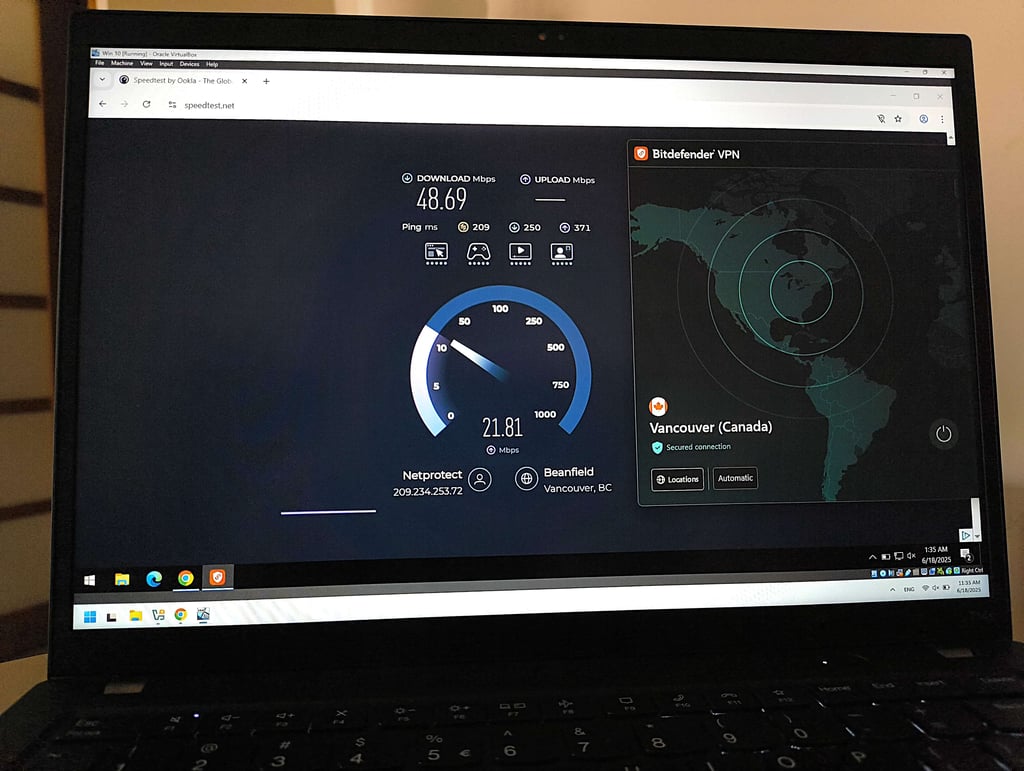
On the bright side, its speed pleasantly surprised me. While using Bitdefender VPN, I experienced fast speeds and low ping, with no noticeable lag during gaming. On a Swedish server, speeds held at 95% of the baseline, while US servers had 76% retention. In Australia, the retention rate dropped to 64%.
In our Bitdefender VPN review, it did a good job unblocking streaming services. I was able to access all my favorite streaming platforms from the US and UK Netflix to Hulu and BBC iPlayer. I wasn't able to watch Netflix Japan only.
I tested Bitdefender VPN on Windows, macOS, Android, and iOS. The interface felt modern and easy to navigate. However, it’s not supported on Linux, Apple TV, and doesn’t have a Smart DNS feature.
Bitdefender VPN starts at $2.50/month and has a 30-day money-back guarantee. There’s also a 7-day free trial.

Choosing the most secure VPN provider to meet your needs
With cyberthreats becoming more sophisticated, choosing a secure VPN is more crucial than ever. A VPN can protect you from data breaches, ISP tracking, and cyberattacks, especially on unsecured public Wi-Fi. Without strong security measures, your personal data could fall into the hands of cybercriminals, advertisers, or even governments.
The most secure VPNs combine multiple layers of protection. At a minimum, they should offer AES-256 or ChaCha20 encryption, a kill switch, DNS, and IPv6 leak protection. These features are essential when it comes to safeguarding your online activity. Sadly, many providers still fall short – some even misuse user bandwidth or fail to encrypt data properly, as was the case with Hola VPN.
There are many different VPN protocols, but not all of them can be deemed secure. Modern VPNs prioritize WireGuard for its combination of speed and security. OpenVPN is another widely used and trusted protocol. Others, like NordVPN and ExpressVPN, have developed secure proprietary protocols (NordLynx and Lightway) that further enhance privacy and performance.
Equally important is the provider’s privacy policy. The best VPNs uphold a strict no-logs policy, which should be independently audited to confirm its credibility. Where the VPN is based also matters – jurisdictions like Panama or Switzerland are preferred over those in data-sharing alliances like Five Eyes.
To find the most secure VPN, look for providers that combine best-in-class encryption, up-to-date protocols, independently verified no-logs policies, and a privacy-friendly jurisdiction.
What even is a VPN, and do I need it?
In fancy terms, a virtual private network (VPN) encrypts your internet connection and routes it through a secure server. This scrambles your data with encryption algorithms like AES-256 or ChaCha20 and replaces your IP address with one from the VPN server, keeping your activity private. Normally, your ISP or even a cybercriminal can trace you online because your IP address is always visible. With a VPN, your traffic is encrypted and your real IP address is hidden, making it much harder to track you. Simply put, a VPN encrypts your traffic and gives you a new IP address, helping you stay safe online.
So, how do you know if you need one? Well, a VPN has quite a few benefits and use cases. For example, have you ever tried to watch a movie on Netflix only to find it’s not available in your region? Or wanted to stream a sports event that’s blocked in your state? Do you often connect to public Wi-Fi in places like cafes or airports? Or do you just feel unsafe online at times? If you answered “yes” to any of these, then you’ll benefit from a VPN. It not only protects you online but also gives you access to more content.
How to choose the best VPN for you
Are VPNs legal?
Yes, using a VPN is legal in most countries, such as the US, the UK, and the European region. These countries usually allow the us of VPNs to protect your privacy. However, in other countries, like Iraq and Belarus, VPN usage is illegal.
Before using a VPN, ensure that it’s permitted where you’re based and research the local laws. Also, keep in mind that while using a VPN is legal in some countries, certain activities performed while using one may be illegal.
You should avoid activities like:
- Pirating copyrighted content
- Buying and selling on dark web marketplaces
- Cyberbullying
Video review
If you’d like a more visually stimulating review of the best VPN services in 2026, consider visiting our YouTube channel. You’ll see the top 4 VPN providers in action while hearing detailed commentary about their essential features.
Final verdict
VPNs are essential tools for improving privacy online and accessing geo-blocked content. Based on my detailed testing, NordVPN stood out as the best VPN in 2026. It ticked all the boxes: large server network, great access to streaming platforms, consistently high speeds, and advanced security features.
Yet, other VPNs on my list also make great choices. NordVPN can be a great choice for you if you want a balance between security and performance. However, if you look for a VPN for a larger household, Surfshark might be a better option.
FAQ
Can VPNs be trusted?
Yes, VPNs can be trusted. However, there are several factors that determine if a VPN is trustworthy: a transparent privacy policy, third-party audits, it doesn’t collect and store your browsing activity, and has no history of sharing customer data with governments without their consent.
Which VPN is the best free VPN?
Proton VPN is the best free VPN, offering strong encryption and an audited no-logs policy. However, its free plan is limited to a few server locations and fewer features. If you want to test a vpn, I recommend utilizing free VPN trials instead.
Do VPNs keep logs of my activities?
No, most VPNs don’t keep any user activity logs. Audits conducted by independent third parties usually confirm this. However, free VPNs and premium providers without any independent audits shouldn’t be trusted completely.
How does a VPN improve my online security?
A VPN encrypts your online traffic, hiding it from unwanted eyes and masks your IP address and location, which improves your online anonymity. A quality VPN protects your connection from man-in-the-middle attacks, which may happen when connected to insecure public Wi-Fi networks.
Can I be traced if I use a VPN?
No, you can’t be traced while using a VPN. Connecting to a VPN server encrypts your traffic and masks your IP address, making it impossible for your ISP and other threat actors to identify you.