Sintra AI review 2026: my personal experience
Being behind major reports like The Mother of All Breaches and RockYou2024, our in-house cybersecurity experts and journalists provide unbiased, real-world testing and in-depth analysis.
We maintain complete transparency by openly sharing our testing methodologies with our audience.
Learn more

AI has taken the workplace by storm, transforming how we plan, write, and get things done. From automating manual tasks to brainstorming ideas, AI chatbots like ChatGPT are now standard in most workplaces. Sintra AI takes it further and introduces AI employees, which are personalized large language models (LLMs) trained to act like your coworkers.
These AI assistants learn from thousands of data points from actual professionals and come with clearly defined roles, such as copywriter, sales manager, or customer support specialist. But is it really worth bringing these AI employees into your daily workflow?
Working closely with our research team, I explored everything this tool has to offer. In this Sintra AI review, I walk you through the platform’s core features, its strengths and weaknesses, and offer tips on how to make the most of it in 2026. And if you decide to try it, don’t forget to use the coupon code CYBERNEWS70 at checkout – it gives you 70% off your subscription.
Quick overview of Sintra AI
| Overall rating: |
|
| Brief description: | Sintra AI offers AI assistants that integrate deeply into your workflow and act as employees |
| Pricing: | From $15.60/month (individual assistant), $97.00/month (all 12 assistants) |
| Best for: | Founders, early-stage startups, small businesses, sales teams, consultants, freelancers, and agency owners |
What is Sintra AI
Sintra AI automates multiple business roles with the help of 12 virtual AI assistants. It’s like having your own team of AI co-workers where each has been assigned a name, a role, and a job to do. So, instead of one generic AI, you get a playful cast of AI characters working behind the scenes.
For example, Soshie, one of Sintra AI's assistants, is a social media manager who can curate your social media, suggest improvements for your content strategy, respond to comments, design visuals, and spot viral trends. All of this is done without any human intervention. Other AI assistants focus on marketing, data analysis, and customer support automation.
You can use Sintra AI for lead generation, content creation, email outreach, administrative tasks, and social media management. ItsAI assistants act as your AI employees in over 100 languages, including English and Spanish, and offer over 90 built-in AI tools.
How does Sintra AI work
Sintra AI helpers are powered by advanced language models: GPT-4.1 and Claude 4 Sonnet for text-based tasks, and Gemini 2.5 Flash Image, gpt-image-1, and Flux Kontext for image generation.
These AI assistants act as personalized employees for your business, each with its own name, industry-specific knowledge, visual appearance, and color palette for easy identification. They become more effective as they learn about your business through Brain AI profiles, allowing them to automatically use your brand name, facts, files, or information from uploaded web pages.
Sintra AI offers integration possibilities with various platforms and applications. For instance, it supports integrations with Gmail, Instagram, and Notion, enabling easy automation of tasks across different tools.
Moreover, Sintra AI offers you an option to create custom agents and automations. Users can build their own AI agents for a variety of tasks, using pre-built templates and a wide range of integrations to automate workflows.
Key features of Sintra AI
Now, let’s jump into the most important part of my Sintra AI review: the key features. In this section, I highlight the most useful features that help it take the lead in the AI employees industry.
AI-powered digital assistants
As I highlighted before, Sintra AI's main unique product offering is its broad suite of gamified AI assistant characters. There are 12 different assistants that act as your virtual teammates in a specific job.
| Character name | Role | Function |
| Buddy | Business developer | Consults you on your business, generates new business strategies, and analyzes competitors |
| Cassie | Customer support | Sorts customer inquiries 24/7, improves response times and customer satisfaction |
| Comet | eCommerce manager | Writes converting landing pages, creates product descriptions, and gathers customer testimonials |
| Dexter | Data analyst | Analyzes market trends, predicts customer behavior, and improves budget allocation |
| Gigi | Personal coach | Plans your meals, assists with your studies, organizes your workouts, and motivates you |
| Emmie | Email manager | Creates welcome emails, builds abandoned cart email flow strategies, and organizes your email campaigns |
| Milli | Sales manager | Generates call scripts, drafts cold emails, and advises on negotiation strategies |
| Penn | Copywriter | Writes Facebook ads, scripts video ads, and composes email newsletters |
| Scouty | Recruiter | Screens your resumes, generates outreach emails, and plans interviews |
| Seomi | SEO specialist | Writes SEO blog posts, conducts SEO audits, and researches keywords |
| Soshie | Social media manager | Crafts social media posts, designs social profiles, and discovers new trends |
| Vizzi | Virtual assistant | Manages all visual needs, plans business trips, and facilitates project management |
Each of these AI-powered digital assistants specializes in a different job. They help you eliminate repetitive tasks, boost your productivity, and focus on more strategic decisions in your company. For example, Cassie focuses on customer support, offering a quick resolution of any issues and handling customer queries. This assistant helps you save time and work on more critical tasks..
Power-ups
Another feature is the Sintra AI power-ups. The library contains over 90 AI tools designed to automate creativity and productivity in your everyday work. In other words, they’re ready-made and tested tools for many tasks and automation in virtually any area. Power-ups can help you achieve specific outcomes, write content, solve problems quickly, brainstorm ideas, and streamline tasks.
With power-ups, you can implement advanced AI solutions in data analysis, customer support, and content creation without any coding experience or designing the requests yourself. Simply choose the task you need to complete, fill out a few details, and get results in seconds.
For example, your business needs a new landing page. Choose the Landing Page Generator Power-Up, share some key info, and it will generate you an attractive landing page. The power-up is already instructed to use best practices for landing page conversions, design directions, and core information on your business, like the tone of voice and style.
15 most popular Sintra AI power-ups
Sintra AI offers over 90 specialized power-ups. They’re micro-tools that can automate specific tasks with minimal input. I found that these tools are like boosters of Sintra’s AI Helpers capabilities. I selected the 15 most popular power-ups to explain how they can assist you:
- Cold email generator: creates personalized cold emails to engage with potential clients
- LinkedIn Nuke: creates professional LinkedIn posts to maintain an active online presence
- Landing page writer: builds high-converting landing pages customized to your brand and audience
- Product description writer: comes up with compelling product descriptions to strengthen eCommerce listings
- SEO blog writer: produces SEO-optimized blog content to improve search engine rankings
- Customer chat responder: drafts professional and empathetic responses to customer inquiries
- Content email generator: designs automated emails for marketing campaigns and customer engagement
- Abandoned cart email generator: creates follow-up emails to recover lost sales from abandoned shopping carts
- Social media strategy: creates content calendar for various social media platforms
- Image upscaler: optimizes image quality by increasing resolution without loss of clarity
- Employee onboard: creates a customized onboarding plan for each joining employee
- Sales contract generator: assembles a clear and legally binding sales contract for your customer
- Financial reporter: generates a comprehensive financial report based on your PDF financials
- Budget planner: assists in creating detailed budgets for projects or departments
- FAQ generator: generates comprehensive FAQ sections to address common user questions
Brain AI
Thanks to Sintra AI’s advanced Brain AI, you can have your digital business brain that adapts to your goals. More precisely, Brain AI stores all of your everyday documentation, like text, webpages, emails, and files, to create a vast knowledge base accessible to the AI assistants.
What makes it stand out is its ability to adapt. In other words, Brain AI learns and develops through your daily interactions and personalized questions. As it knows about your business and its goals, it can help you make more informed decisions, leading to automating your daily workflow.
Smart automations
Sintra AI is constantly automating your business workflows. It automates repetitive tasks, such as data entry and customer support, with the help of its power-ups and AI employees. Considering how easy they are to set up, I was pleasantly surprised by how powerful their automation features were during my testing. I used them as follows, and you can too:
- Automation of routine tasks. Sintra takes care of routine tasks, from organizing notes and writing reports to creating weekly summaries. It's like giving a trustworthy assistant the busywork so you can concentrate on more important objectives.
- Customer support automation. I was also able to quickly produce intelligent answers to frequently asked questions using Power-Ups like the support reply builder. This is a huge time-saver if you're working alone or with a small team.
- Content scheduling and planning. I created and scheduled social media posts automatically using Sintra. Its caption and idea generators helped me maintain consistency in my content and were surprisingly in line with current trends.
- Data and info processing. Do you need to condense a lengthy email thread or highlight important points in a document? That’seasily handled by Sintra. In my daily workflow, it even arranged tasks that were taken from emails.
- Simplified workflow support. Although Sintra doesn't provide sophisticated multi-app automation like Zapier, it helped to maintain my internal processes by creating budget templates, email sequences, and proposals.
All of this is crucial for your strategic decisions, as thanks to the automations, you can focus on more important things that require more effort.
Benefits of using Sintra AI as a salesman or business owner
I found Sintra AI to be a genuine help in keeping things under control because I'm always juggling emails, leads, and follow-ups. So, if you’re a salesman or own a business, you might come across many pros of this AI tool. The main benefits that caught my attention were:
- Saves your time and reduces errors. Sintra's assistants easily completed tasks that used to take up a lot of my time: creating product descriptions, responding to routine client inquiries, or creating social media posts. This automation also reduces human error.
- Increases efficiency. Sintra takes care of your follow-ups and urgent inquiries, which used to happen more frequently than I'd like. This is thanks to its automations and scheduled responses.
- Organizes your workflow. This AI tool puts emails, tasks, and notes in one location. I wasn't searching through inboxes or switching between apps to find what I needed.
- Empowers you to make data-driven decisions. I was able to access real-time analytics that enabled me to make informed decisions, thereby optimizing sales strategies and outcomes.
Sintra AI can really be the backup team you need if you're a salesperson or business owner struggling to take on multiple roles.
Drawbacks of Sintra AI
While Sintra AI offers plenty of perks, it’s not without its downsides. Here are the main drawbacks I noticed:
- Limited integrations. Sintra connects with core platforms, but its integration ecosystem isn’t as developed as some more mature tools. Advanced connections with CRMs, Zapier, or specialized project management software are either missing or clunky, which can make it harder for larger teams to fully adopt.
- No native video support. For teams that rely on multimedia, this is a noticeable gap. You can’t embed, process, or generate video content directly in Sintra, meaning you’ll need to juggle external tools instead of managing everything in one place.
- Steep power-up learning curve. Sintra’s power-ups unlock dozens of specialized abilities, but with over 90 options available, it can feel overwhelming for new users. Without guided onboarding or recommendations, it’s easy to get lost in the sheer number of features.
- Higher price point. At $97.00/month for the full Sintra X suite, the price is higher than many competing AI tools. Without a free trial, startups, freelancers, or budget-conscious teams might hesitate to commit financially before knowing if Sintra truly fits their workflow.
Sintra AI pricing and plans
Now that you’re more familiar with Sintra AI and its capabilities, it’s time to learn more about its pricing and plans. As this is often the deal breaker for some users, I decided to delve deeper and help you understand this platform's pricing structure.
Simply put, Sintra AI has two pricing options. The first and most straightforward one is the Individual plan, meaning you can pick only one of the AI assistants. The other option is Sintra X, which has all the assistants in a bundle. Before I go more in-depth, let’s check out the pricing table I’ve prepared:
| Sintra AI plan | Price | AI assistants available |
| Individual | $15.60/month | 1 AI assistant of choice |
| Sintra X | $97.00/month | All 12 AI assistants |
These pricing options have a few differences. The first and most evident one is the monthly cost. You’ll need to pay $39.00/month for a single Sintra AI assistant, while the Sintra X plan gives you access to all 12 Sintra AI bots for $97.00/month.
Aside from this, Sintra X includes over 90 power-ups for one-click work, all Brain AI features, and the ability to complete tasks in over 100 languages. Unfortunately, these features are not available for Individual plans.
If you’re considering subscribing, be sure to apply the coupon code CN65 at checkout. It takes 70% off your plan, making either option much more affordable.
Sintra AI: user experience
To give you unbiased and accurate information, I’ve reviewed multiple Sintra AI reviews from sources like Reddit and Trustpilot. Based on my research, I found that users have mixed experiences with the platform.
Reddit users report issues with accessing the platform after they make a purchase, unresponsive customer support, and significant differences between advertised features and the actual functionality of Sintra AI.
Compared to Reddit users' not-so-positive experience, Sintra AI has a 4.6-star rating on Trustpilot. Most users were very satisfied with the functionality of Sintra AI, claiming it’s very easy to use and works as advertised. They’re also pretty happy with the helpfulness of the AI assistants.
Overall, I’d say that Sintra AI gets the job done. That said, it’s still a relatively young platform, launched in 2023, so it’s no surprise that some features feel a bit rough around the edges. The good news is that the team behind Sintra is actively rolling out updates and improvements, so many of these gaps are likely to be addressed as the platform continues to grow.
How to use Sintra AI
In my experience testing the tool, I found it more user-friendly and intuitive than many competitors. In this sense, Sintra AI lives up to one of its main selling points: it’s truly easy to pick up for non-tech users. The onboarding process is intuitive with clear questions and flow. Here’s how to get started and what to expect when you just start using Sintra AI:
-
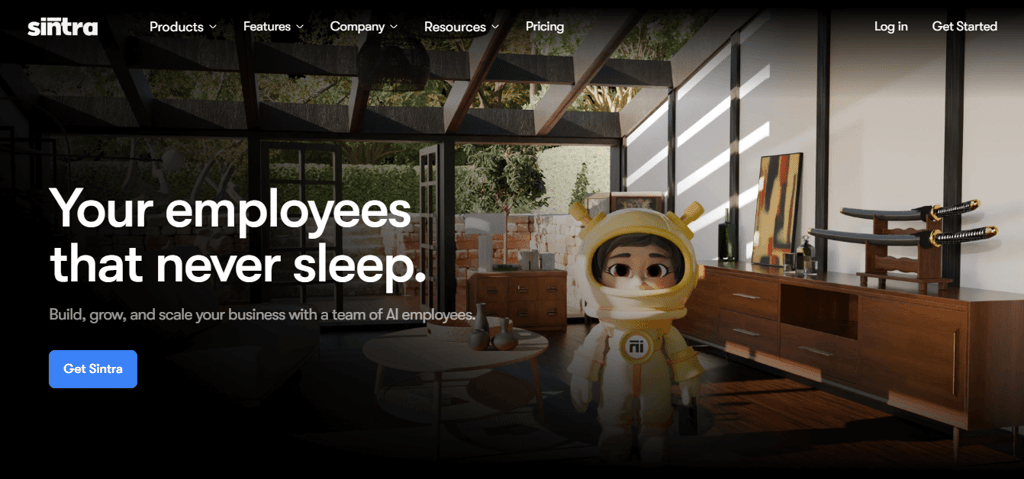
Open the official Sintra AI website and click Get Sintra or Get Started
-
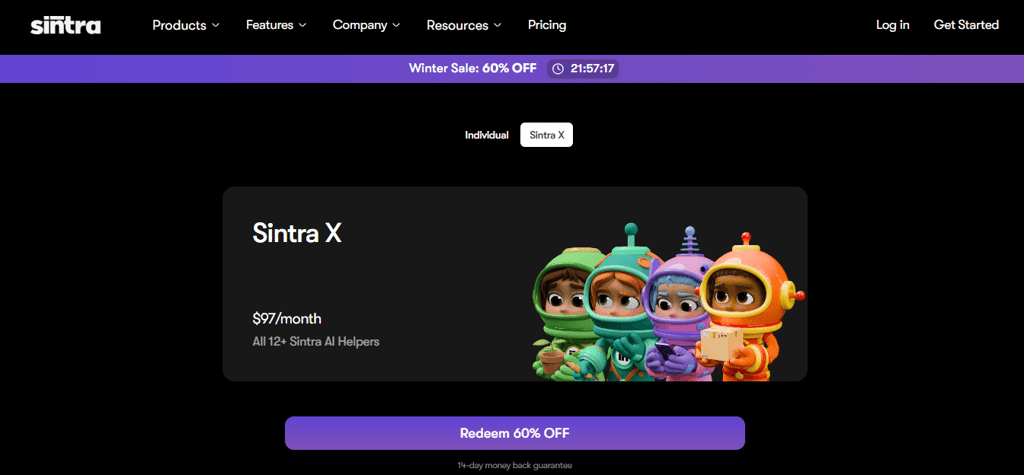
You’ll be automatically taken to the pricing page, where you need to select your preferred plan: Individual or Sintra X
-
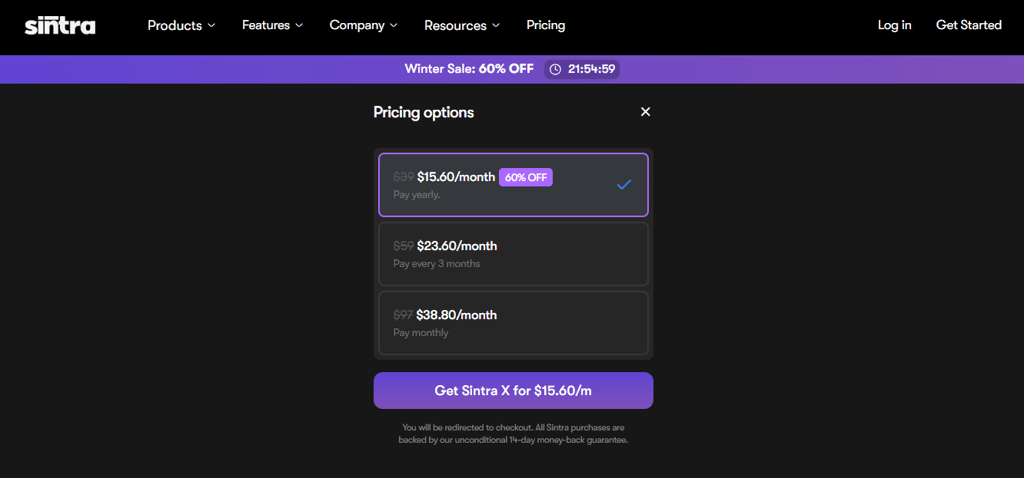
Once you select your plan, click on Get Sintra X or whatever plan you’ve chosen
-
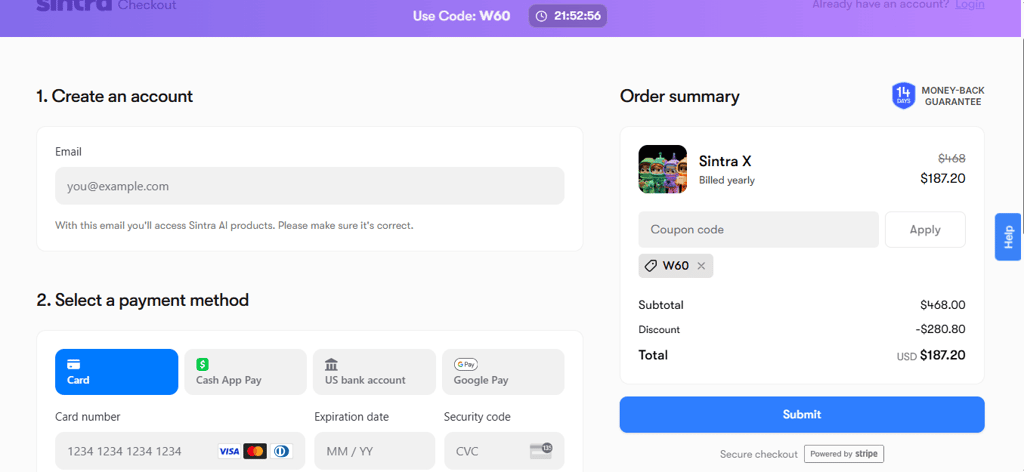
Provide the necessary details, type the coupon code if you have one, and click on Submit
-
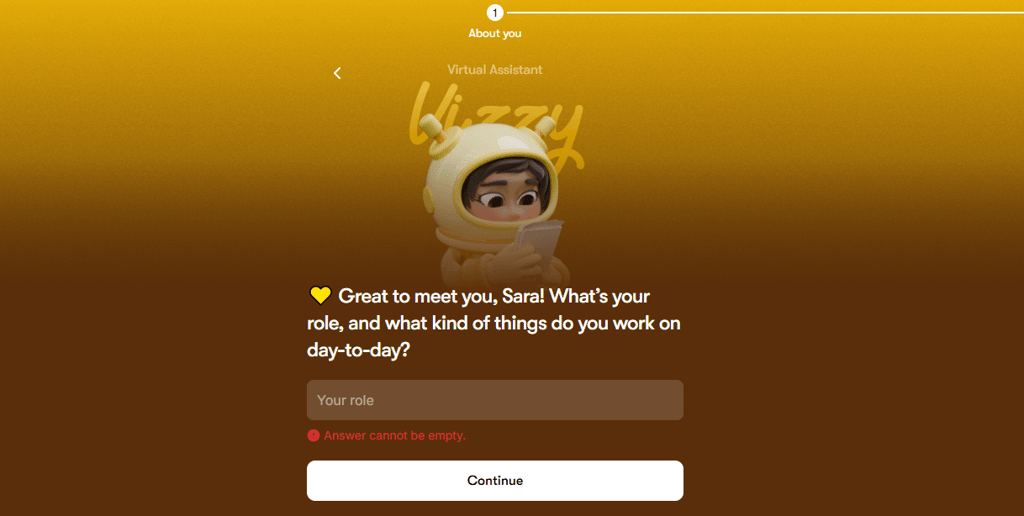
Enter your name and answer some questions about your role at work
-
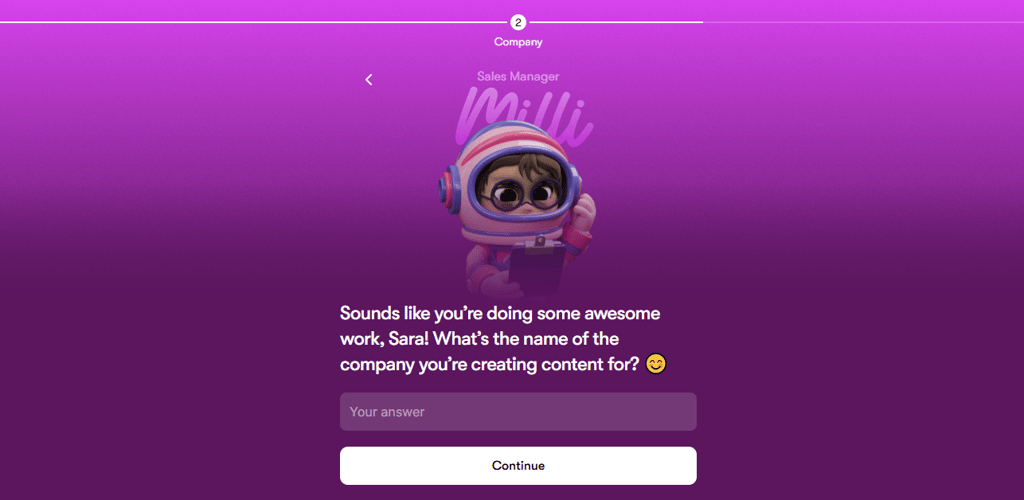
Provide some details about your company, like its name
-
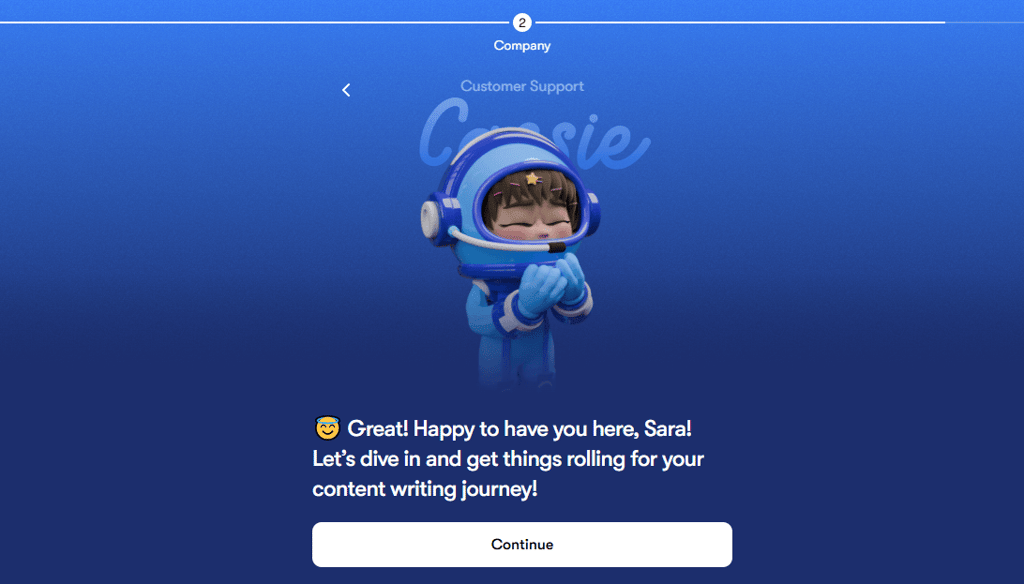
On the following screen, just click on Continue
-
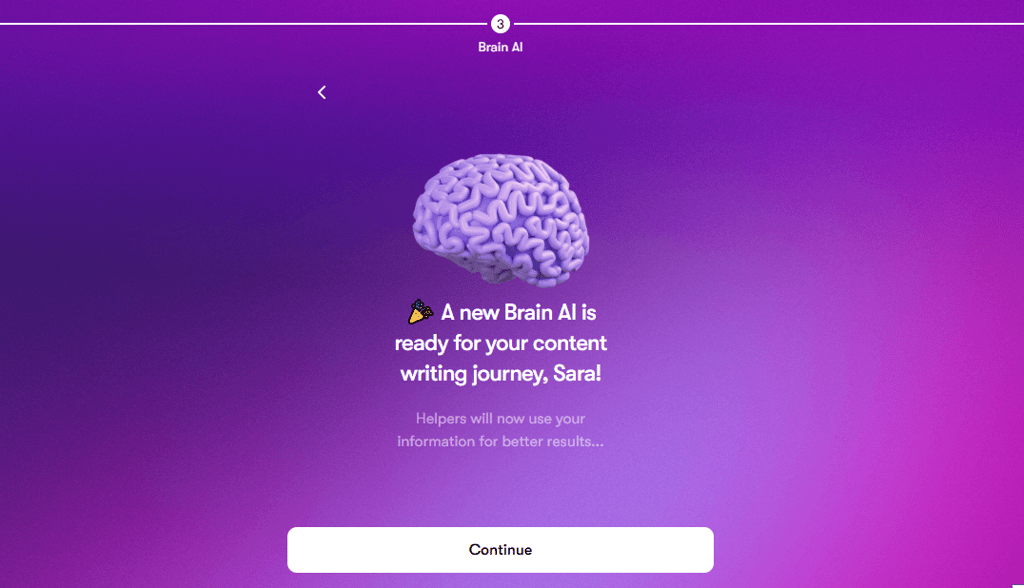
The platform then briefly introduces you to Brain AI – click on Create new and then Continue
-
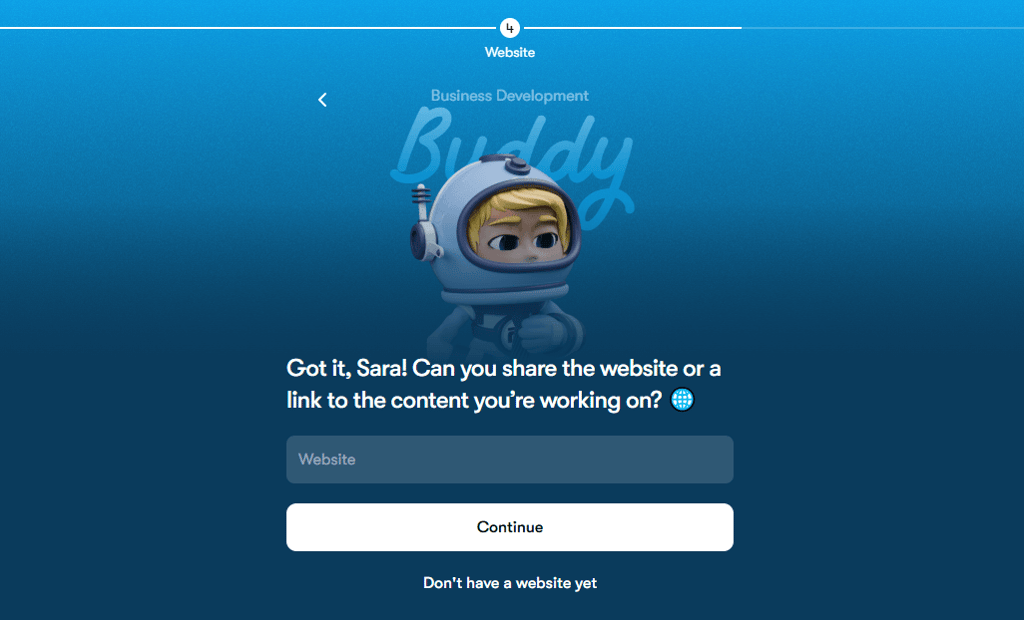
Share your website or click on Don’t have a website yet and then select Continue
-
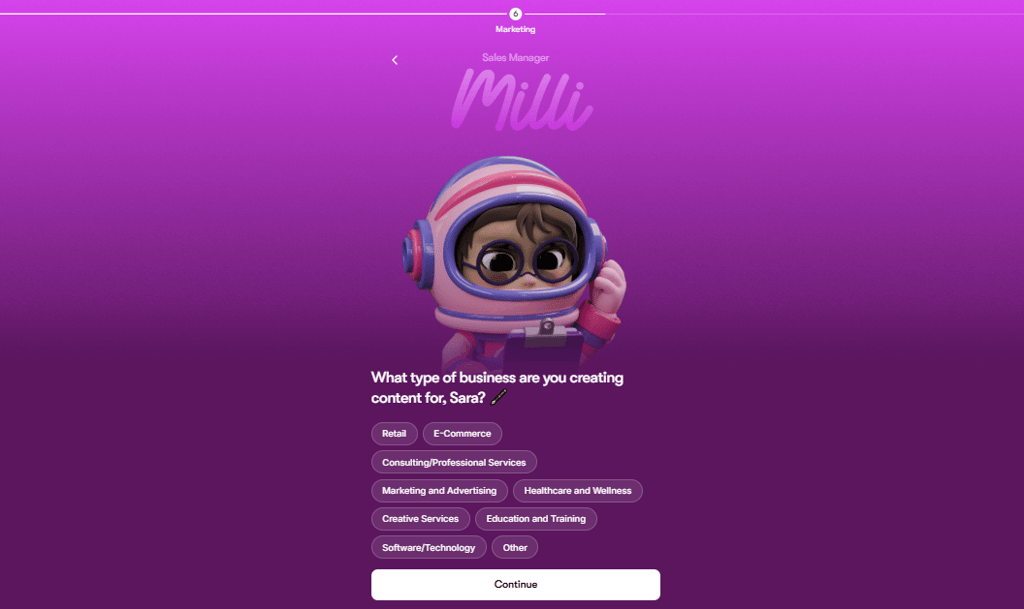
Pick the type of content you’re creating for more tailored results and click Continue
-
Provide some additional details about the work you’re doing

-
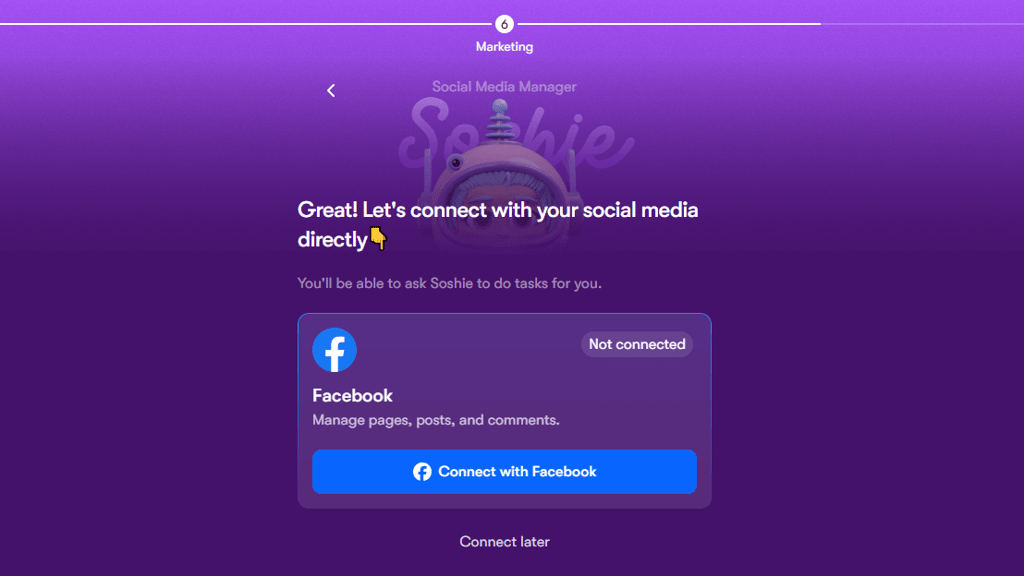
Connect your social media accounts right away
-
Add integrations if you want
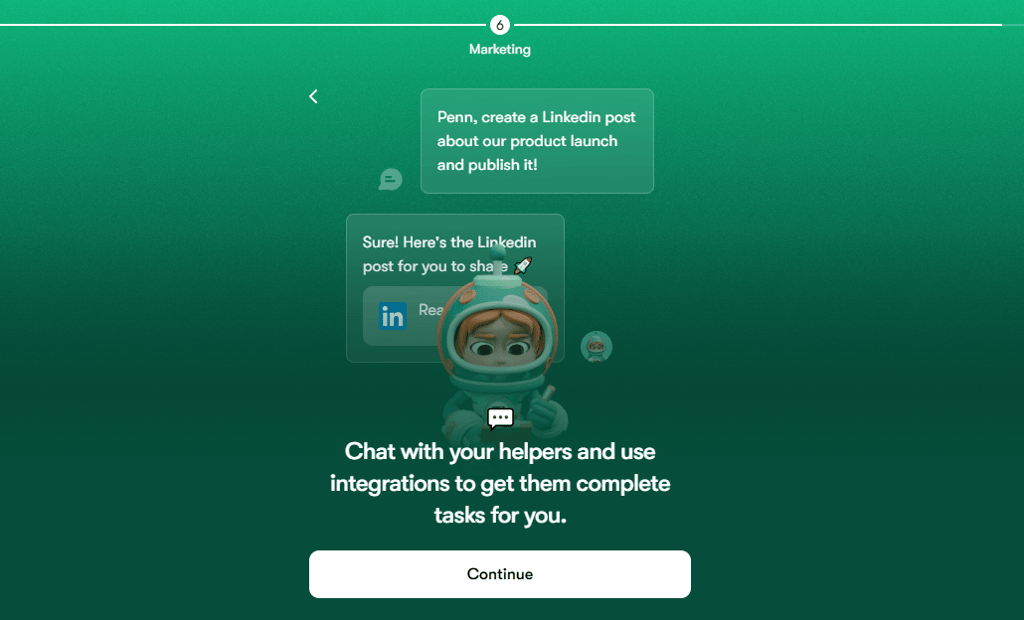
-
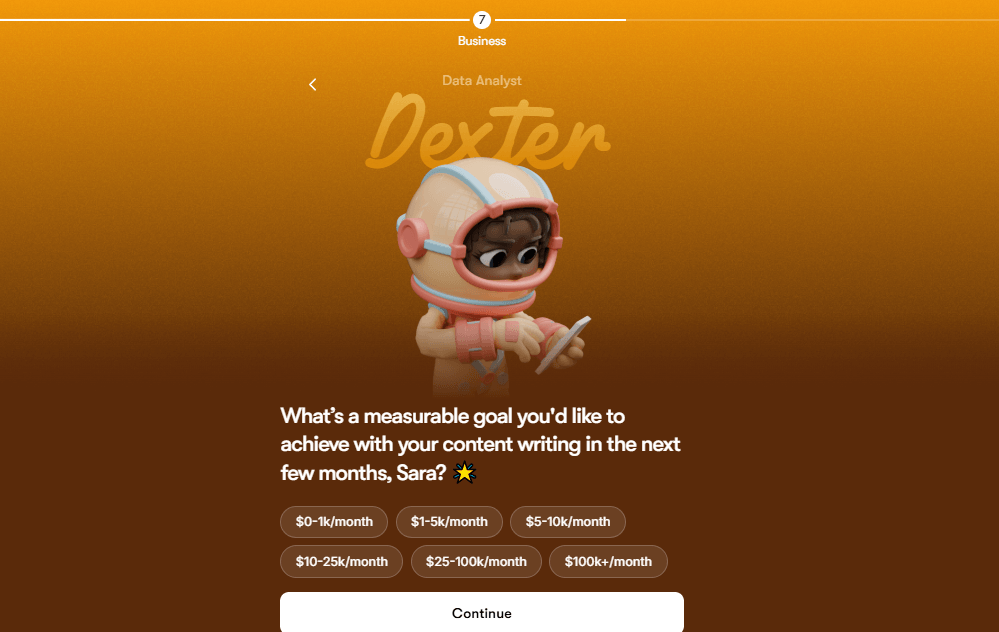
Set measurable goals to help you stay on the right path and track your progress easily
-
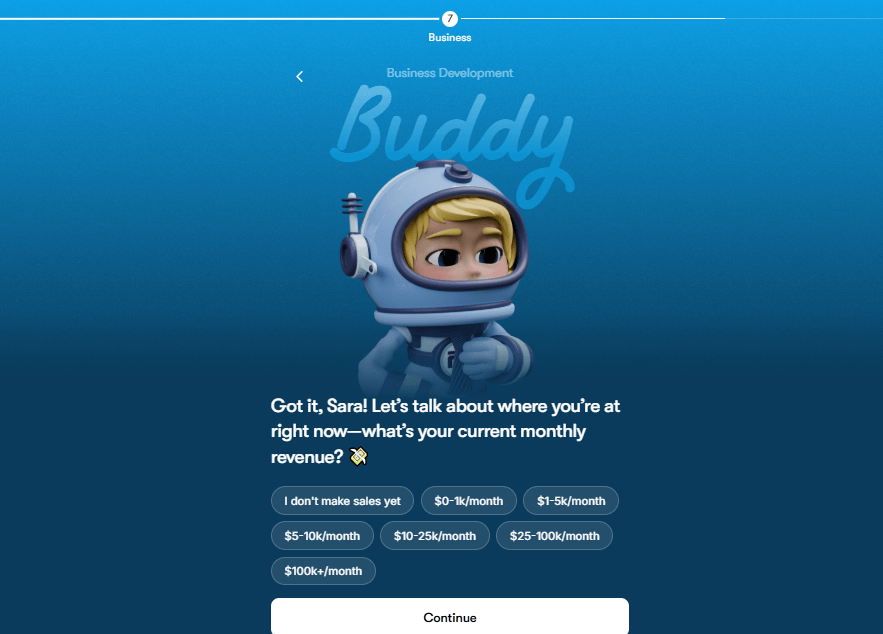
Pick your current monthly revenue for better insights
-
Reveal challenges you’re facing so that Sintra AI can help you overcome them
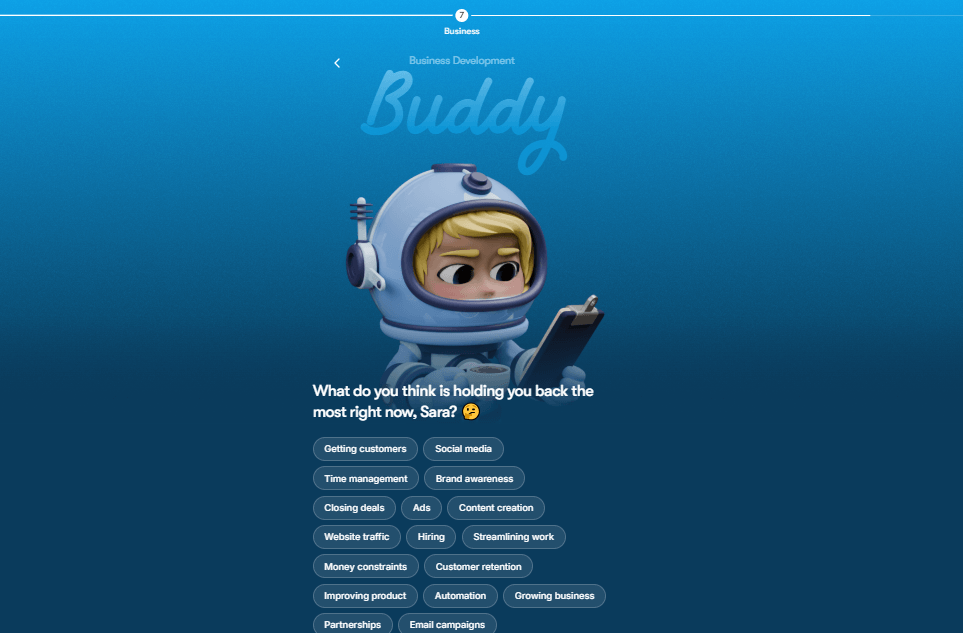
- You’ll receive some additional questions about your issues that will help Sintra AI understand what’s holding you back
-
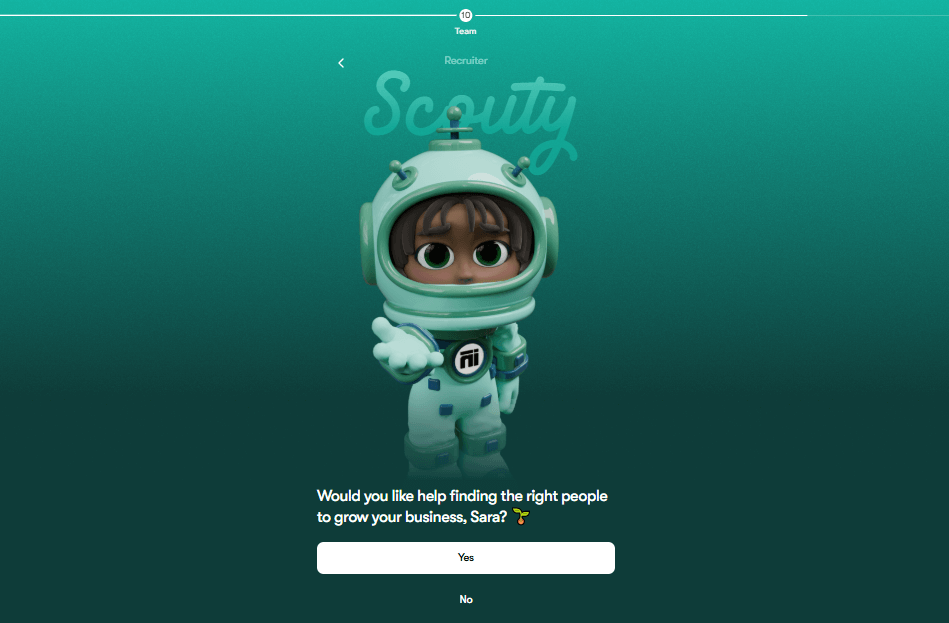
Point out whether you want help with hiring new people on your team
-
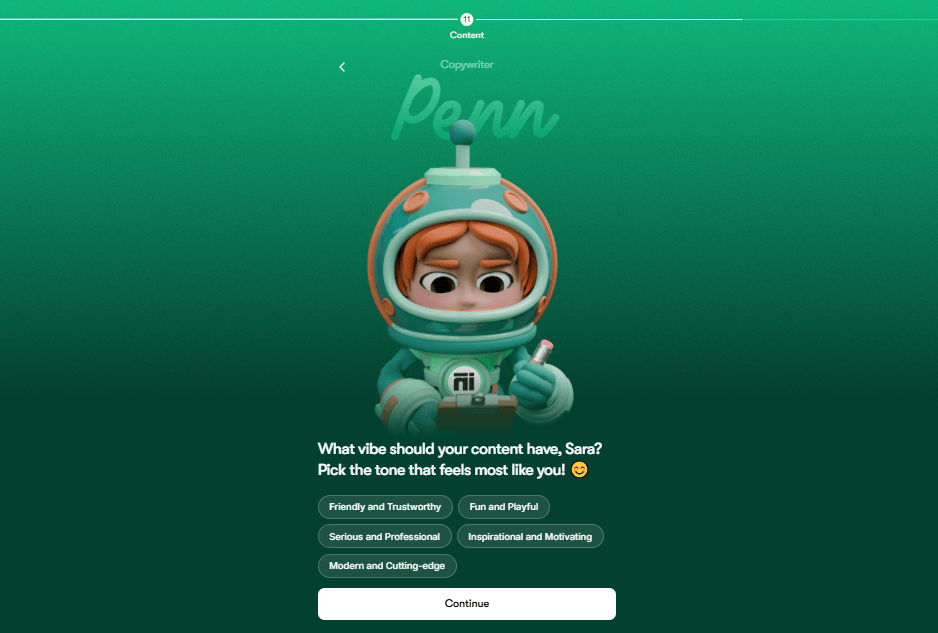
Answer a few more questions about your work appear
-
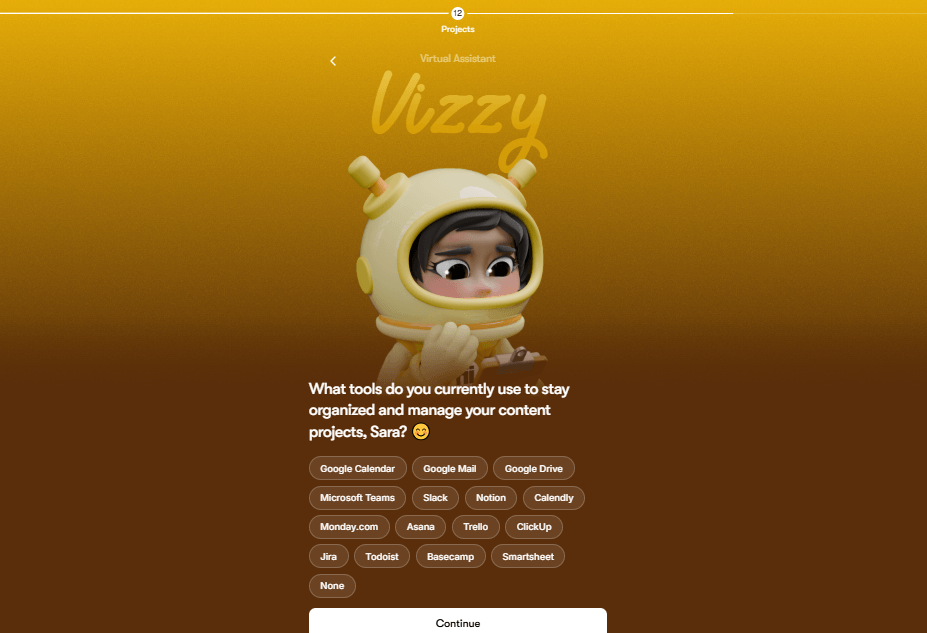
Point out how you manage your projects
-
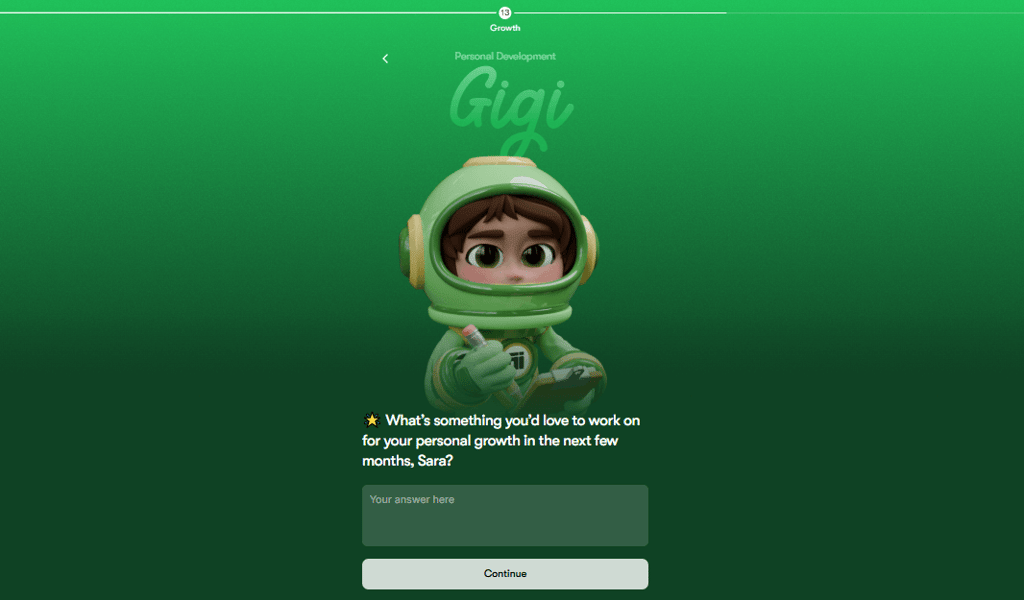
Aside from work tasks, you can share some personal goals
-
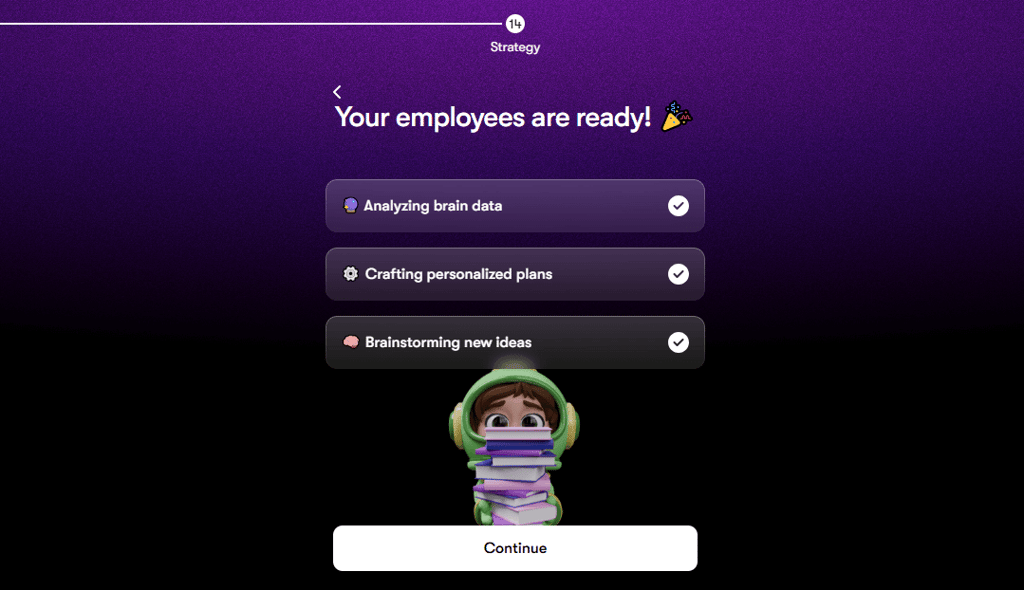
After you go through all the questions, Sintra AI crafts your strategy and customizes your AI employee, which takes only a few seconds
-
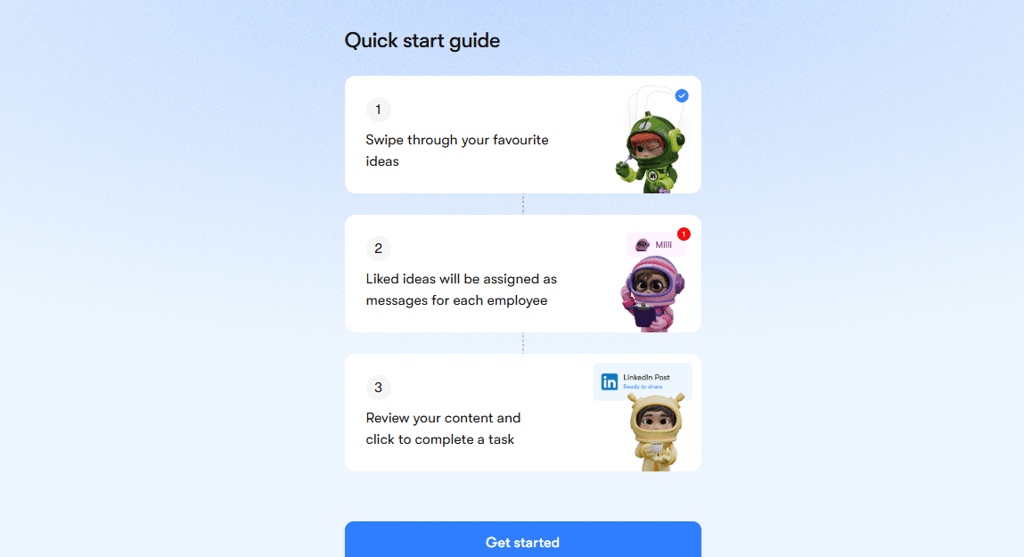
After you receive a quick guide as a new user, click on Get Started
-
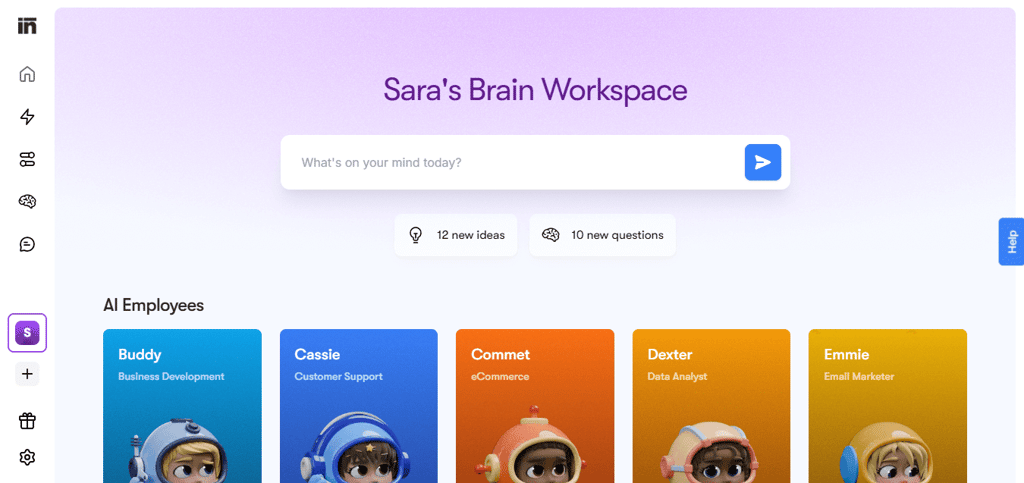
Create ideas in the Dashboard, chat with the AI bots, and assign any tasks by typing it in the box
-
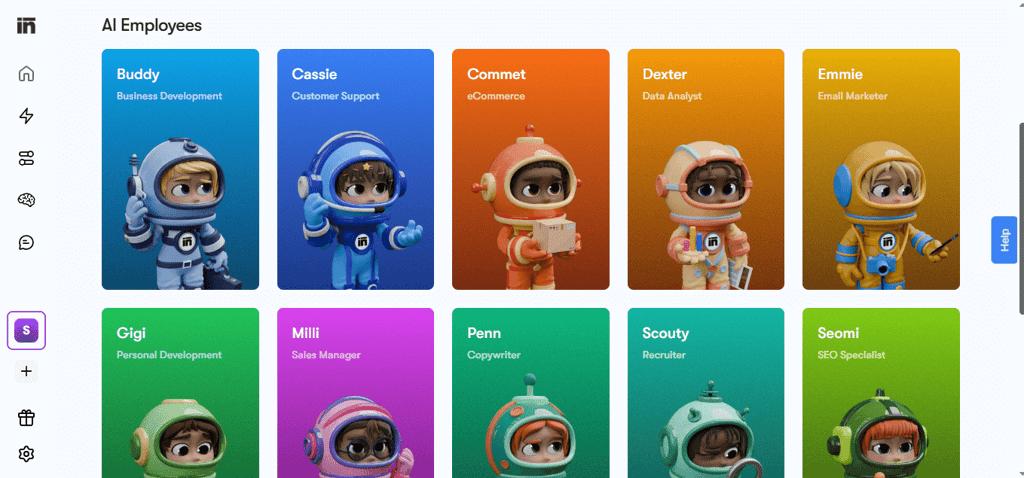
If you signed up for a pricier plan, you can pick an individual assistant from the library and chat with them directly
-
Feed Sintra AI with any information about your business or answer daily questions, so the platform can learn more about your business and provide you with tailored assistance
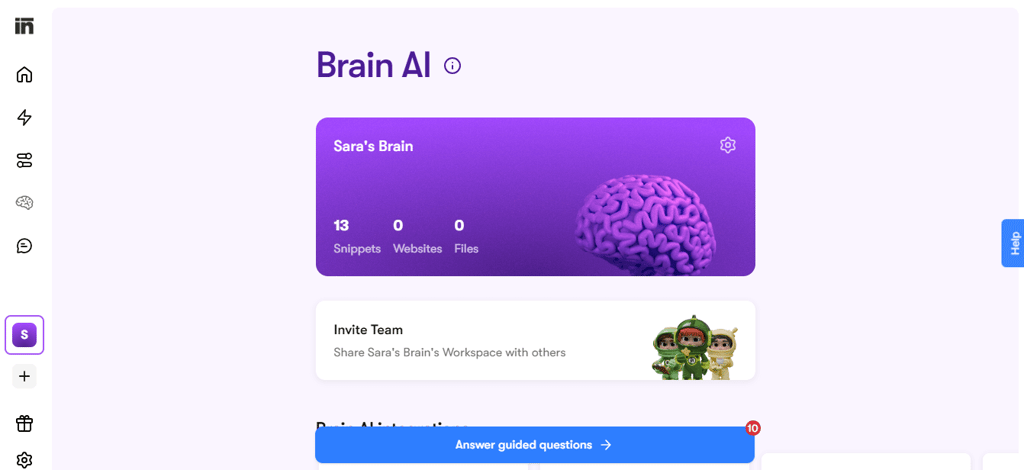
After testing the platform, I can say that working with AI employees with distinct roles and personas, as opposed to a generic chatbot, makes a difference. Although Sintra AI is partially built on ChatGPT, it’s noticeably more helpful in automating and streamlining manual tasks. The AI employee’s brain truly learns and grows the more you interact with it.
Sintra AI video review
Here's a video showcasing hands-on experience with Sintra AI. In this walkthrough, you'll find a comprehensive overview of Sintra AI's key features, a rundown of all the available AI employees, and highlights of the ones we found most impressive or helpful in our workflow.
Sintra AI vs competitors
I tested Sintra AI alongside competitors like ChatGPT and Zapier to see where it shines and where it still lags behind. Here’s my side-by-side comparison:
| Feature | Sintra AI | ChatGPT | Zapier | IFTTT | Motion AI |
| AI employees | ✅ Yes, gamified AI assistants for multiple tasks | ❌ No, task-based automation only | ❌ No, task-based automation only | ❌ No, rule-based automations only | ✅ Yes, AI assistants for multiple tasks |
| Task assignment | Automatic AI task delegation | Manual prompting needed for task execution | Automates multi-step workflows with triggers/actions | Simple one-to-one automation without roles | Automatic AI task delegation |
| Ease of use | Beginner-friendly | Natural language interface, intuitive | Easy to start, complex flows require setup time | Very easy drag-and-drop applet creation | Very user-friendly |
| Data analysis and reporting | ✅ Yes, AI-generated insights and summaries | ❌ No analytics capabilities | ❌ No native reporting, focused on actions only | ❌ No built-in data reporting features | ✅ Yes, strong for ad creative data analysis and reporting |
| Pricing and accessibility | Only paid plans, starting at $15.60/month | Free plan available, paid tier starts at $20.00/month | Free plan available, paid options scale with usage | Free plan available, paid tier starts at $2.99/month | Free plan available, paid tier starts at $29.00/month |
Final verdict: is Sintra AI worth it?
If you're looking for a simple, no-code way to create and run AI-powered solutions, Sintra AI is one of the most user-friendly platforms I've tried. It handles tasks across sales, marketing, HR, and admin in a way that’s practical and grounded. And even if you're new to AI tools, the learning curve is refreshingly manageable.
Sintra isn’t built for deep customization, and it’s not trying to be Zapier or a full-on CRM. If that’s what you need, you might feel limited. But for fast, practical AI support with everyday tasks, it really delivers – and in my experience, it does so with minimal friction.
FAQ
Can Sintra AI really save me time?
Yes, Sintra AI can save you time. Thanks to its smart automations, you can eliminate all repetitive tasks and focus on more important business aspects.
Can Sintra AI handle customer support on its own?
Yes, Sintra AI can handle customer support. However, it needs to be adjusted so it can fit your business model and provide personalized assistance.
Does Sintra AI understand my business needs?
Yes, Sintra AI learns from your input and business documentation to understand your business needs. Still, you should feed it with information and interact with it daily for a more tailored experience.
Is Sintra AI worth the price?
Yes, Sintra AI is worth the price. You can easily handle many tasks and save if you choose to pay annually.
Can Sintra AI replace my employees?
No, Sintra AI can’t replace your employees. Based on my review, the platform still needs many adjustments and improvements, meaning expert human involvement is still needed.